 Zinn® SEO
创建 Google Merchant 产品 Feed (Pro)
采用 Google Merchant Center、Bing 和 Meta 所支持格式的所有产品统一清单,可自动保持最新状态。
打开“Shop”标签页
前往 SEO、兼容项、商店,并找到 Google Merchant Center 的商品 Feed。
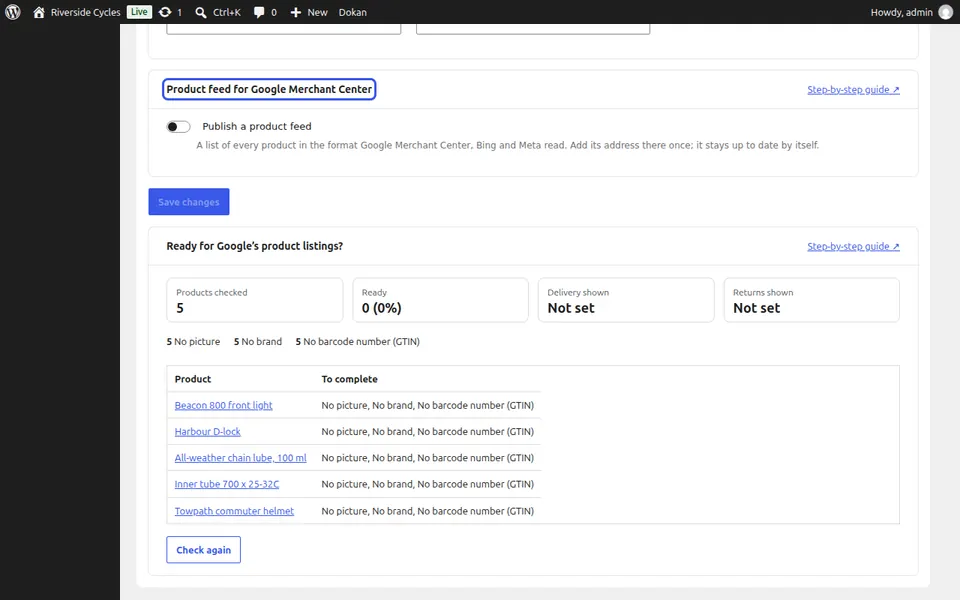
发布信息源
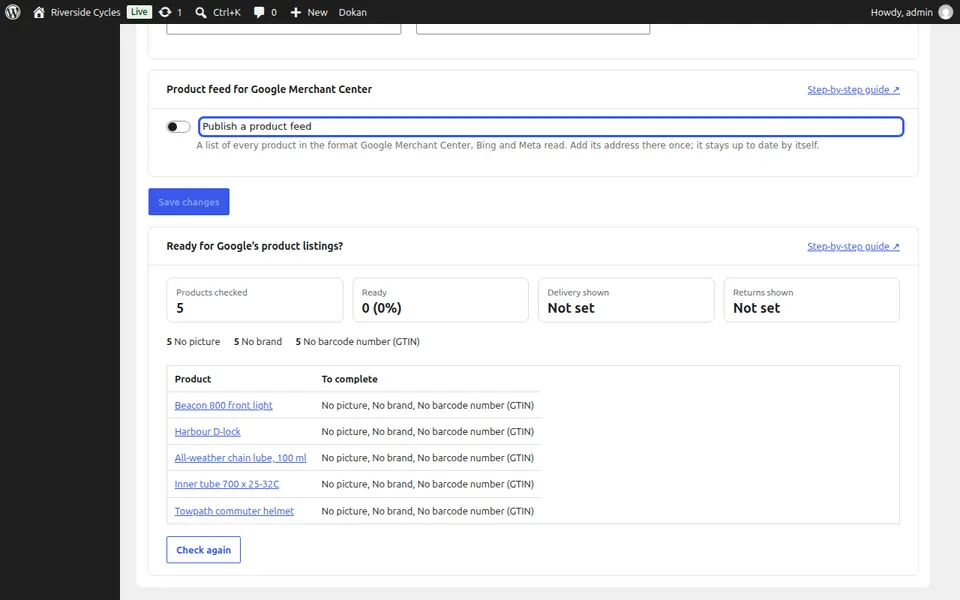
勾选“发布产品 Feed”,然后点击“保存更改”。Feed 地址将会显示。
在 Merchant Center 中添加
复制 Feed 地址并将其添加到 Google Merchant Center、Bing 或 Meta 一次。它会自动保持最新状态。
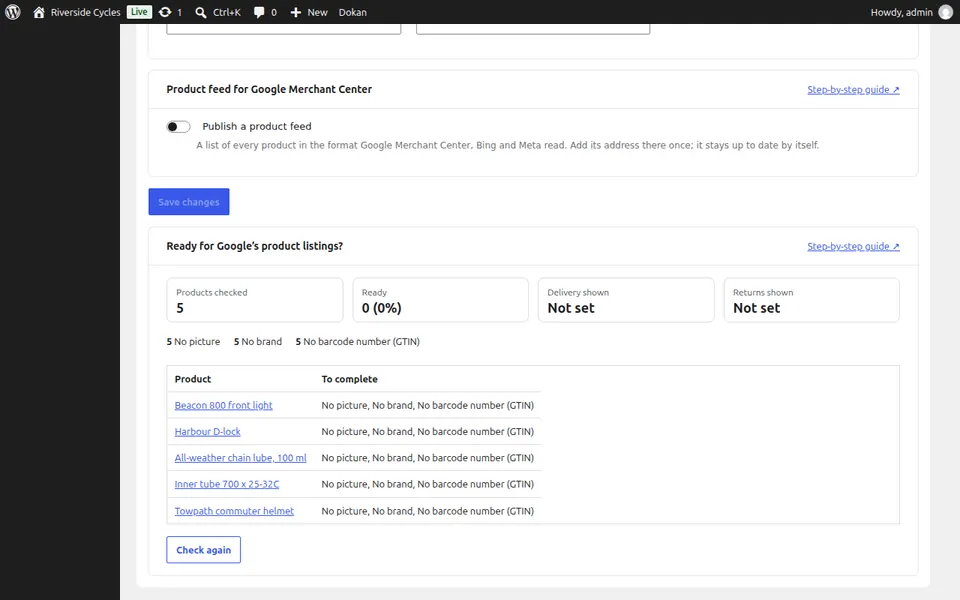
下一篇指南: 检查适用于 Google 免费展示的产品 (Pro)