 Zinn® SEO
Create a Google Merchant product feed (Pro)
One list of every product in the format Google Merchant Center, Bing and Meta read, kept up to date by itself.
Open the Shop tab
Go to SEO, Works with, Shop, and find Product feed for Google Merchant Center.
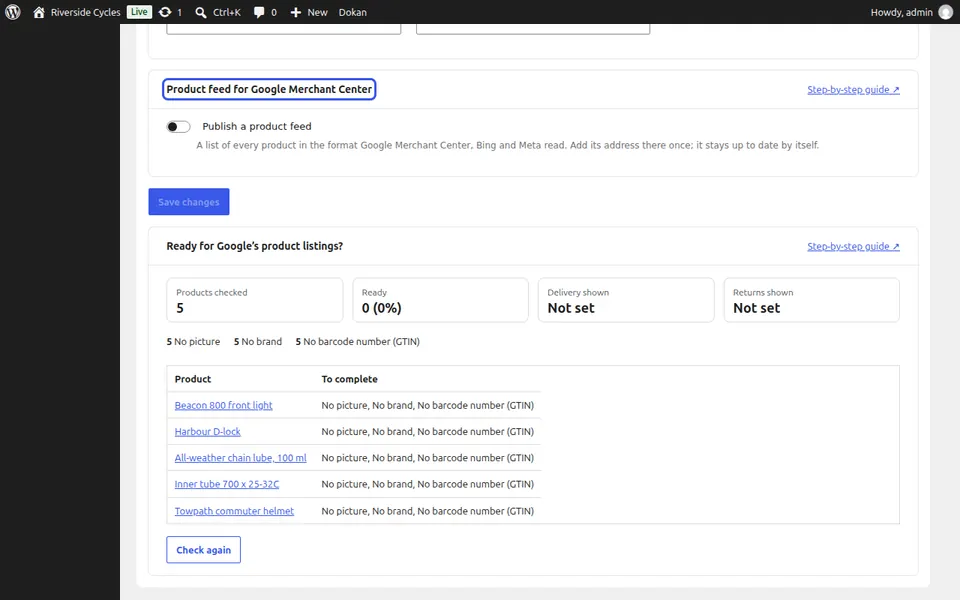
Publish the feed
Tick Publish a product feed and press Save changes. The feed address appears.
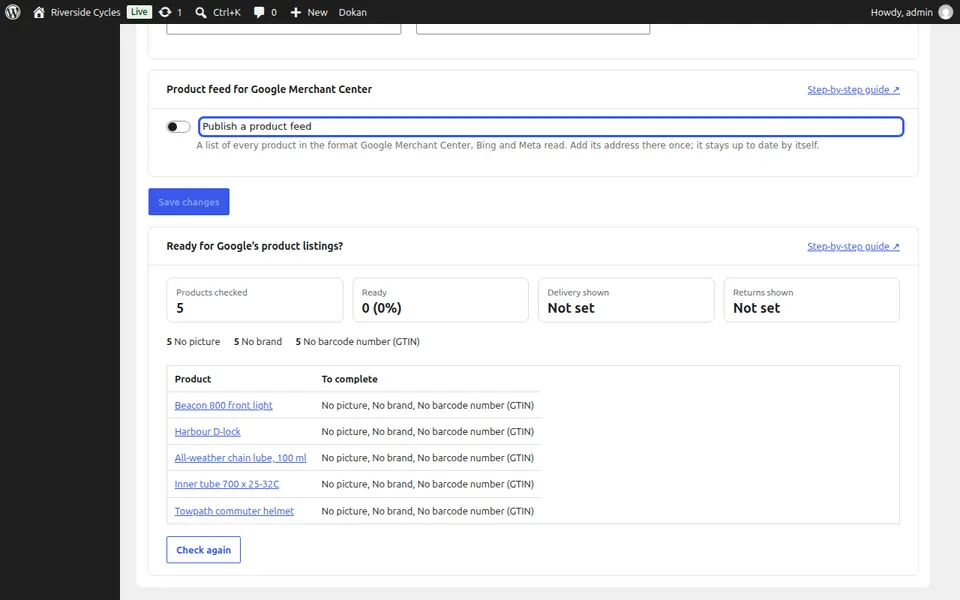
Add it in Merchant Center
Copy the feed address and add it once in Google Merchant Center, Bing or Meta. It stays up to date by itself.
Next guide: Check products for Google's free listings (Pro)
From the same team
Want fast hosting to go with it?
Zinn Digital® hosts WordPress on its own servers, with a CDN, DNS, TLS and daily backups included in every plan.