 Zinn® SEO
Add business locations and a store finder (Pro)
Give each branch a page of its own with its address, hours and map position, and a store finder for visitors.
Open Local business
Go to SEO, Works with, Local business, and find More than one location.
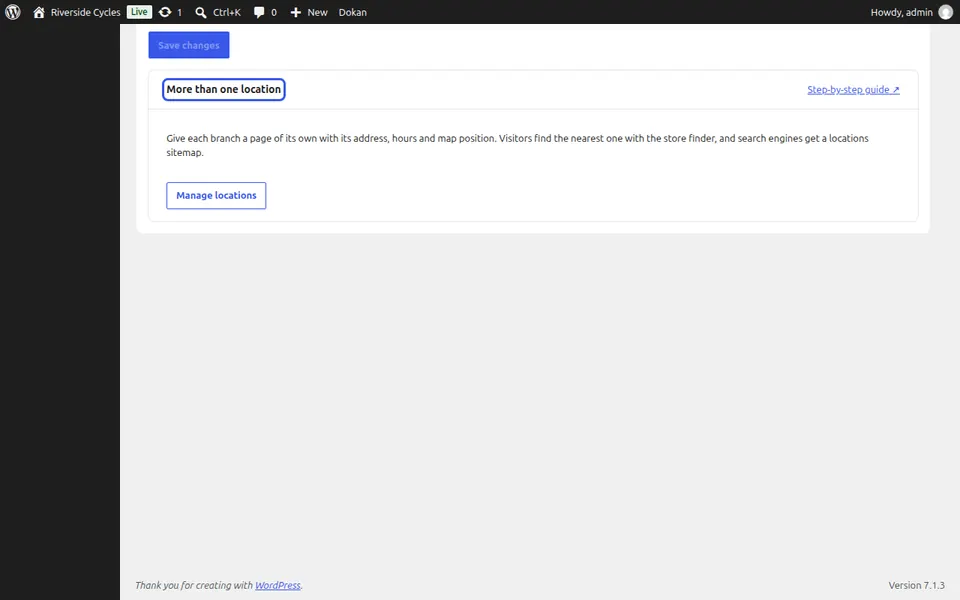
Manage locations
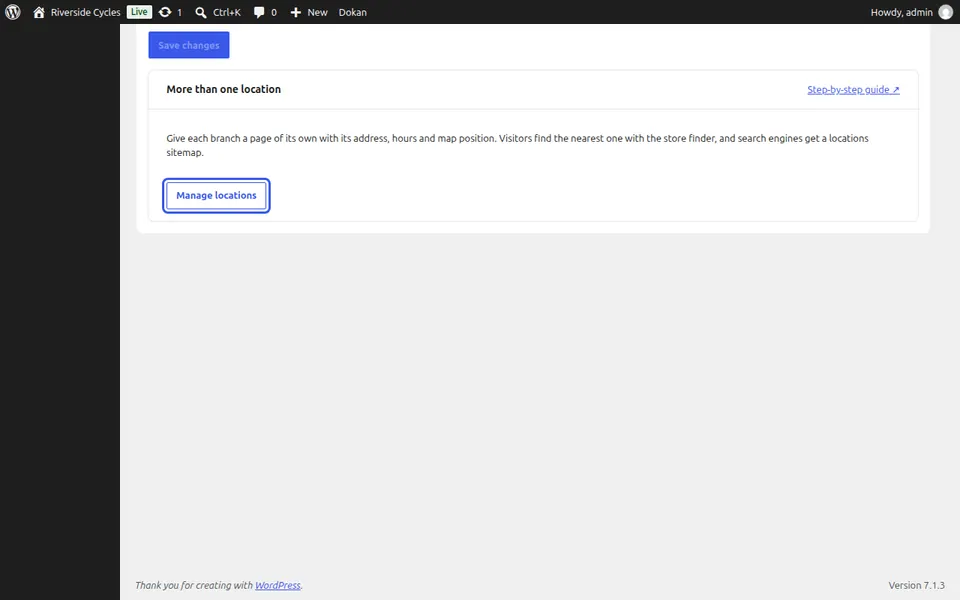
Press Manage locations and add each branch with its address, opening hours and map position.
Add the store finder
Add the store finder block to a page. Visitors find the nearest branch with no map script slowing the page, and search engines get a locations sitemap.
Next guide: Set your opening hours
From the same team
Want fast hosting to go with it?
Zinn Digital® hosts WordPress on its own servers, with a CDN, DNS, TLS and daily backups included in every plan.