 Zinn® SEO
Approve small code fixes safely
When a problem needs a little code, read the fix line by line, test it where visitors never see it, and switch it on only when you are happy. It switches itself off if it ever causes an error.
Where code fixes come from
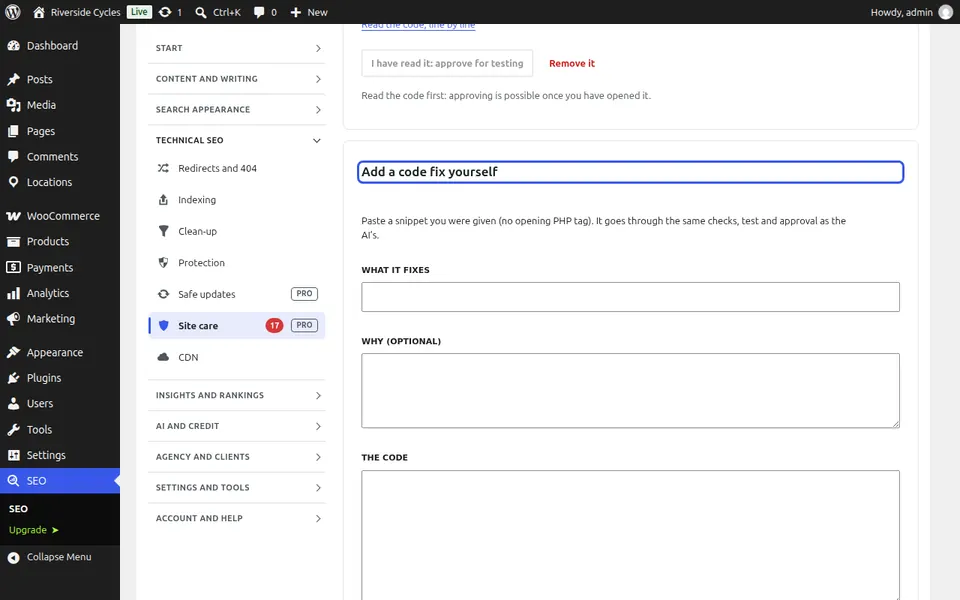
When the AI explains an error that needs code, it writes a small must-use plugin, shown under SEO, Site care, Code fixes. You can also paste a snippet you were given. Each one is checked against PHP and WordPress safety rules first, and code that fails is refused.
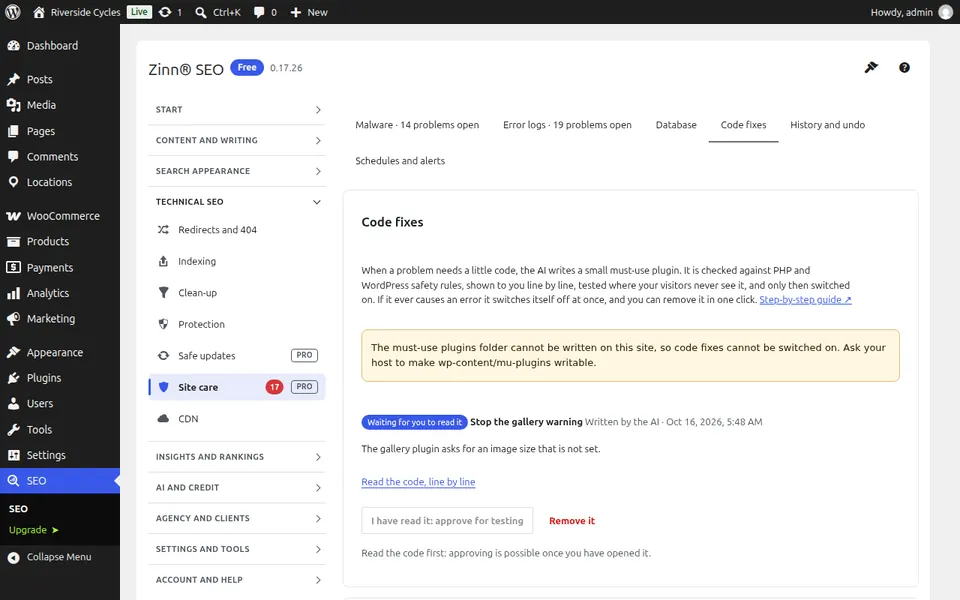
Read it and approve it
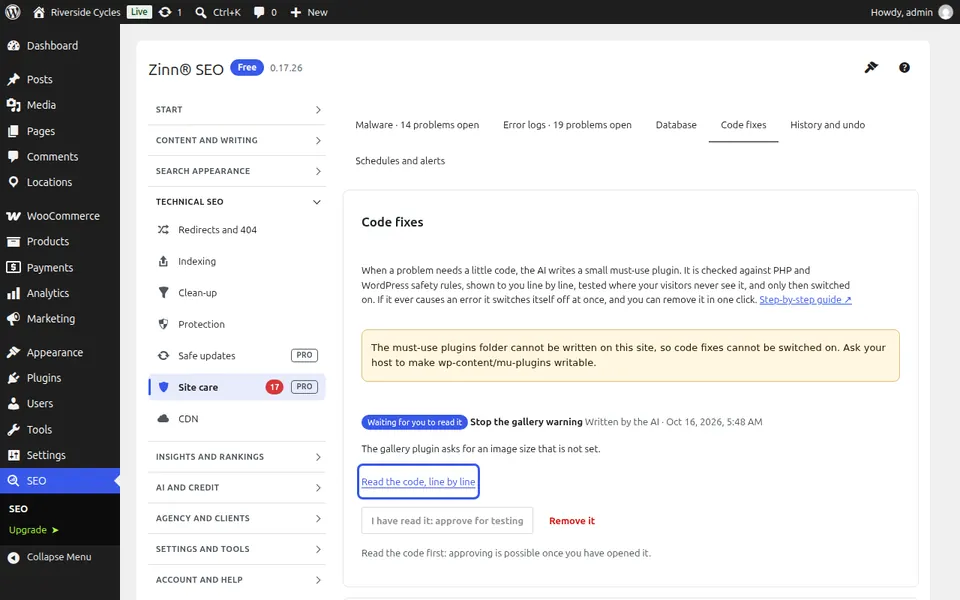
Press Read the code, line by line. When you have read it, press I have read it: approve for testing. You approve exactly that code: if it changes, you read it again.
Test it safely
Press Test it safely. The fix runs only on test requests your site sends to itself, never for visitors, and your home page, newest post, REST API and dashboard must answer as before with no error.
Switch it on, or remove it
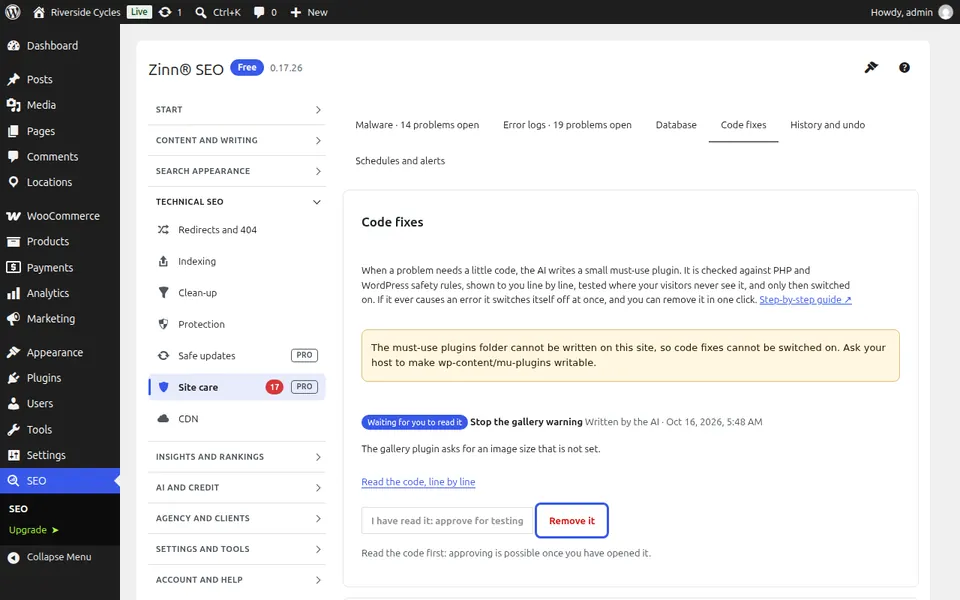
Press Switch it on. If the fix ever causes a fatal error it is switched off by itself and you get an e-mail. Switch it off or remove it in one click: a removed fix is kept in quarantine and can be put back under History and undo.
From the same team
Want fast hosting to go with it?
Zinn Digital® hosts WordPress on its own servers, with a CDN, DNS, TLS and daily backups included in every plan.