 Zinn® SEO
Check which pages Google has indexed
A page Google has not indexed cannot be found. Check some pages or all of them and see which are missing.
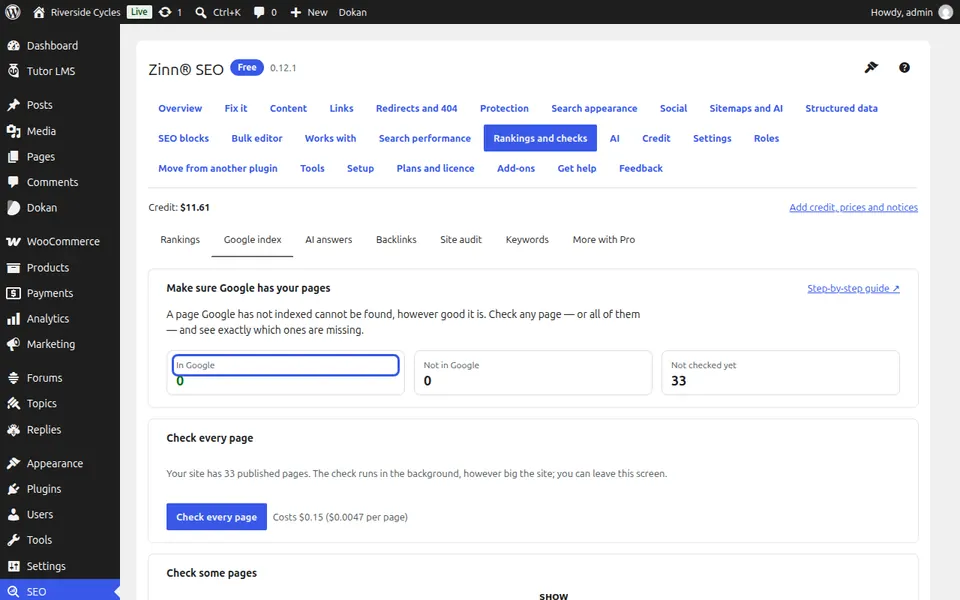
Open the Google index tab
Go to SEO, Rankings and checks, Google index.
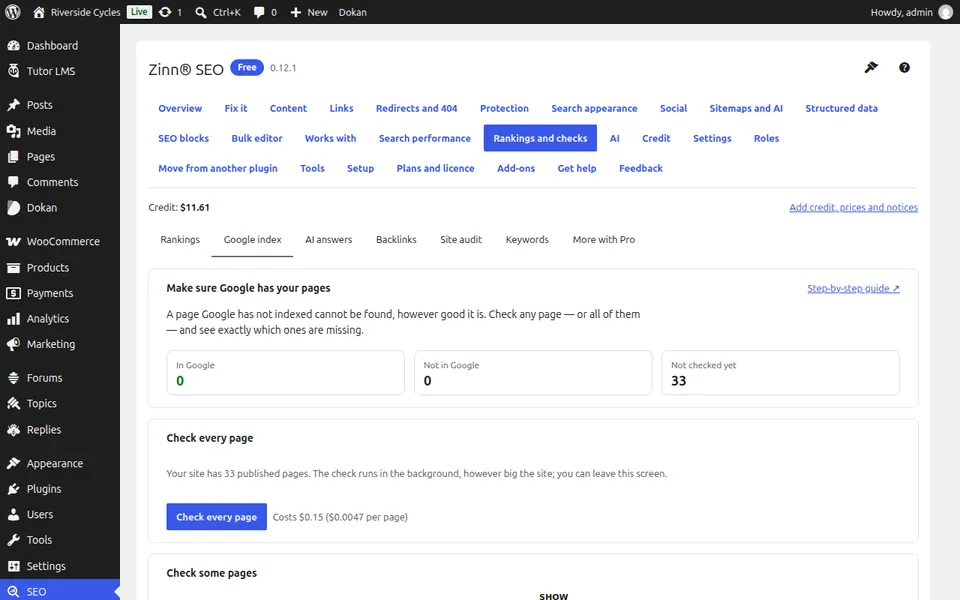
Check some pages
Find a page, tick the ones you want, or paste addresses of this site one per line, and press Check. It takes about a minute.
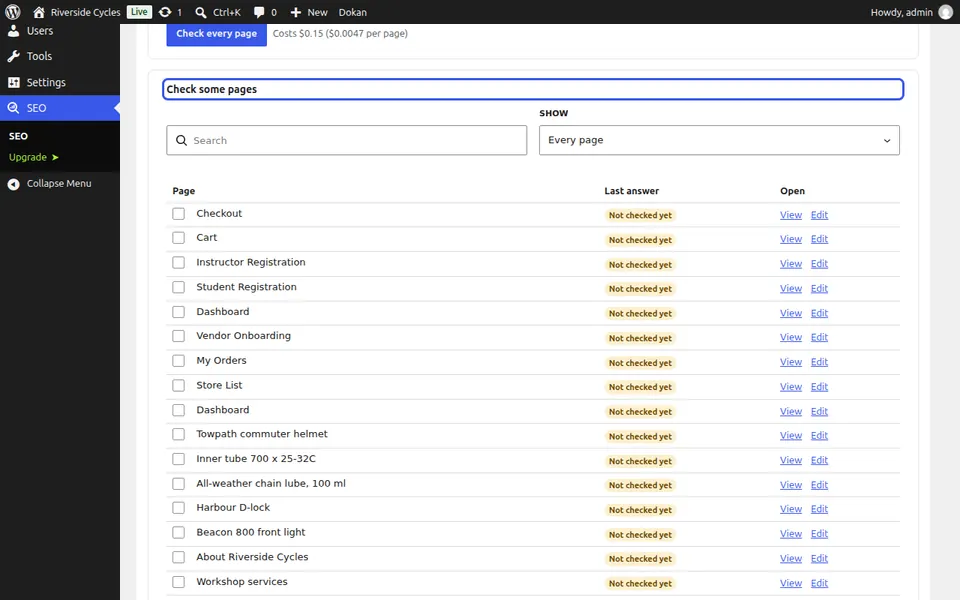
Or check every page
Check every page runs in the background however big the site is, and you can leave the screen. If credit runs out it pauses and carries on from where it stopped after a top-up.
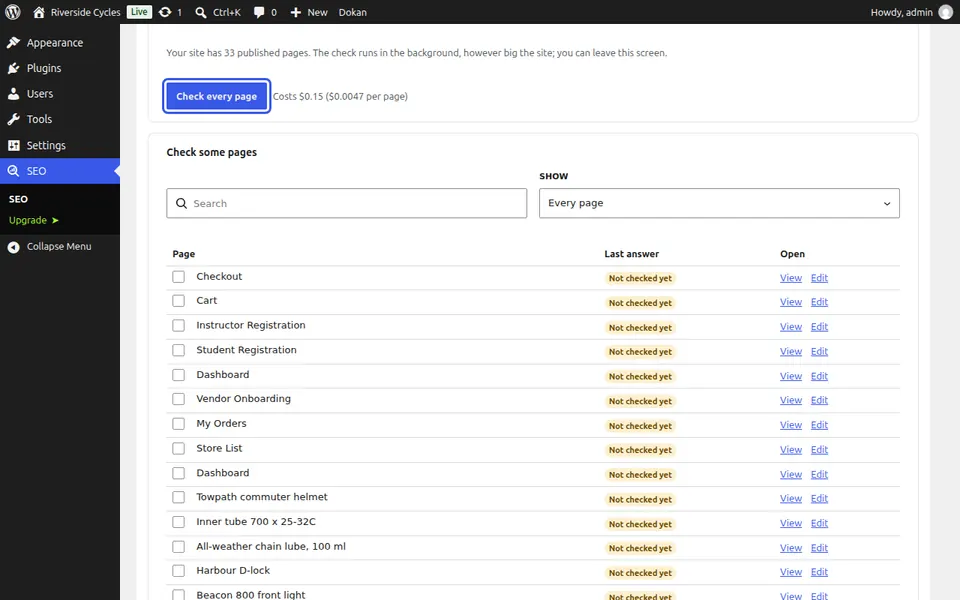
Read the answers
Each page shows In Google or Not in Google with the date of the last answer. Pages Google gave no answer for are refunded.
Next guide: See whether AI answers mention you
From the same team
Want fast hosting to go with it?
Zinn Digital® hosts WordPress on its own servers, with a CDN, DNS, TLS and daily backups included in every plan.