 Zinn® SEO
Choose your Zinn® SEO settings
The settings for the whole site: what kind of site it is, who runs it, whether search engines may index it, no-trace mode and what happens to your SEO data.
Tell search engines about your site
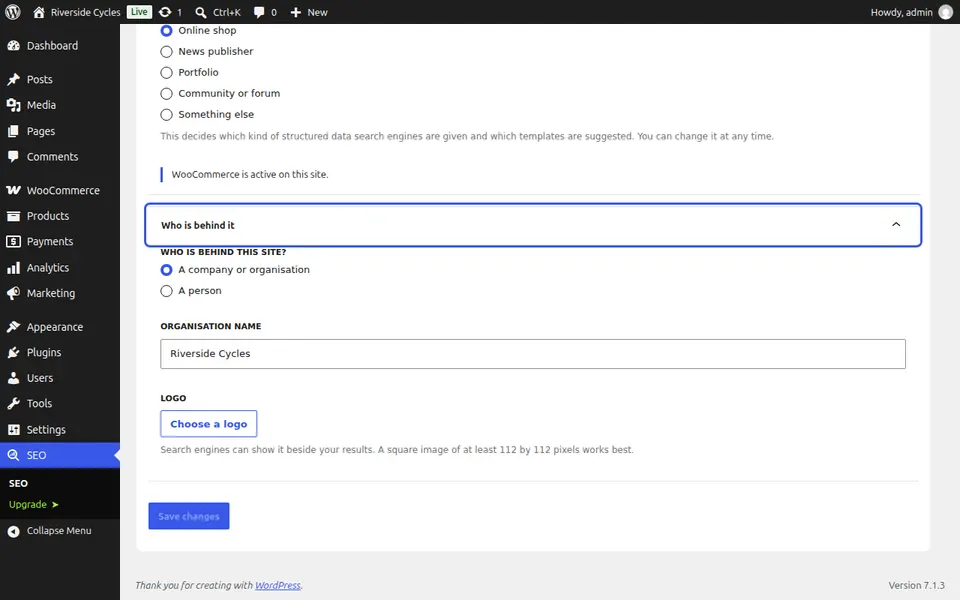
Go to SEO, Settings. On Your site, choose the kind of site and who is behind it, a company or a person, then press Save changes. Search engines read this in your structured data.
Make sure search engines may index it
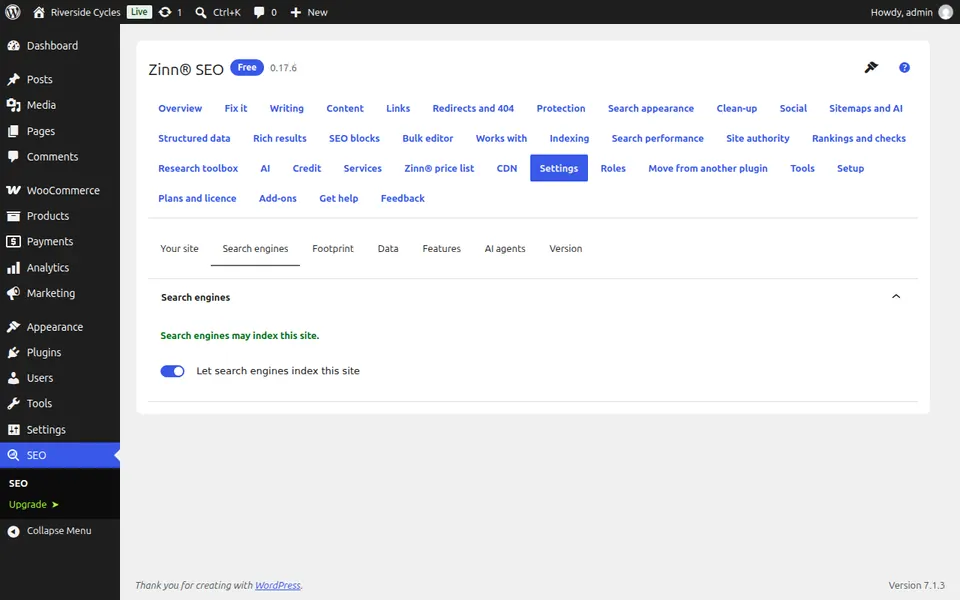
The Search engines tab tells you whether search engines may index the site. If WordPress is set to keep them away, it links you to Settings, Reading, where you change it.
Choose no-trace mode
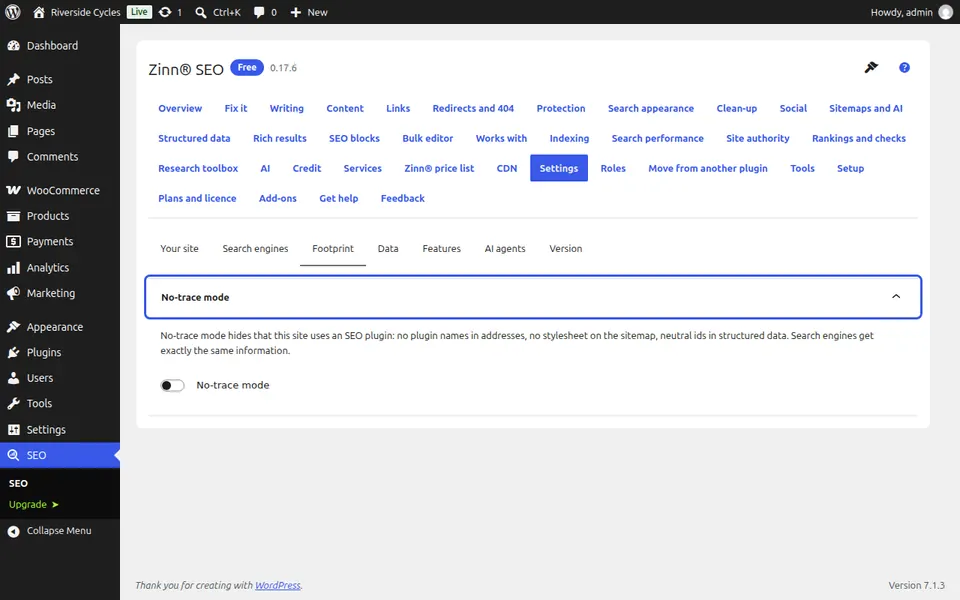
The Footprint tab switches no-trace mode on or off. With it on, nothing in your pages names the plugin or gives it away.
Decide what happens to your SEO data
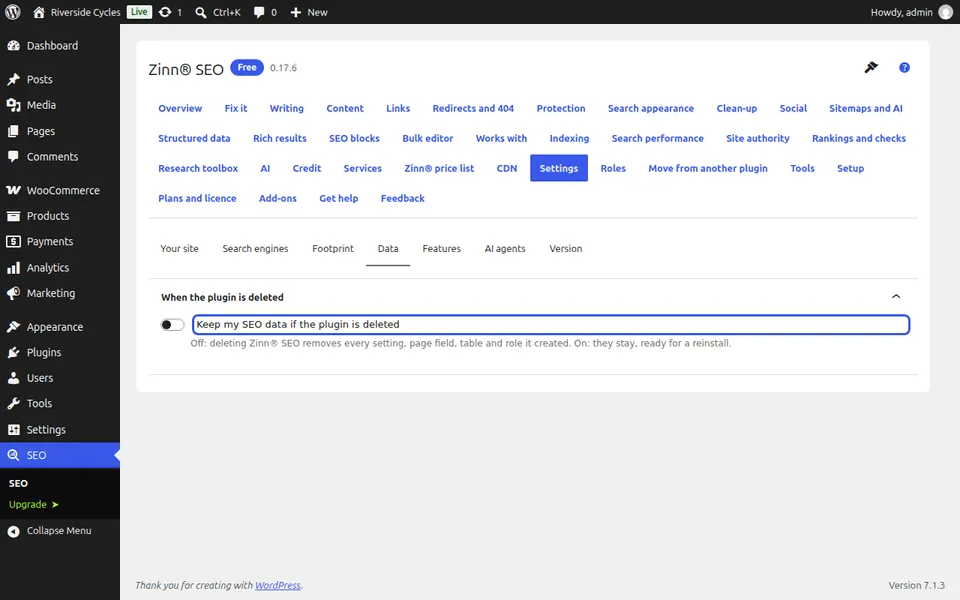
The Data tab says whether your SEO data stays if the plugin is ever deleted. Leave it on and a reinstall picks up exactly where you left off.
Next guide: Upgrade to Zinn® SEO Pro
From the same team
Want fast hosting to go with it?
Zinn Digital® hosts WordPress on its own servers, with a CDN, DNS, TLS and daily backups included in every plan.