 Zinn® SEO
Connect your site to a Zinn® account
Rank, index and AI checks run on your Zinn® account. Connecting takes a minute and no password is typed into WordPress.
Open Credit
Go to SEO, Credit. A site that is not connected yet shows what you get and two ways to connect.
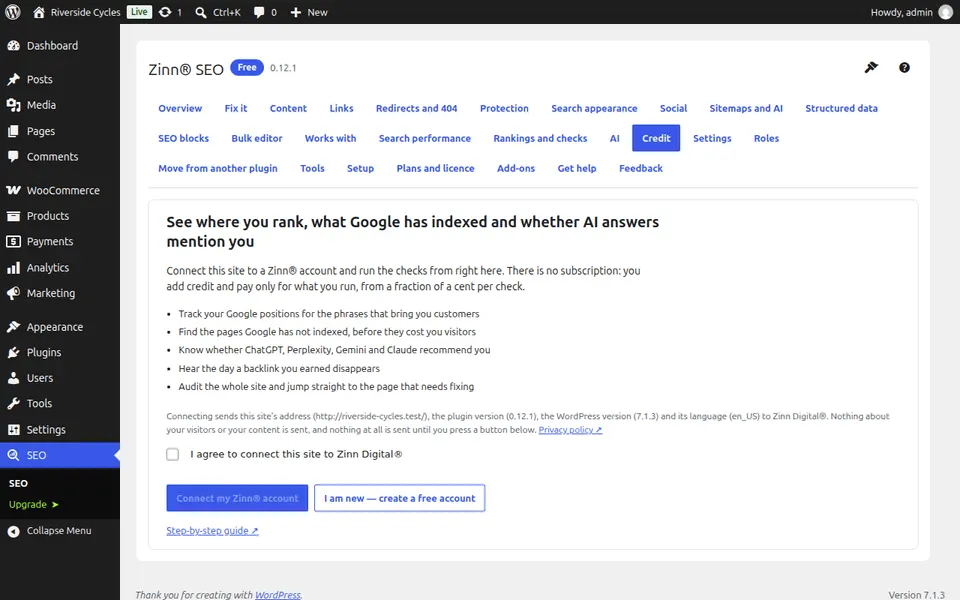
Agree and connect
Tick I agree to connect this site to Zinn Digital®, then press Connect my Zinn® account. New to Zinn®? Choose I am new — create a free account and enter your e-mail address; no card is needed.
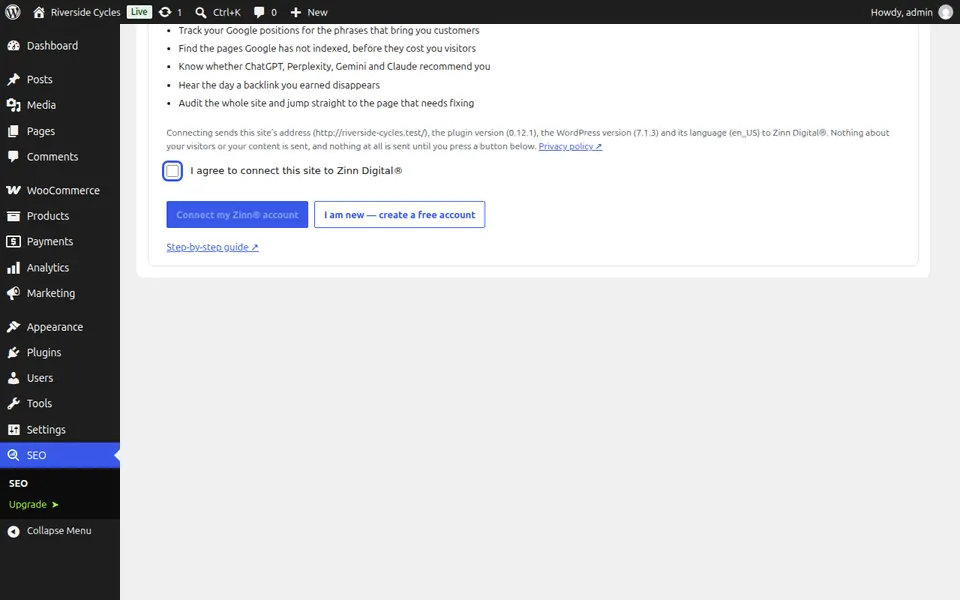
Approve the site
A tab opens on your Zinn® account with a short code. Check it matches the code in WordPress and choose which account pays. The site connects by itself.
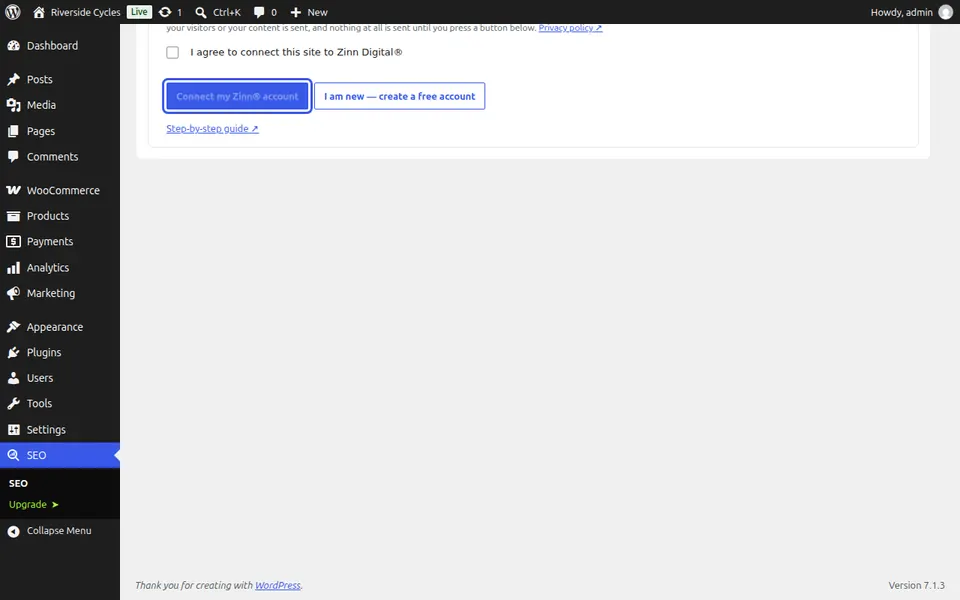
Next guide: Get notices and e-mails about your checks
From the same team
Want fast hosting to go with it?
Zinn Digital® hosts WordPress on its own servers, with a CDN, DNS, TLS and daily backups included in every plan.