 Zinn® SEO
Control what search results quote
Limit the text and image a search result shows for a page, and keep prices or spoilers out of the quote.
Open the page's search settings
Edit the page, open Search and social in the sidebar and press More options.
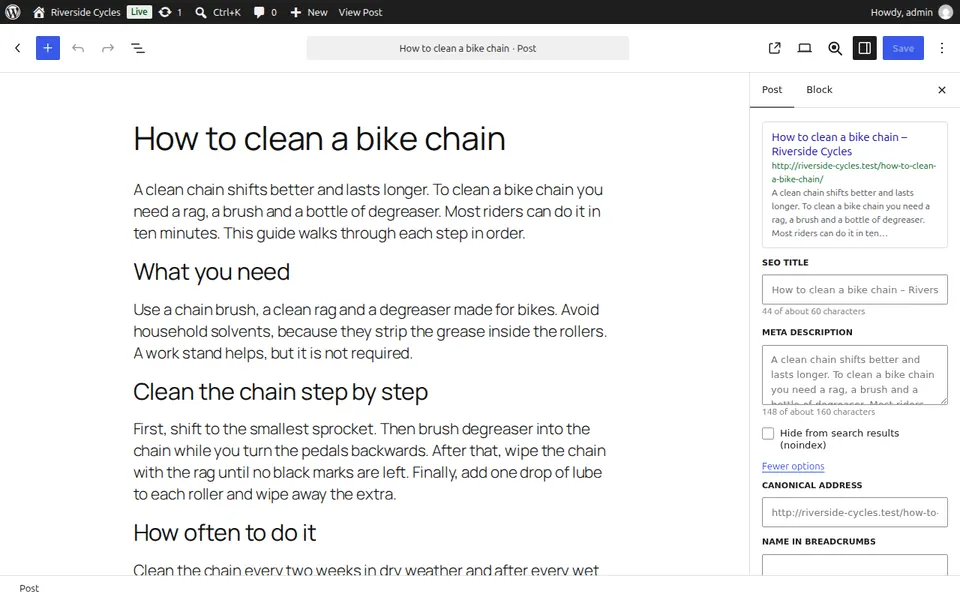
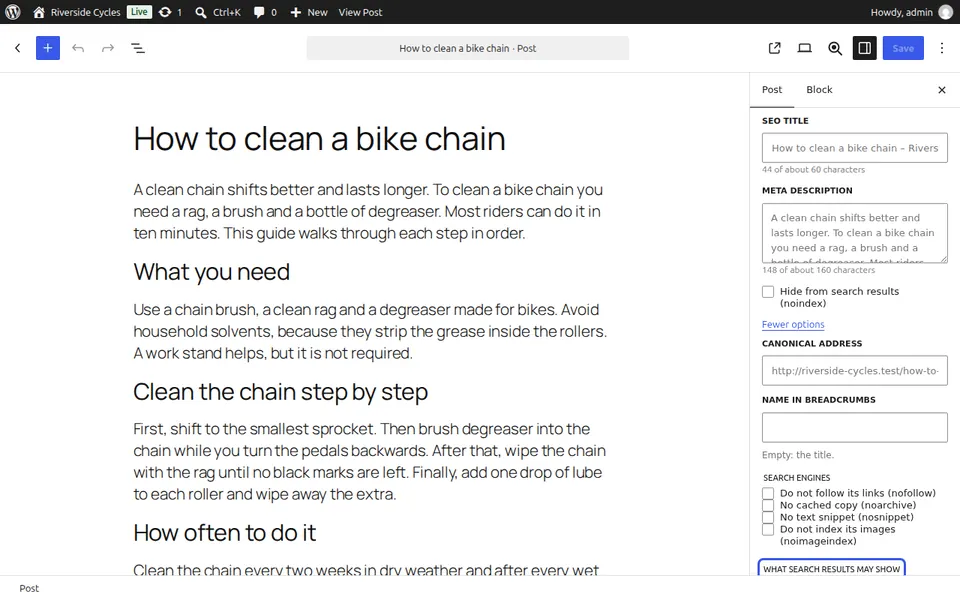
Set the limits
Under What search results may show, set the Longest text snippet (characters) and the Largest image preview. The preview shows how much search engines may quote.
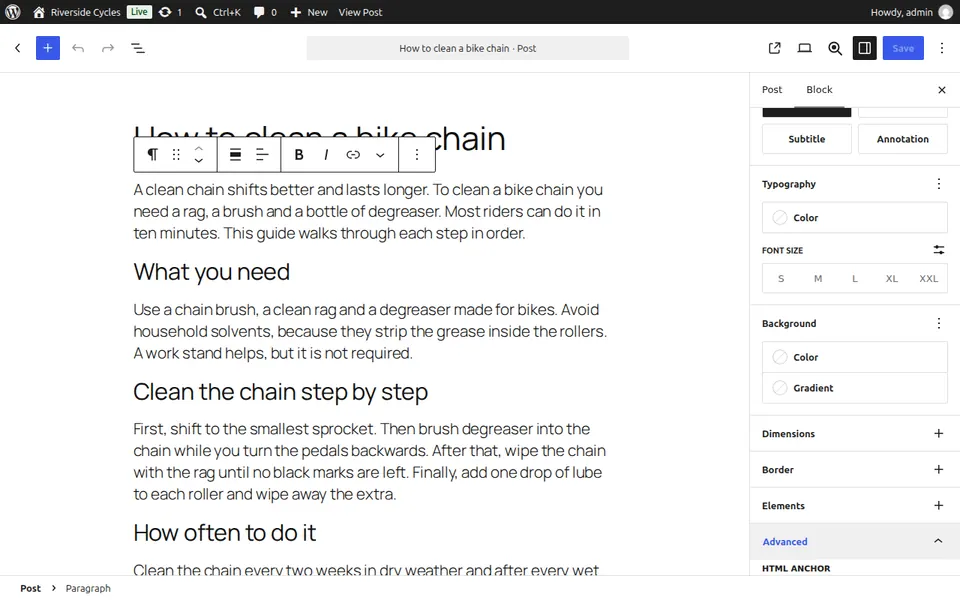
Keep one block out of the quote
Select a block, open its Advanced settings and switch on Hide from search result snippets. The block is still indexed.
Next guide: Choose a post's main category
From the same team
Want fast hosting to go with it?
Zinn Digital® hosts WordPress on its own servers, with a CDN, DNS, TLS and daily backups included in every plan.