 Zinn® SEO
Get the Licensable badge in Google Images
Tell search engines who made each image, who to credit and how to license it, so Google Images can show the Licensable badge. Set defaults for your whole library and change any image. Free.
Set your defaults
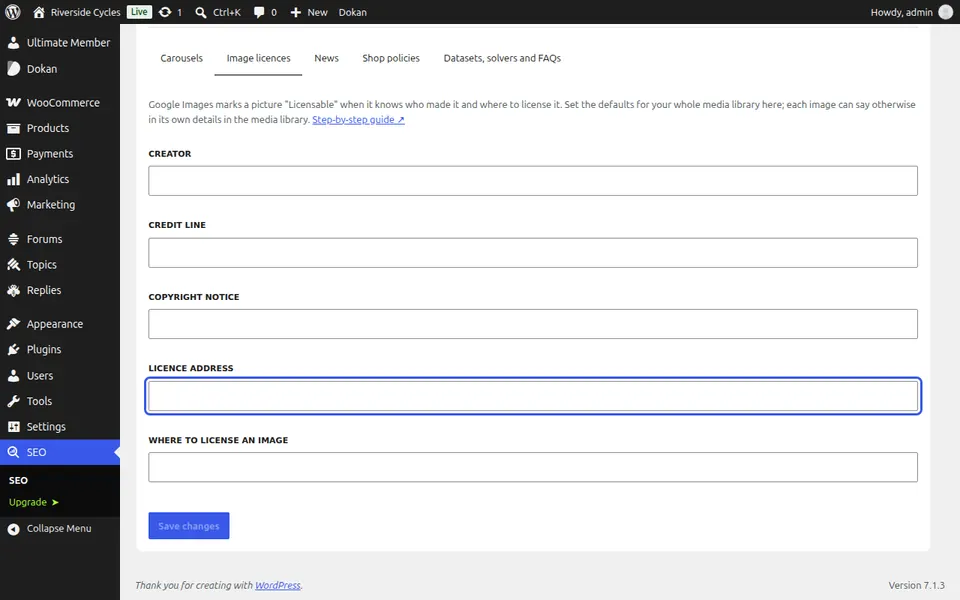
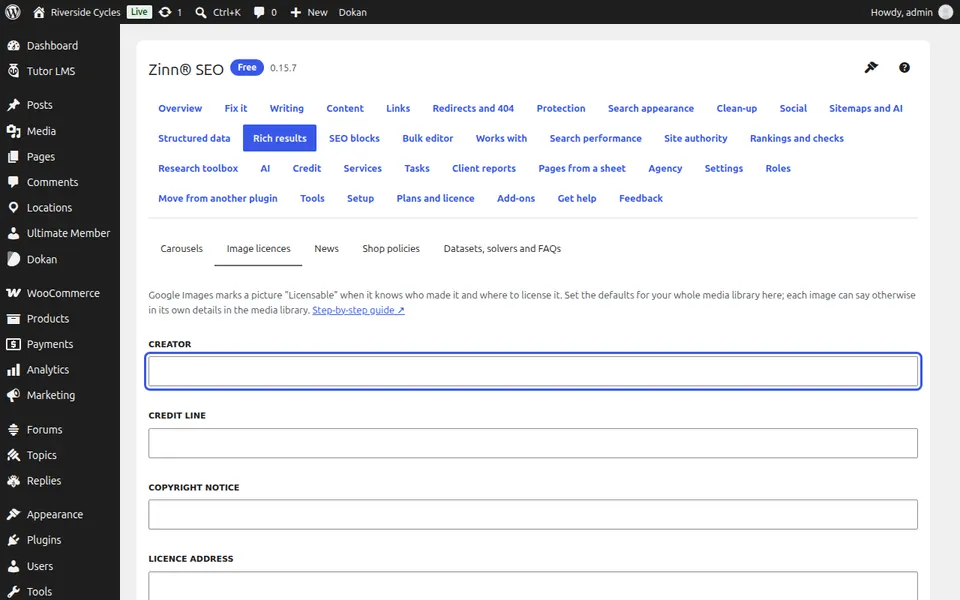
Go to SEO, Rich results, Image licences and fill in the Creator, Credit line, Copyright notice and Licence address.
Change one image
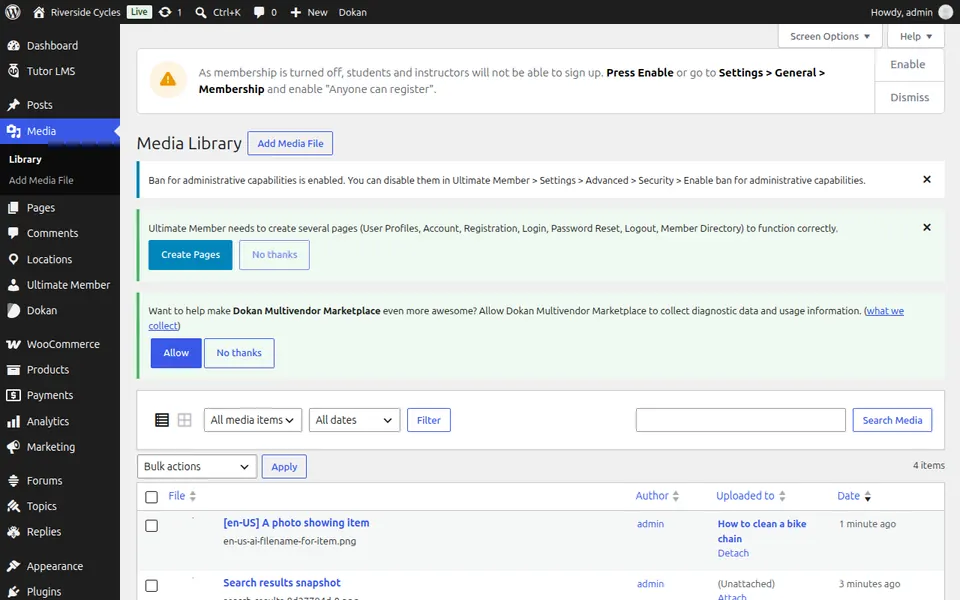
In the media library open an image: its own licence fields win over the defaults.
Check a page
Every page with the image now carries its licence in the structured data.
Next guide: Add dataset and math solver structured data
From the same team
Want fast hosting to go with it?
Zinn Digital® hosts WordPress on its own servers, with a CDN, DNS, TLS and daily backups included in every plan.