 Zinn® SEO
Keep a snapshot of the search results
A dated copy and a picture of the Google results page: proof for clients of where a site ranked, and a record of what changed on page one. This is part of Zinn® SEO Pro. You pay for each check from your Zinn® credit, and the price is shown before anything runs.
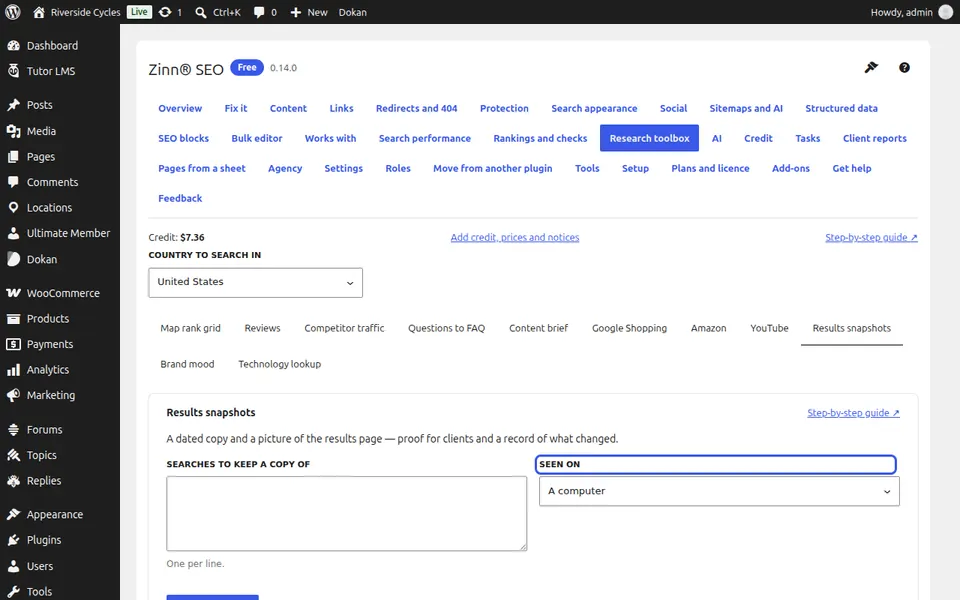
Open Results snapshots
Go to SEO, Research toolbox, Results snapshots.
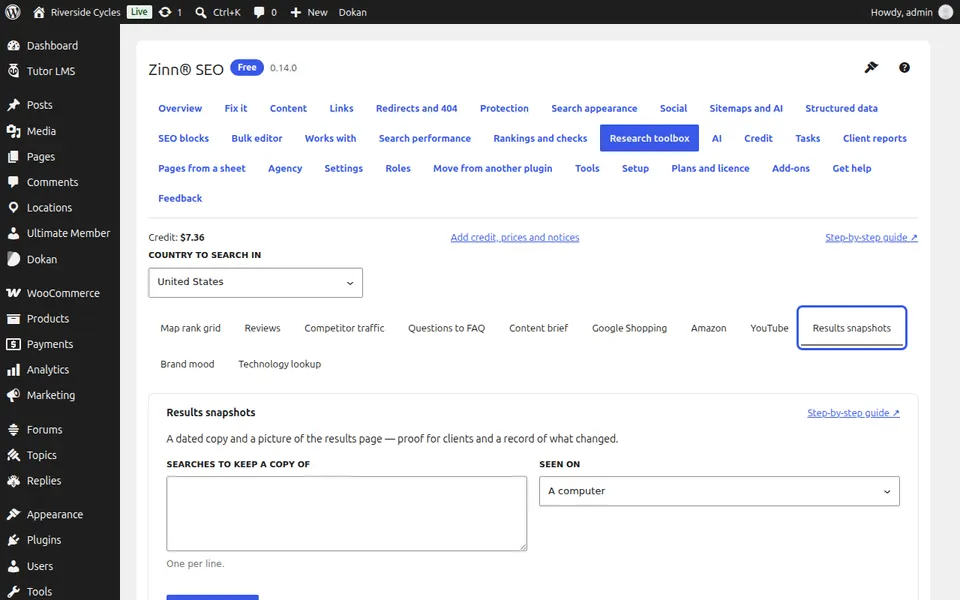
Type the searches
Up to 25, one per line, and choose A computer or A phone.
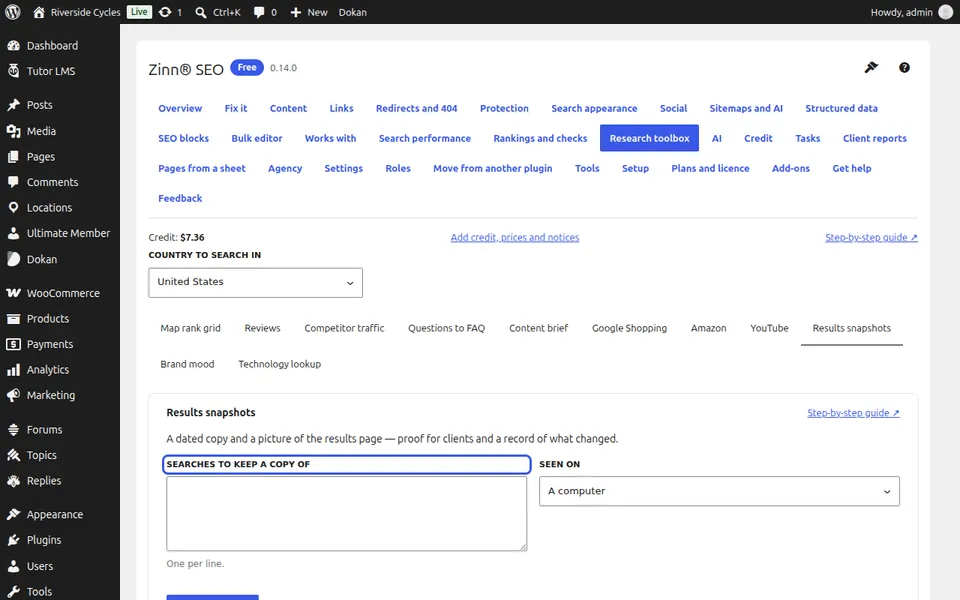
Take the snapshot
Press Take a snapshot (one charge per search) and confirm.
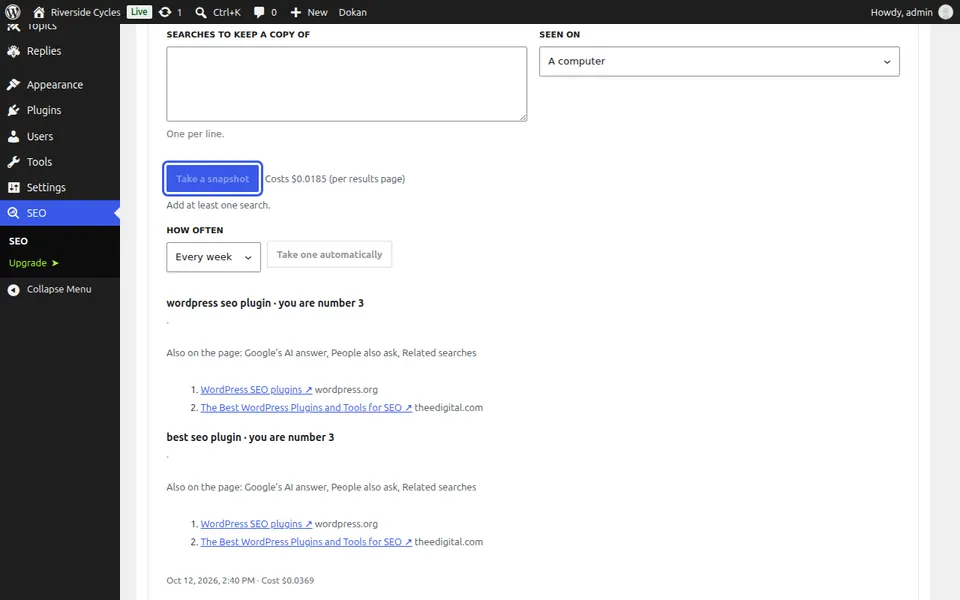
Read what page one showed
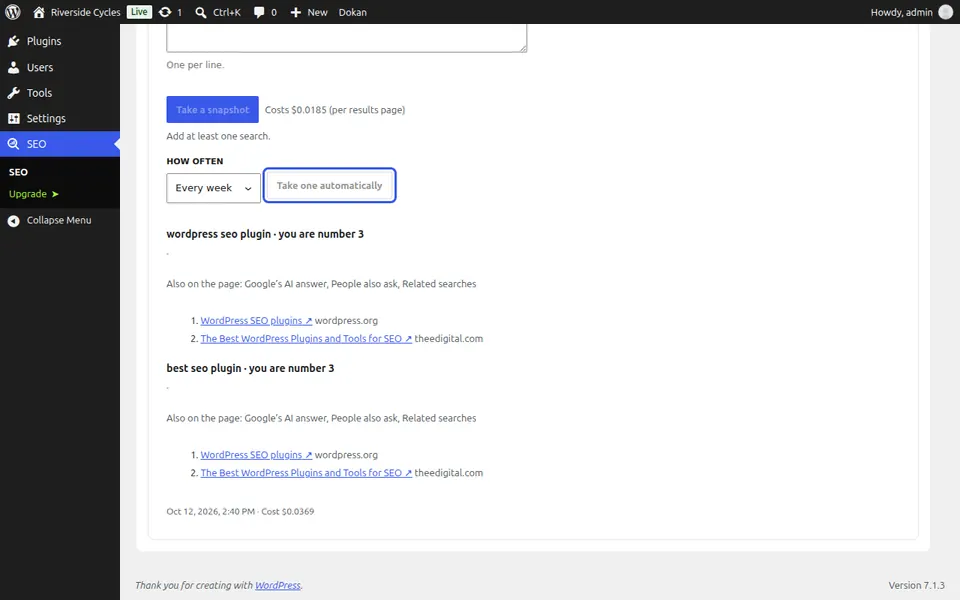
Each search shows your position on page one, the extras Google showed (an AI answer, People also ask, map results and more), the results in order and a picture of the page.
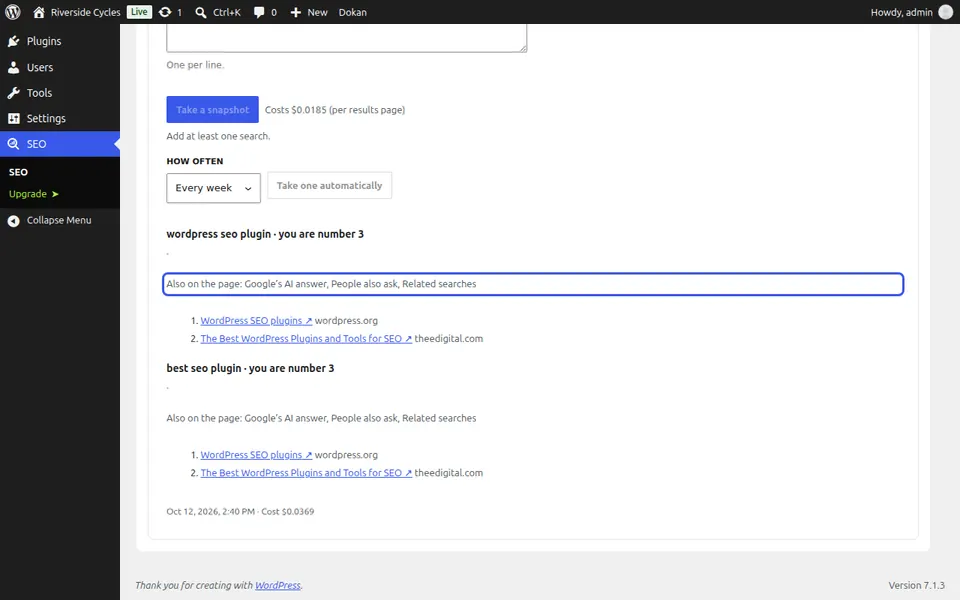
Keep the picture
The picture is saved in your Media Library as Search results snapshot, so it is yours to keep and send.
Keep a weekly record
Press Take one automatically to keep a record every week.
Next guide: See how people feel about your brand
From the same team
Want fast hosting to go with it?
Zinn Digital® hosts WordPress on its own servers, with a CDN, DNS, TLS and daily backups included in every plan.