 Zinn® SEO
Offer local pickup from your locations
Each of your business locations becomes a WooCommerce pickup point at checkout, with its address and opening hours, and stays in step when you change a location. This is part of Zinn® SEO Pro.
Add your locations
Add your shops under SEO, Works with, Local business, each with its address and opening hours.
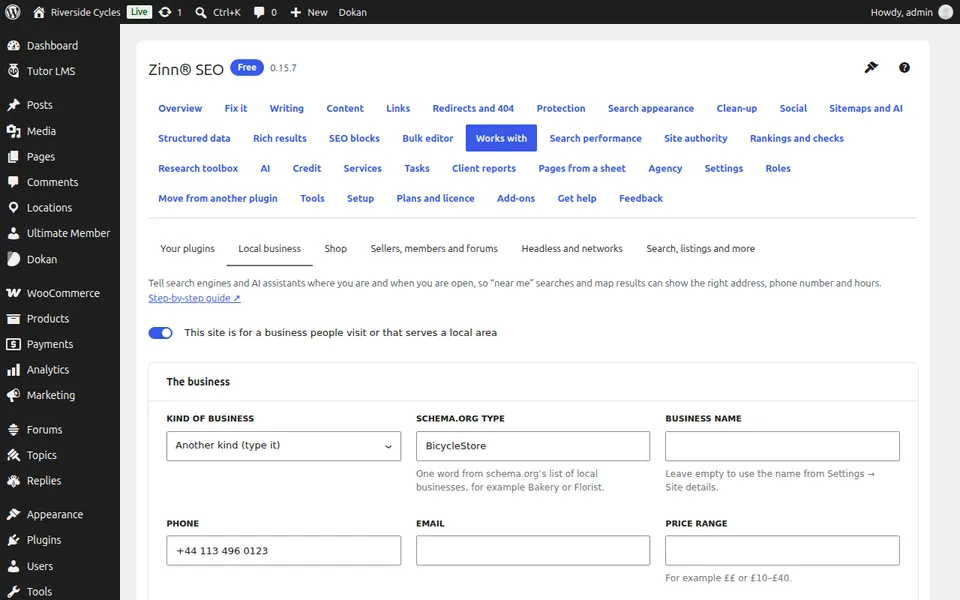
Switch it on
Go to SEO, Works with, More, WooCommerce local pickup and switch on Offer local pickup from my locations.
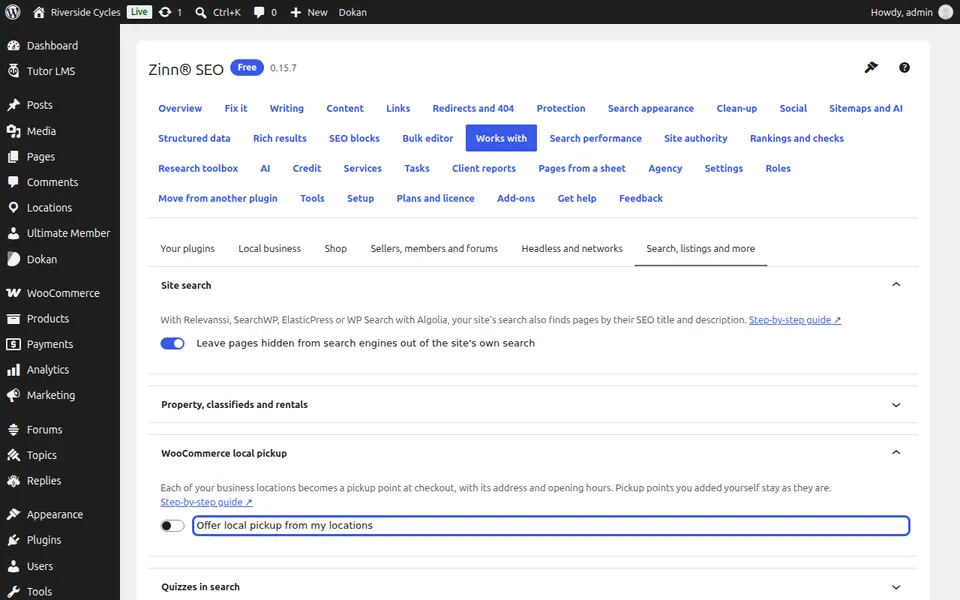
Check the checkout
Your locations are pickup points at checkout; points you added in WooCommerce yourself are kept. Press Update the pickup points now after a big change.
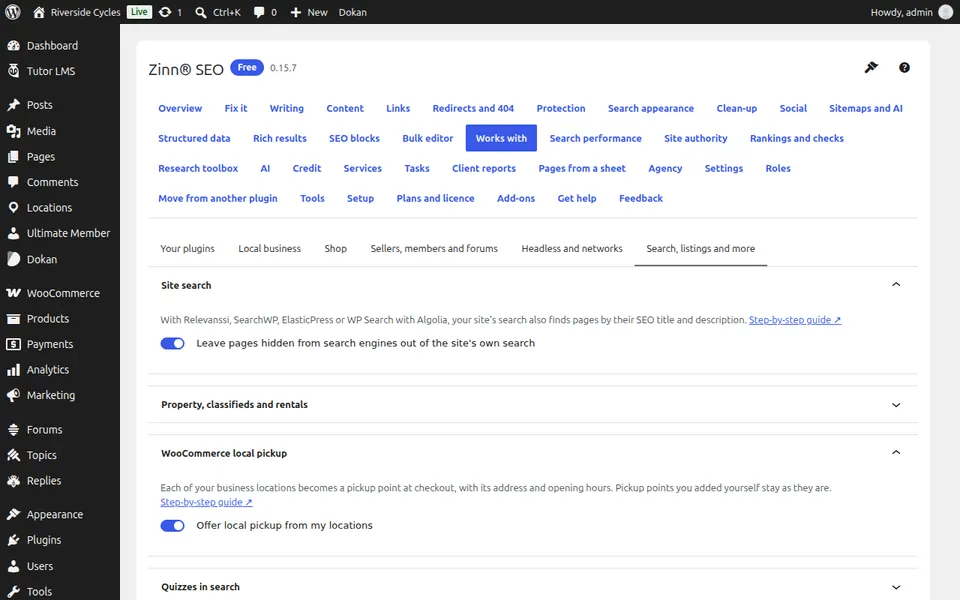
Next guide: SEO for property, classifieds and rentals
From the same team
Want fast hosting to go with it?
Zinn Digital® hosts WordPress on its own servers, with a CDN, DNS, TLS and daily backups included in every plan.