 Zinn® SEO
Plan content and write drafts in bulk
Keep a plan of the posts you want, with the search each one targets and when it is due, and have their drafts written in the background while you work on something else. Drafts are never published by themselves. This is part of Zinn® SEO Pro.
Open the planner
Go to SEO, Writing, Planner.
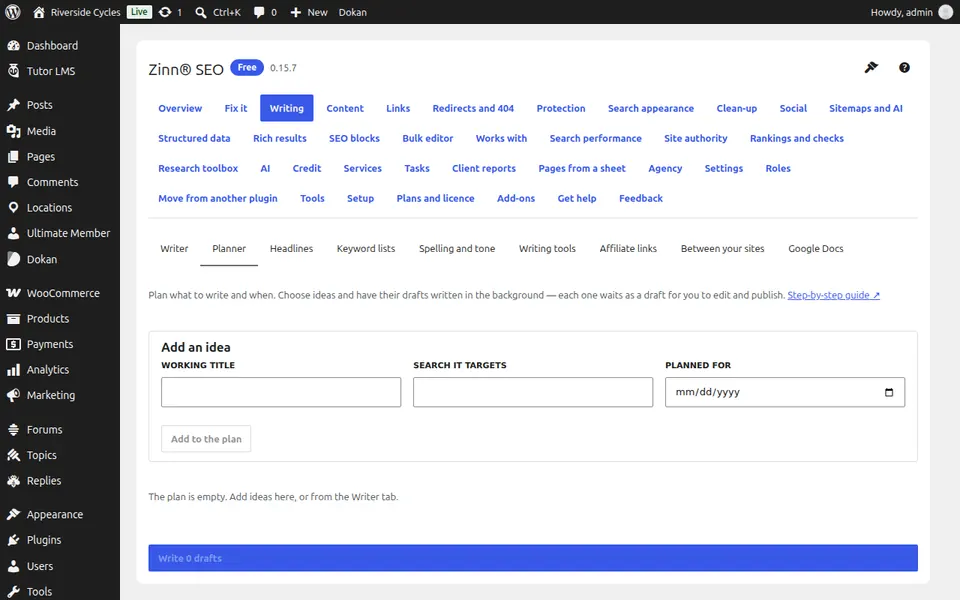
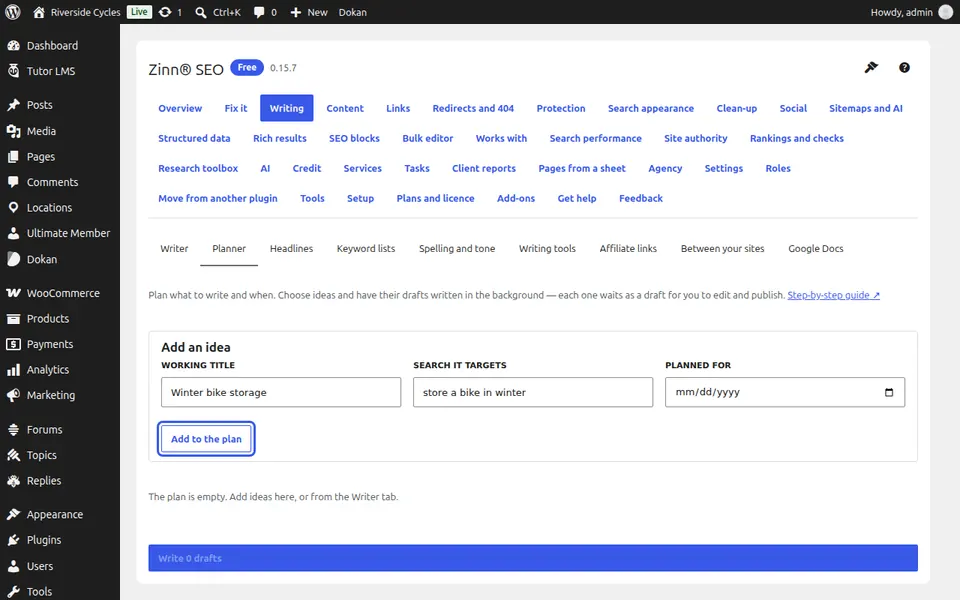
Add ideas
Press Add an idea, or Add to the plan on any idea the writer suggested. Give each a working title, the search it targets and a date.
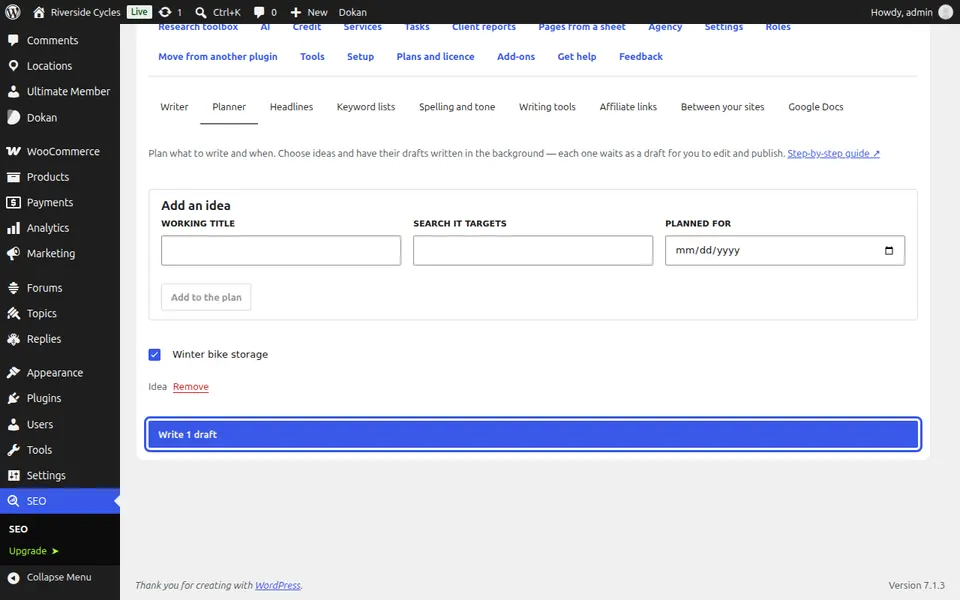
Write the drafts
Tick the ideas and press Write 2 drafts (the button counts the ideas you ticked). They are written in the background; each one shows Draft ready with Edit the draft. If your AI account needs attention, writing pauses and says why.
Next guide: Score your headlines for clicks
From the same team
Want fast hosting to go with it?
Zinn Digital® hosts WordPress on its own servers, with a CDN, DNS, TLS and daily backups included in every plan.