 Zinn® SEO
Protect your RSS feed from copying
Add a credit line that links back to you to every feed item, and hold new posts back from the feed for a while.
Open the feed settings
Go to SEO, Clean-up, RSS feeds.
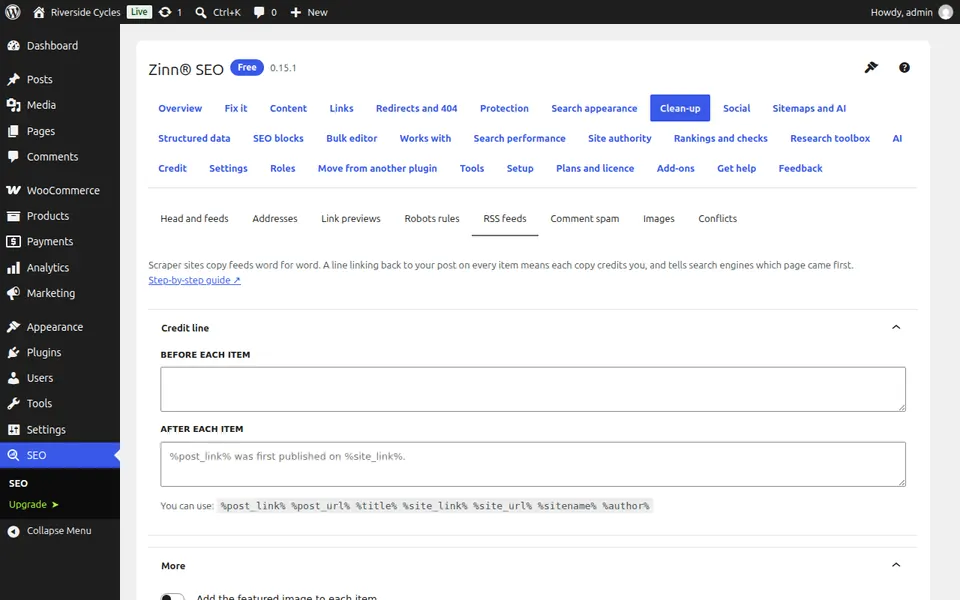
Add a credit line
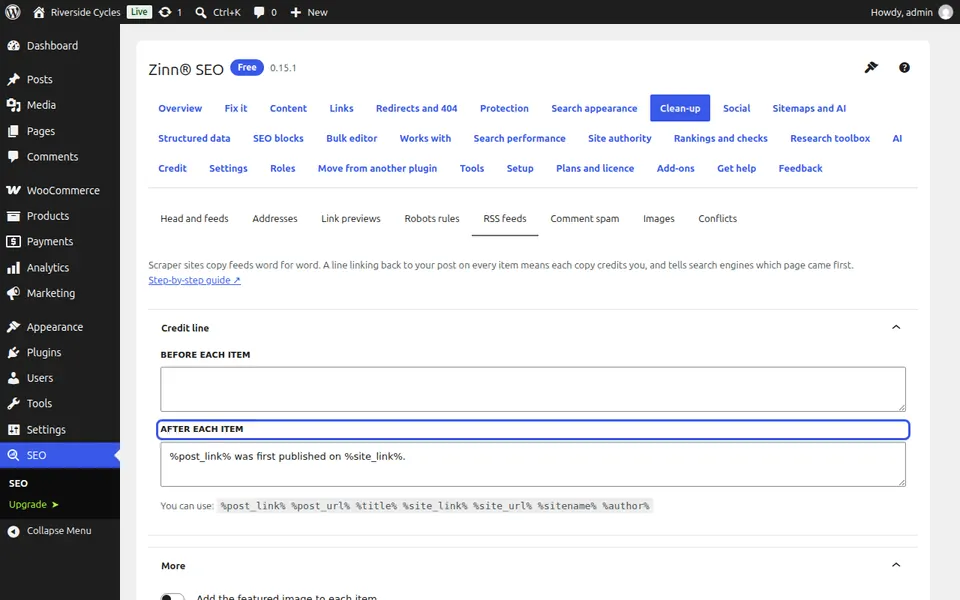
Under Credit line, fill After each item, for example %post_link% was first published on %site_link%. A site that copies your feed then links back to you.
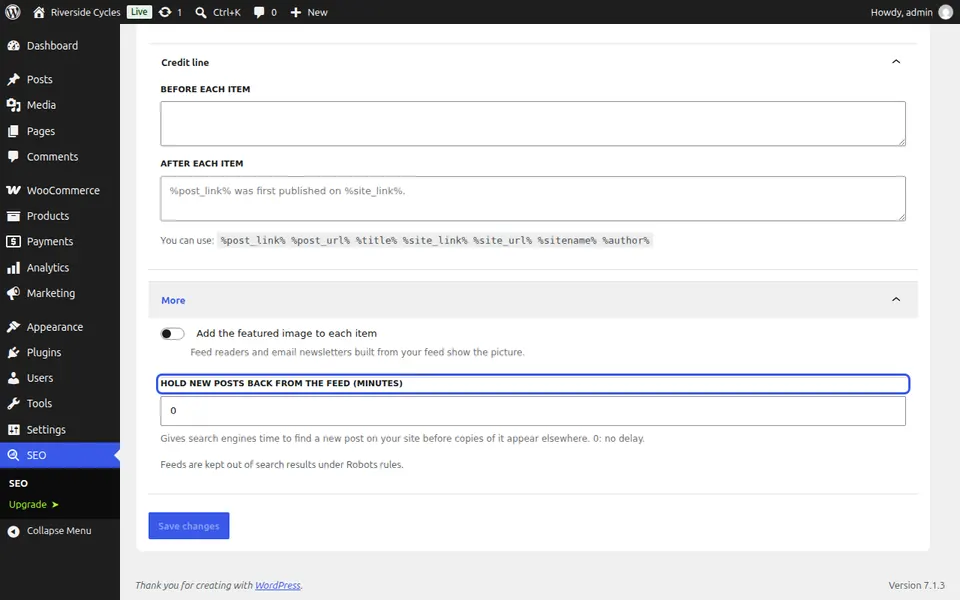
Hold new posts back
Set Hold new posts back from the feed (minutes) so search engines find a new post on your site before anyone can copy it.
Next guide: Stop comment spam without a captcha
From the same team
Want fast hosting to go with it?
Zinn Digital® hosts WordPress on its own servers, with a CDN, DNS, TLS and daily backups included in every plan.