 Zinn® SEO
Redirect missing pages with AI (Pro)
Every address in your 404 list gets the page that matches it best, by meaning. Moving site? Map the old sitemap.
Open the Redirects tab
Go to SEO, AI, Redirects.
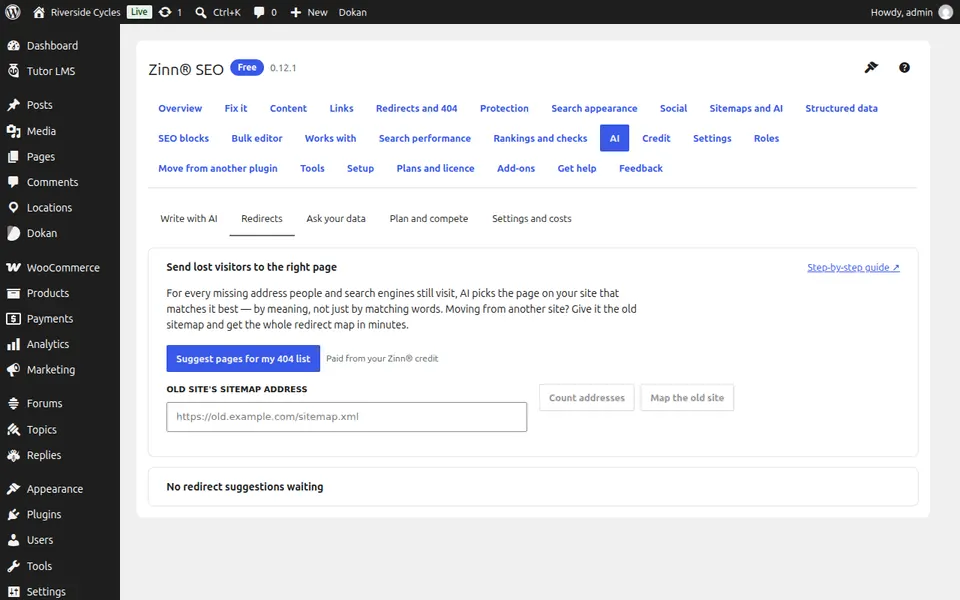
Suggest pages for the 404 list
Press Suggest pages for my 404 list. AI picks the page on your site that matches each missing address best.
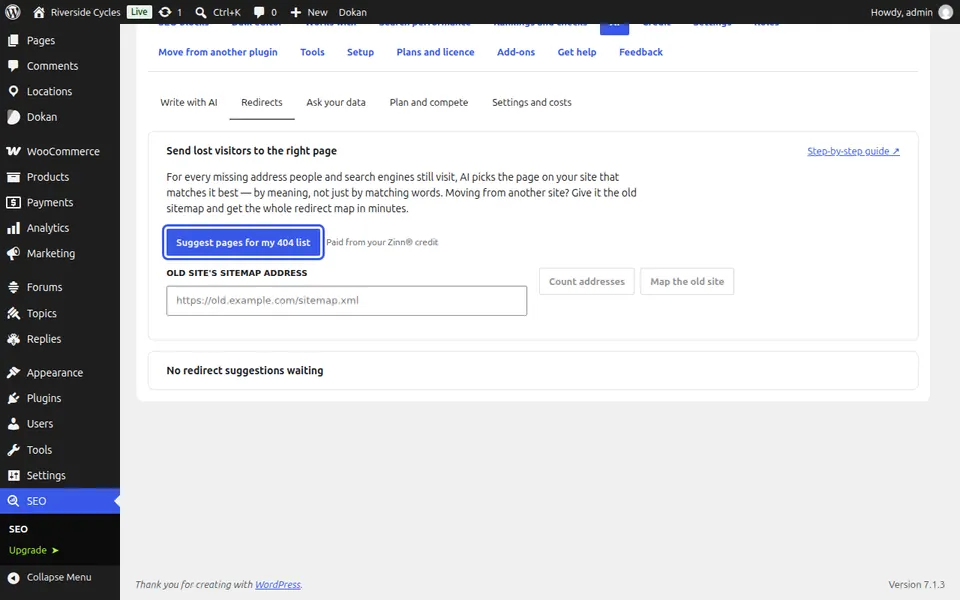
Or map an old site
Paste the old site's sitemap and press Count addresses, then Map the old site to get the whole redirect map.
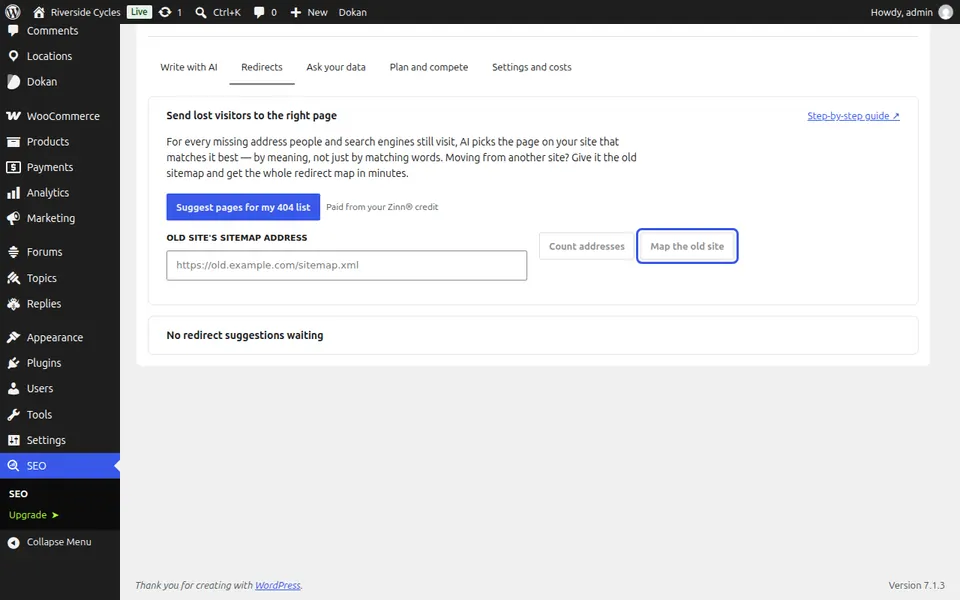
Review and use
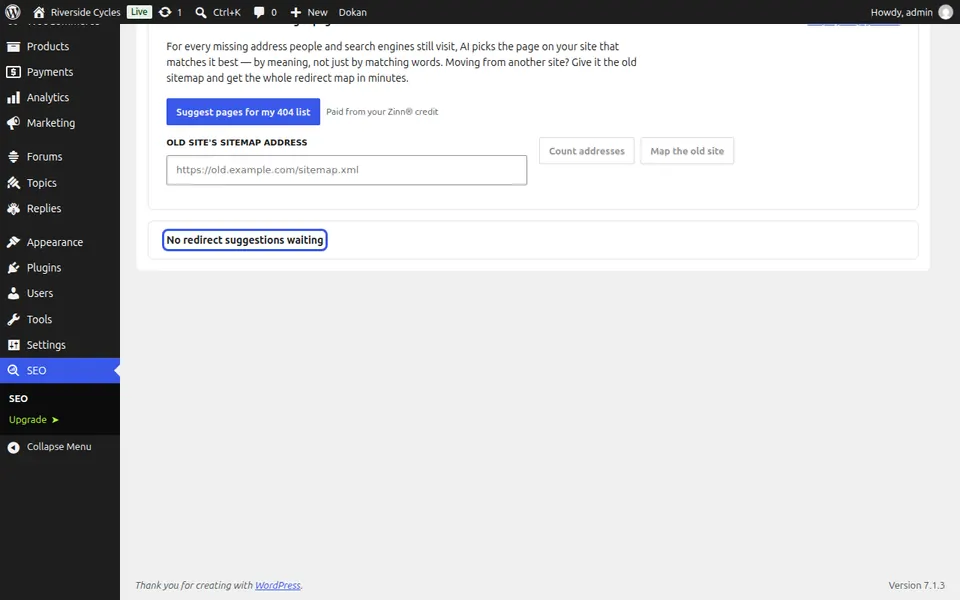
Redirect suggestions shows each old address, where it goes and why. Use one, Use all shown or Discard; they stay switched off until you use them.
Next guide: Ask your SEO data questions (Pro)
From the same team
Want fast hosting to go with it?
Zinn Digital® hosts WordPress on its own servers, with a CDN, DNS, TLS and daily backups included in every plan.