 Zinn® SEO
Review backlinks and make a disavow file (Pro)
Every backlink rated harmful, worth a look or fine, with the reason, and a disavow file built from the ones you choose. Pro, with the Backlinks plan in your Zinn® account.
Open the Backlinks tab
Go to SEO, Rankings and checks, Backlinks, and scroll to Review your backlinks and drop the harmful ones.
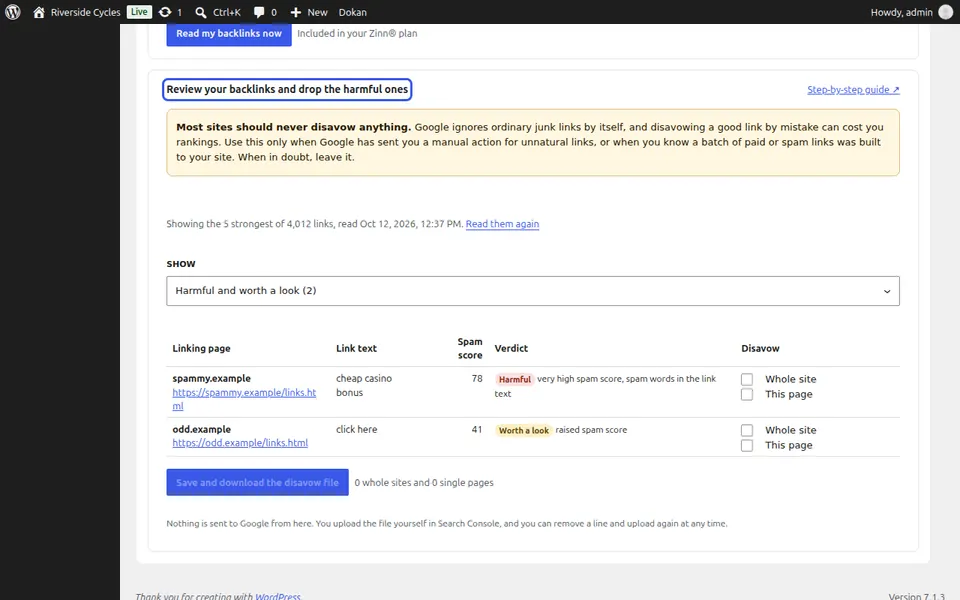
Read the verdicts
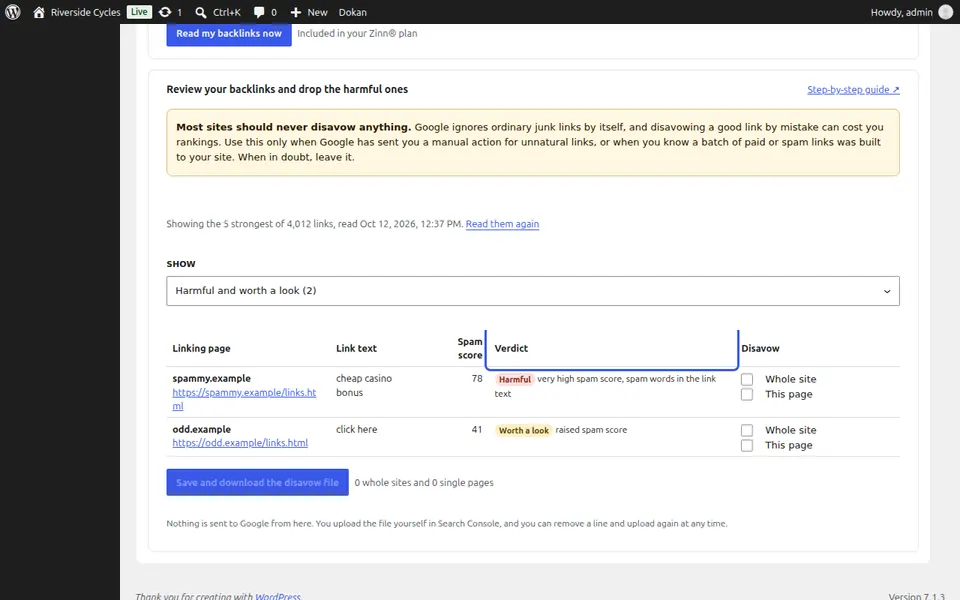
Show Harmful, Harmful and worth a look, or Every link. Each row has the linking page, the link text, its spam score and a verdict with the reason.
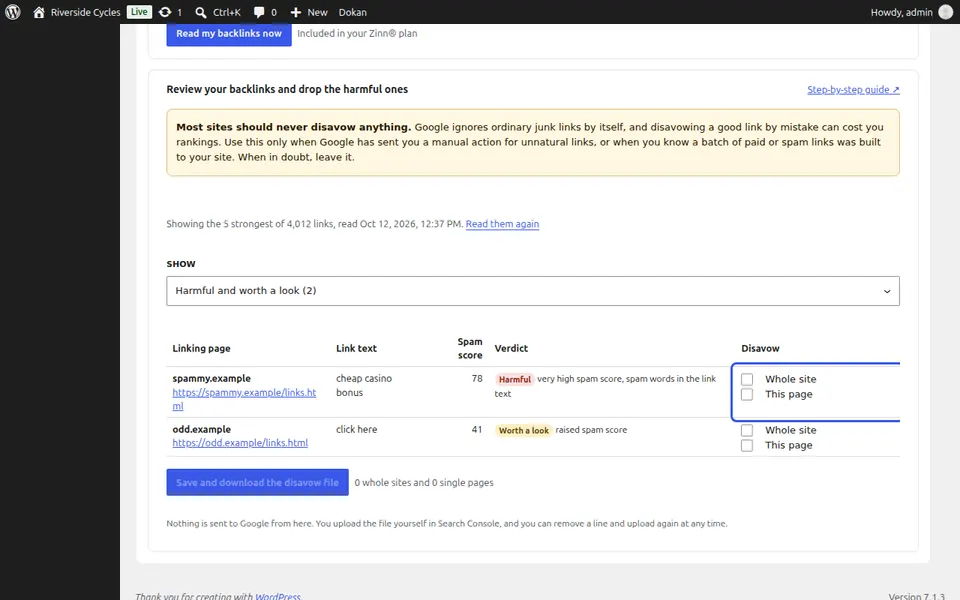
Choose what to disavow
Tick Whole site or This page on the links you want Google to ignore. Most sites should never disavow anything; the screen says so plainly.
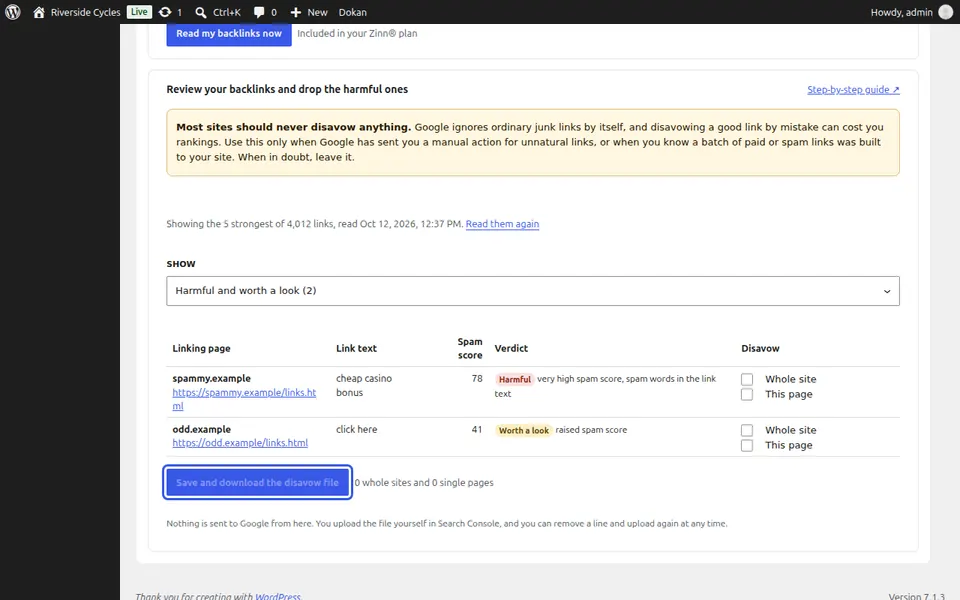
Download the file
Press Save and download the disavow file, then upload it yourself with Google's Disavow links tool. It is not in Search Console's menu: open it from Google's help page on disavowing links. Nothing is sent to Google from here.
Next guide: Run a site audit
From the same team
Want fast hosting to go with it?
Zinn Digital® hosts WordPress on its own servers, with a CDN, DNS, TLS and daily backups included in every plan.