 Zinn® SEO
See when people search, with Google Trends
How interest in a search rises and falls through the year, the months it peaks, and the related searches growing fastest, so you publish before the season starts. One check from your Zinn® credit compares up to five searches.
Open Google Trends
Go to SEO, Research toolbox, Google Trends. In the editor, See the trend beside a keyword idea opens the same tool with the search filled in.
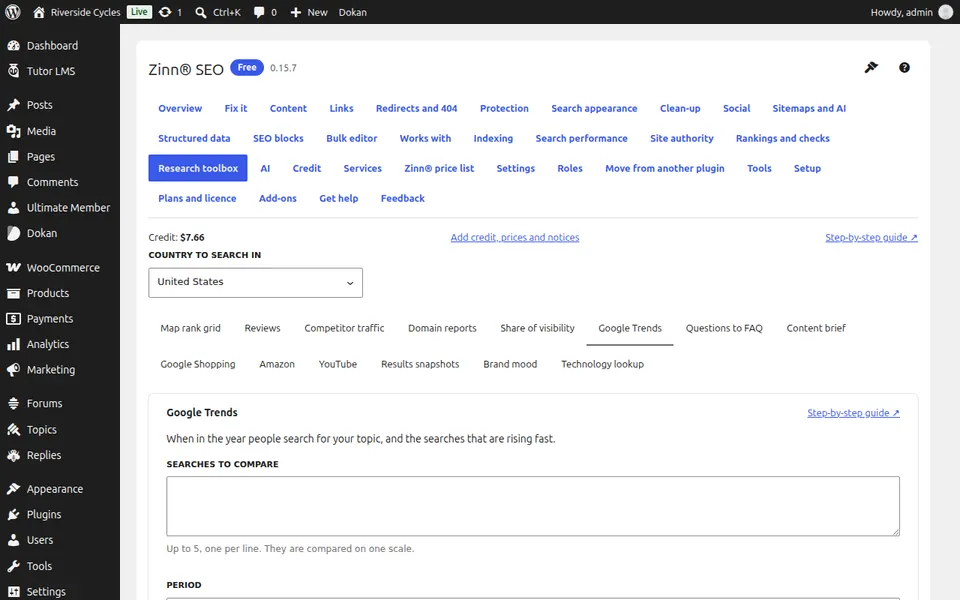
Type up to five searches
One per line. They are compared on one scale, so you see which one people search for most.
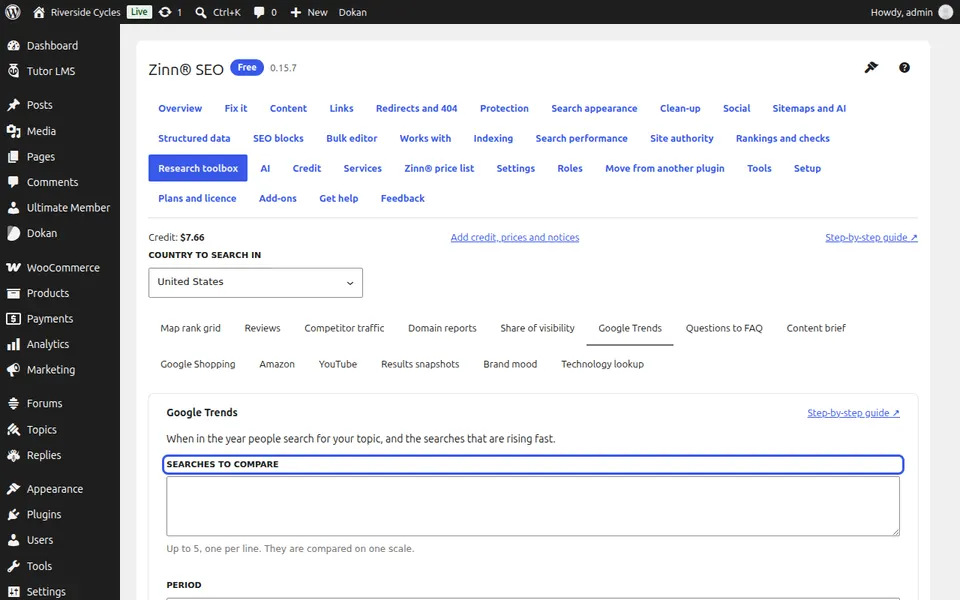
Choose the period and run it
Pick the last 90 days, 12 months or 5 years, press See the trend and confirm.
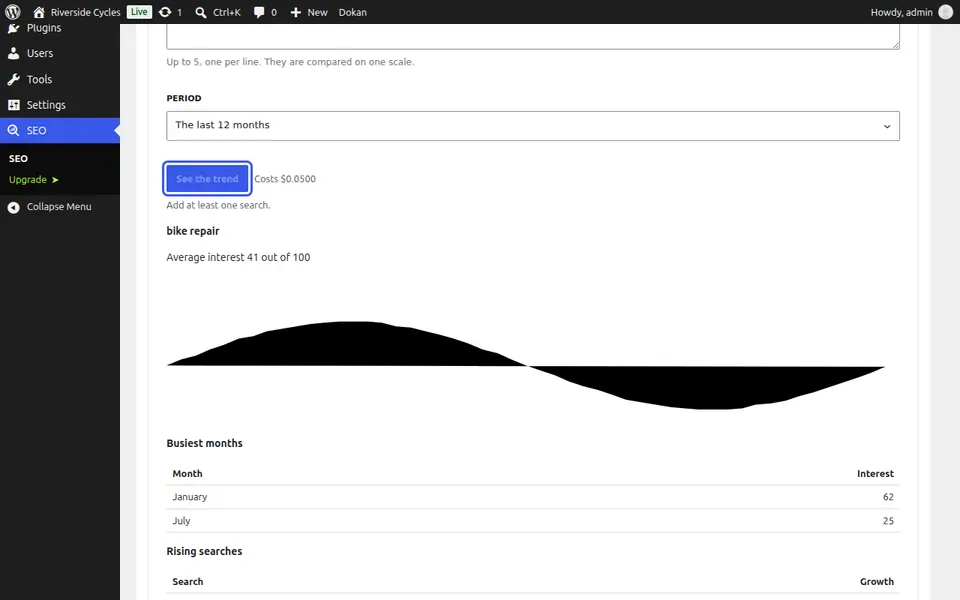
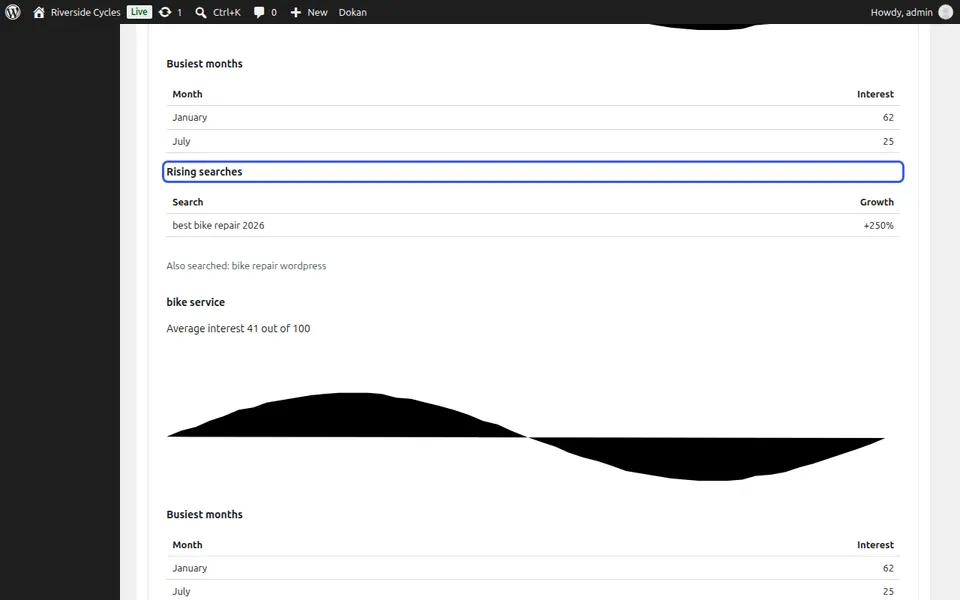
Read the trend
The line shows interest from 0 to 100; a gap is a week Google had no data for. Busiest months shows when to publish, and Rising searches shows what people have started asking.
Next guide: See Zinn® prices and what you already have
From the same team
Want fast hosting to go with it?
Zinn Digital® hosts WordPress on its own servers, with a CDN, DNS, TLS and daily backups included in every plan.