 Zinn® SEO
Send pages to search engines by hand
Tell Bing, the IndexNow search engines and Google about any page the moment you want it found, keep the pages you choose out of automatic sending, and see what each search engine answered, with one click to send again.
Open Indexing
Go to SEO, Indexing. Each search engine says whether it is ready, and what to do if it is not.
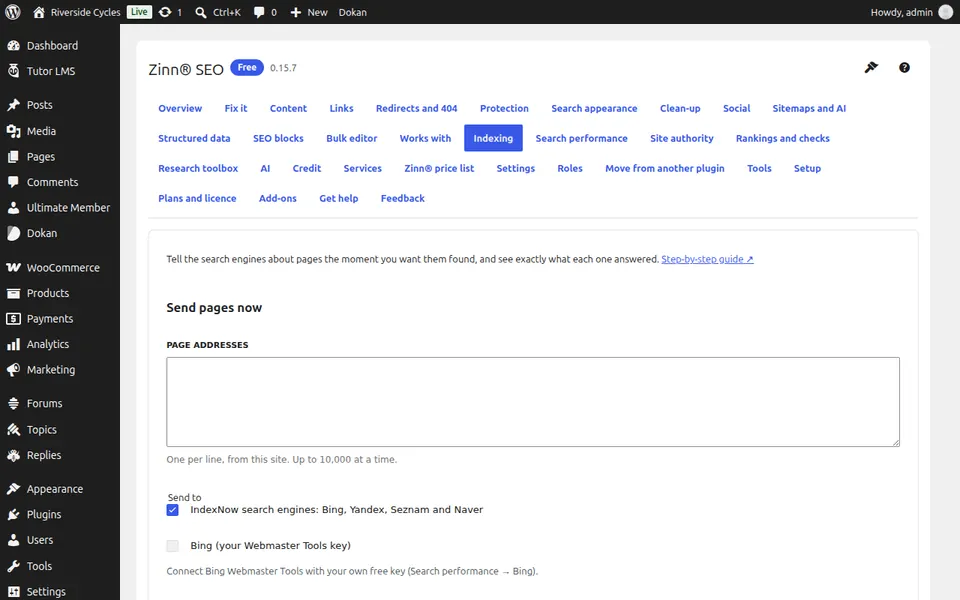
Send pages now
Paste page addresses from your site, one per line, tick the search engines and press Send. Bing uses your own Webmaster Tools key and its daily allowance; Google takes only job and livestream pages.
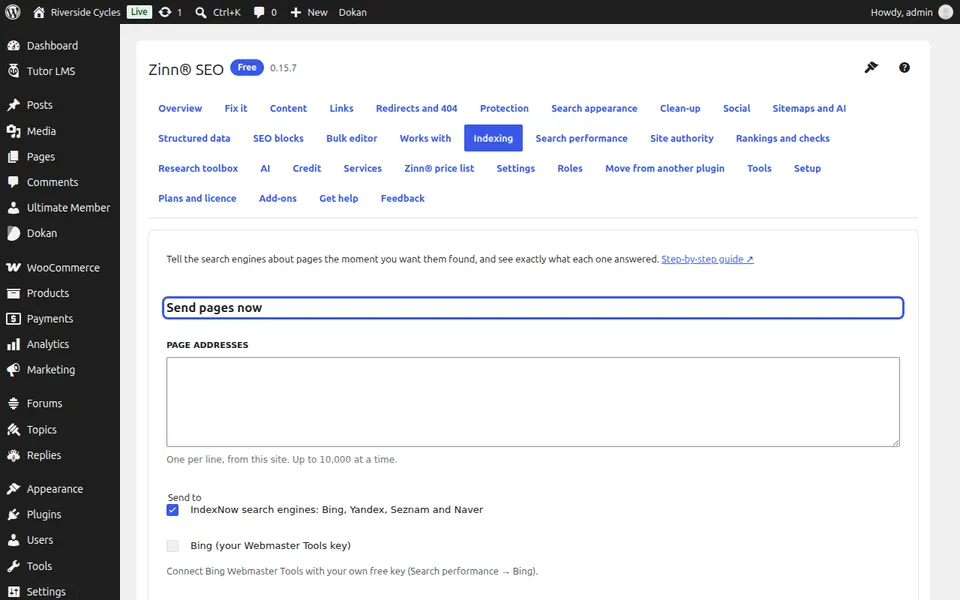
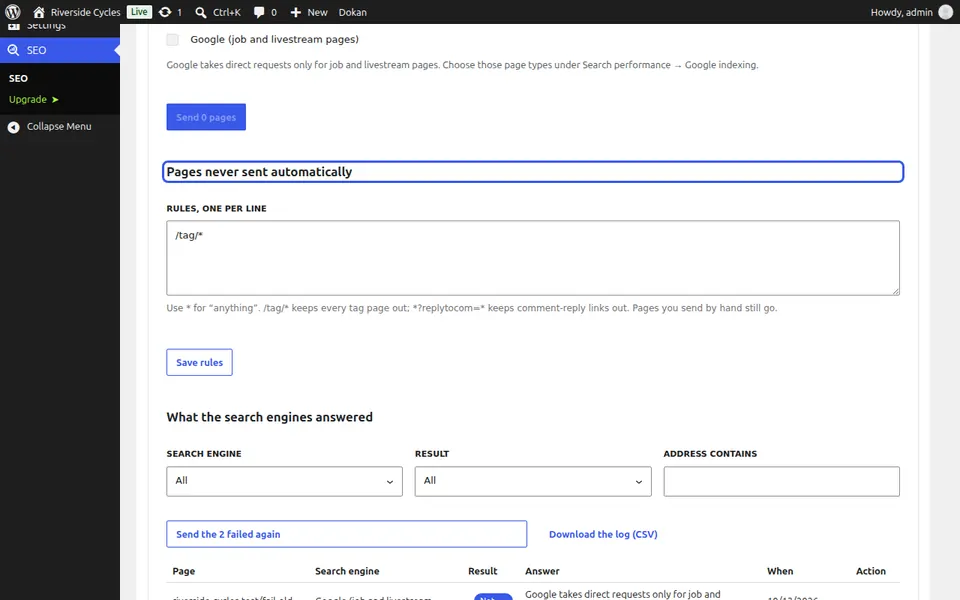
Keep pages out
Under Pages never sent automatically, add a rule per line, such as /tag/*. Pages that match are not sent when they change; pages you send by hand still go.
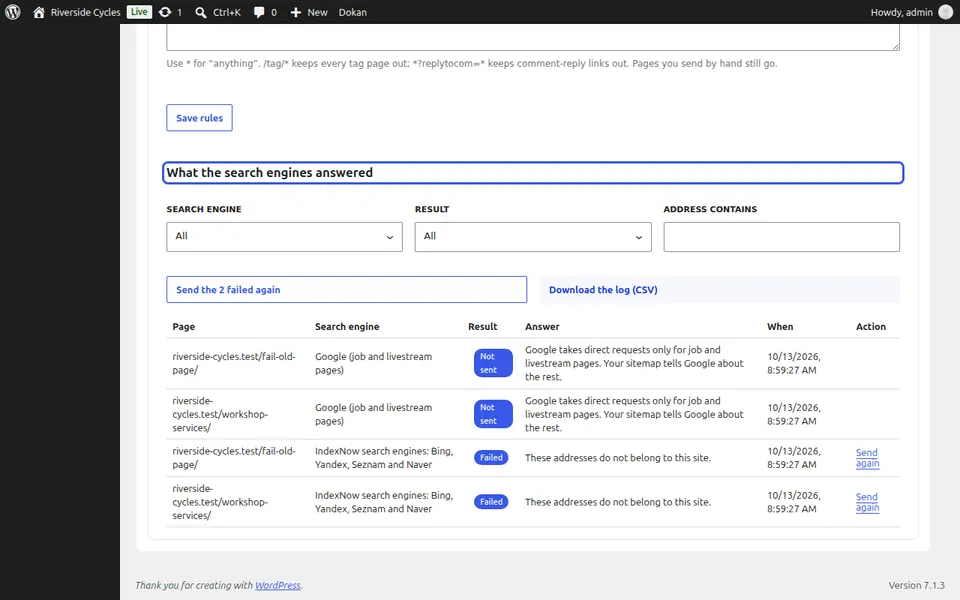
Read the answers
Every page and search engine has a row with the answer it gave. Filter by search engine or result, press Send the failed again, or download the log as CSV.
Next guide: See visitors from ChatGPT and other AI assistants
From the same team
Want fast hosting to go with it?
Zinn Digital® hosts WordPress on its own servers, with a CDN, DNS, TLS and daily backups included in every plan.