 Zinn® SEO
SEO for news publishers
Mark stories as news articles of the right kind, run live blogs whose updates search engines can read, keep a story out of Google News, and show your newsroom's policies. This is part of Zinn® SEO Pro.
Set up your newsroom
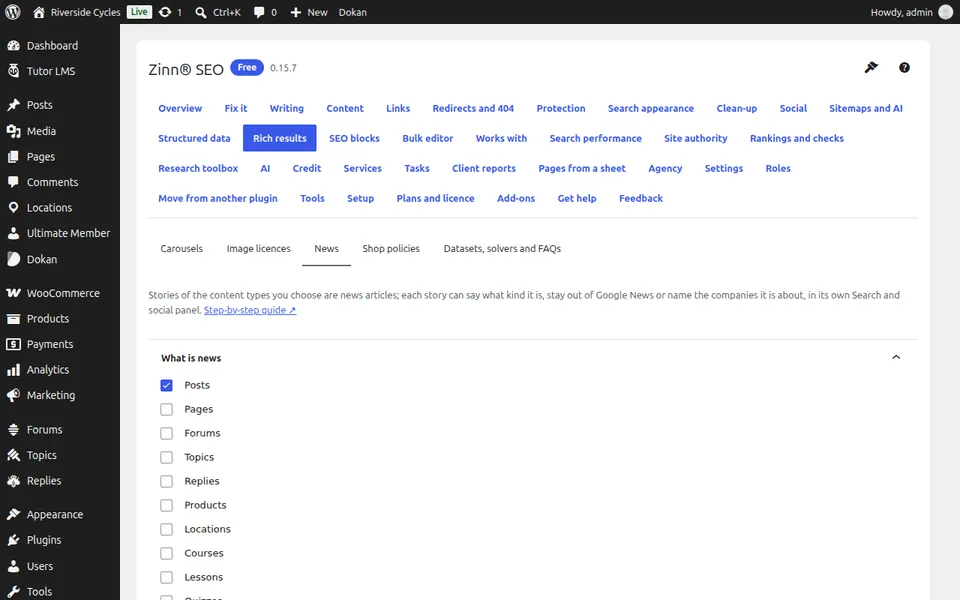
Go to SEO, Rich results, News. Choose What is news and add the address of each policy you publish, such as Publishing principles and Corrections policy.
Choose the kind of story
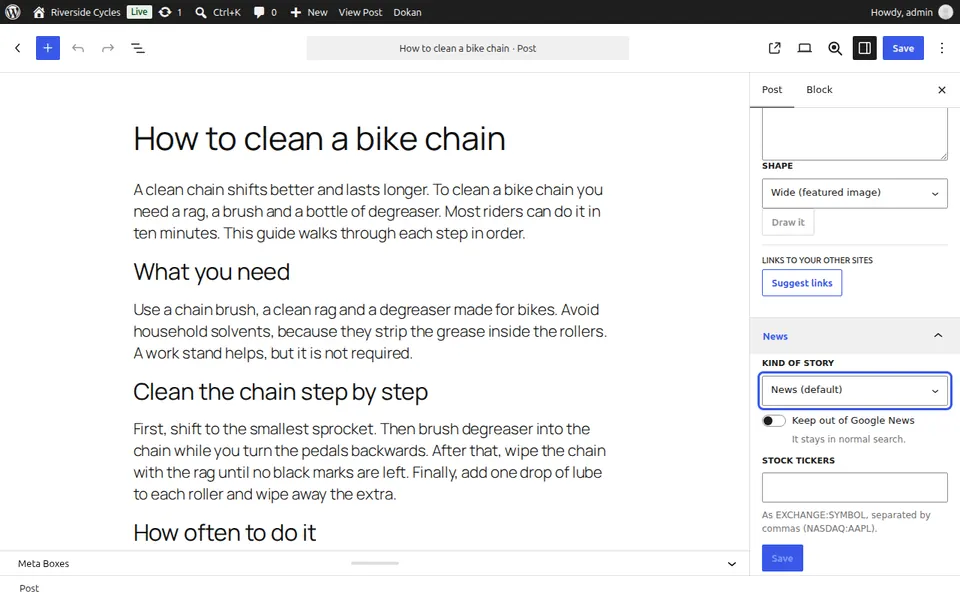
In the editor's News panel choose the Kind of story: news, reportage, analysis, opinion, review or a live blog.
Run a live blog
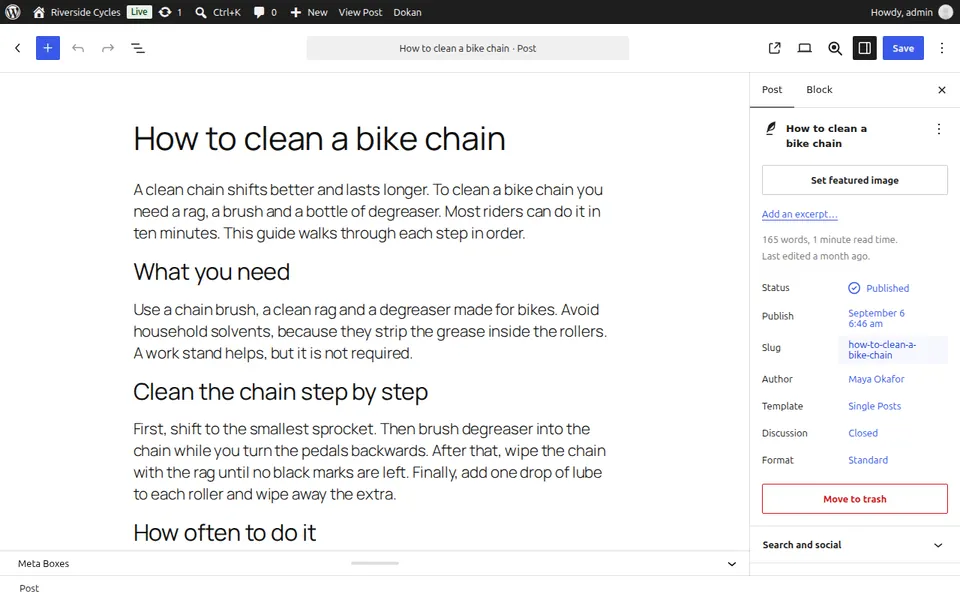
For a Live blog, start each update with a heading that begins with its time (for example 14:05). Each one becomes an update in search.
Keep a story out of Google News
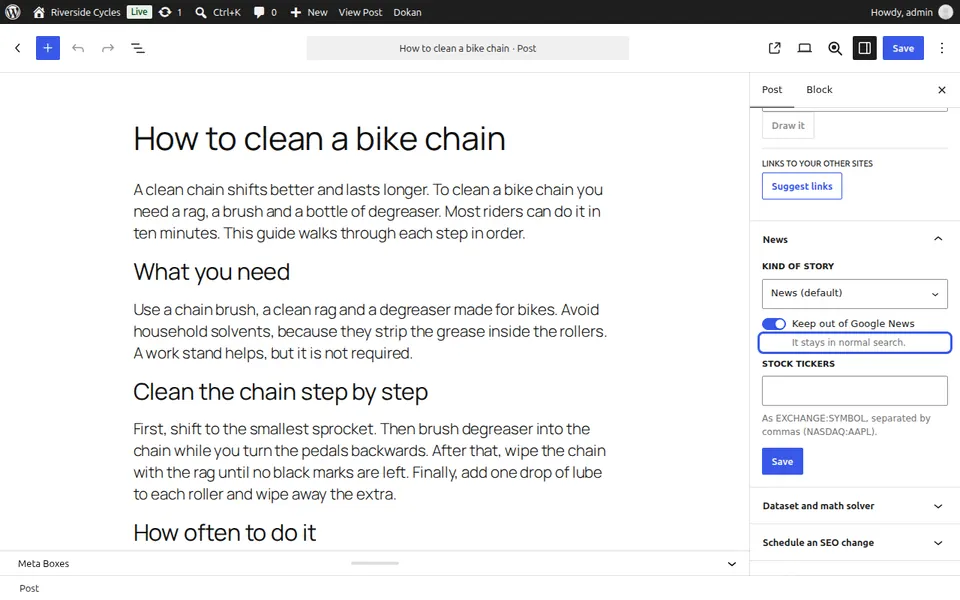
Tick Keep out of Google News. It stays in normal search.
Next guide: Show category pages as carousels
From the same team
Want fast hosting to go with it?
Zinn Digital® hosts WordPress on its own servers, with a CDN, DNS, TLS and daily backups included in every plan.