 Zinn® SEO
Tell Google about job and livestream pages
Google lets job postings and livestream pages tell it the moment they are published, changed or taken down.
Allow it on the Google card
Go to SEO, Search performance. On the Google card, tick Job and livestream pages and press Add these.
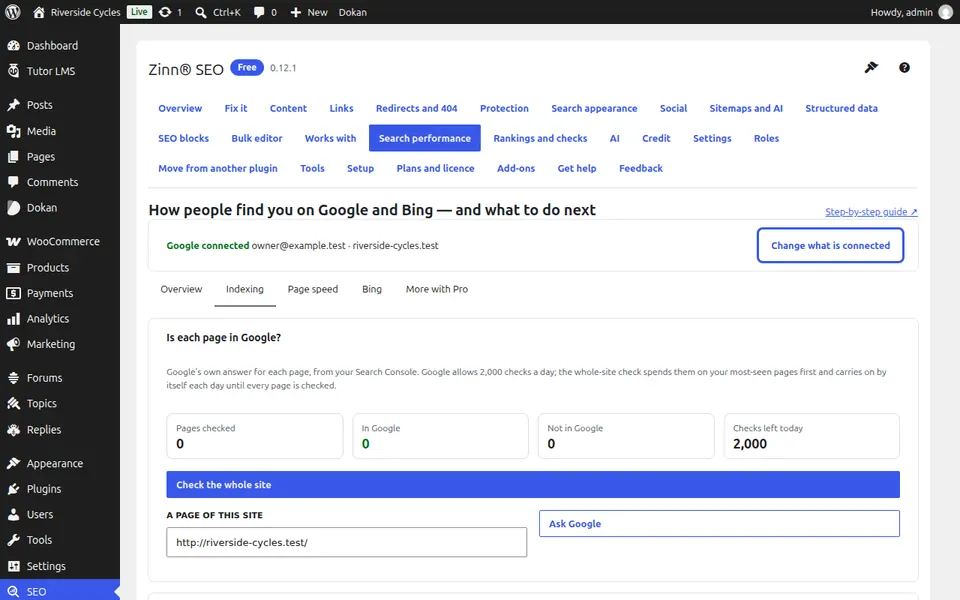
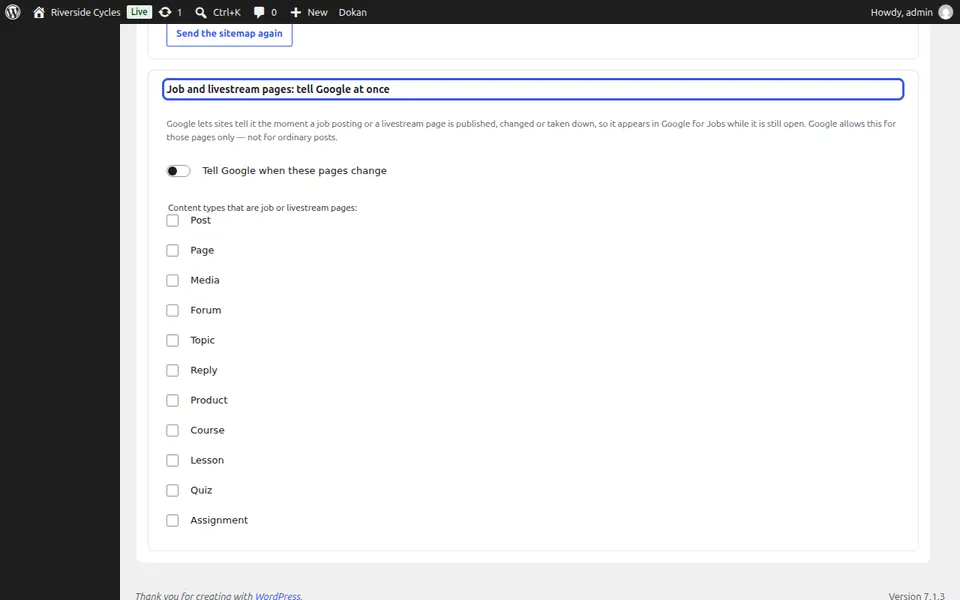
Choose the content types
On the Indexing tab, under Job and livestream pages: tell Google at once, tick the content types that are job or livestream pages.
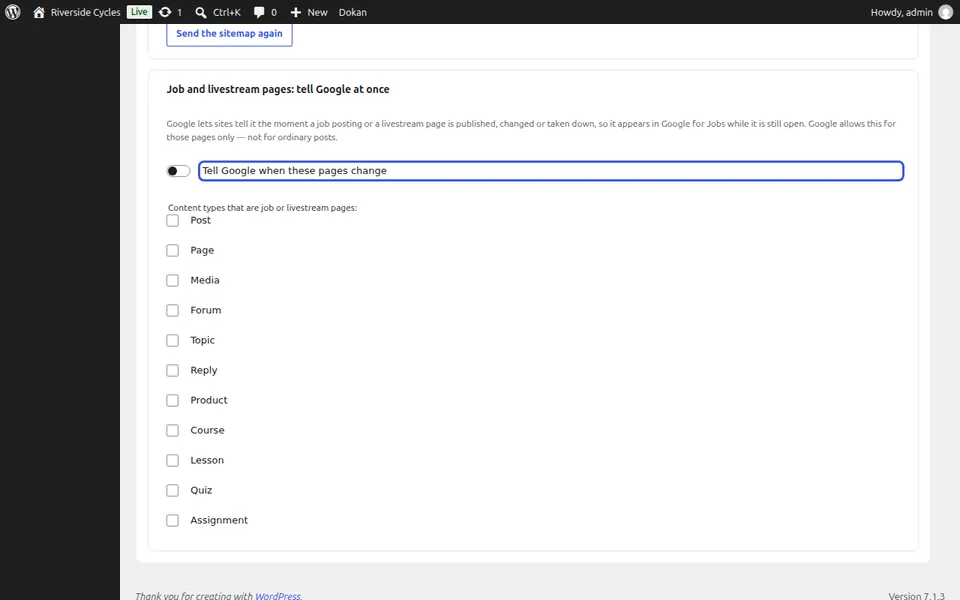
Let it work
Each time such a page is published, changed or taken down, Google is told. Pages waiting to be sent are counted on the same card.
Next guide: See your real page speed
From the same team
Want fast hosting to go with it?
Zinn Digital® hosts WordPress on its own servers, with a CDN, DNS, TLS and daily backups included in every plan.