 Zinn® SEO
Track local rankings town by town (Pro)
See where your business appears on Google Maps and in the local results, for each service in each town you serve. Pro, with the Local rankings plan in your Zinn® account.
Open the Local tab
Go to SEO, Rankings and checks, Local.
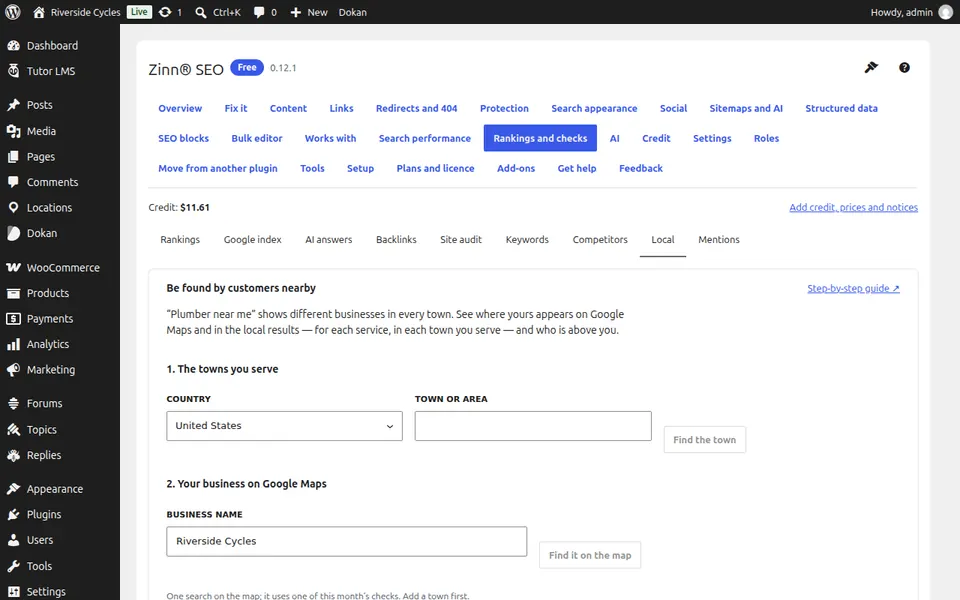
Add the towns you serve
Under 1. The towns you serve, choose the country, type a town and press Find the town.
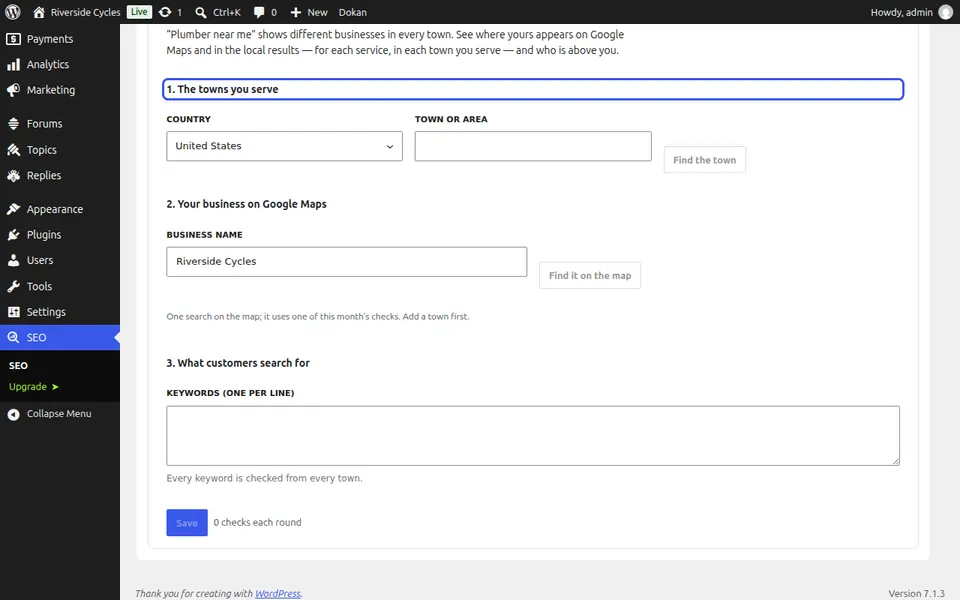
Find your business on the map
Under 2. Your business on Google Maps, type your business name and press Find it on the map.
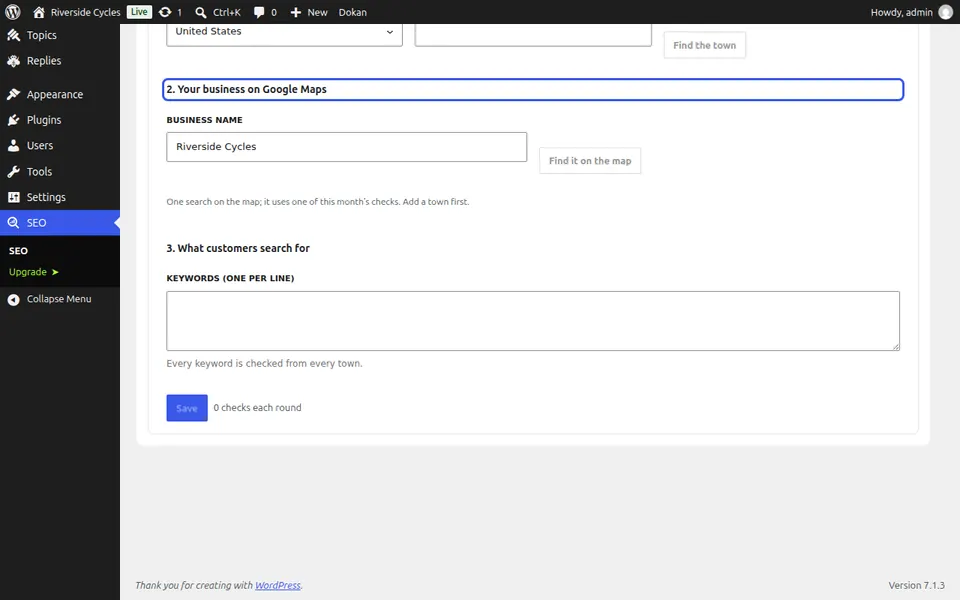
Add what customers search for
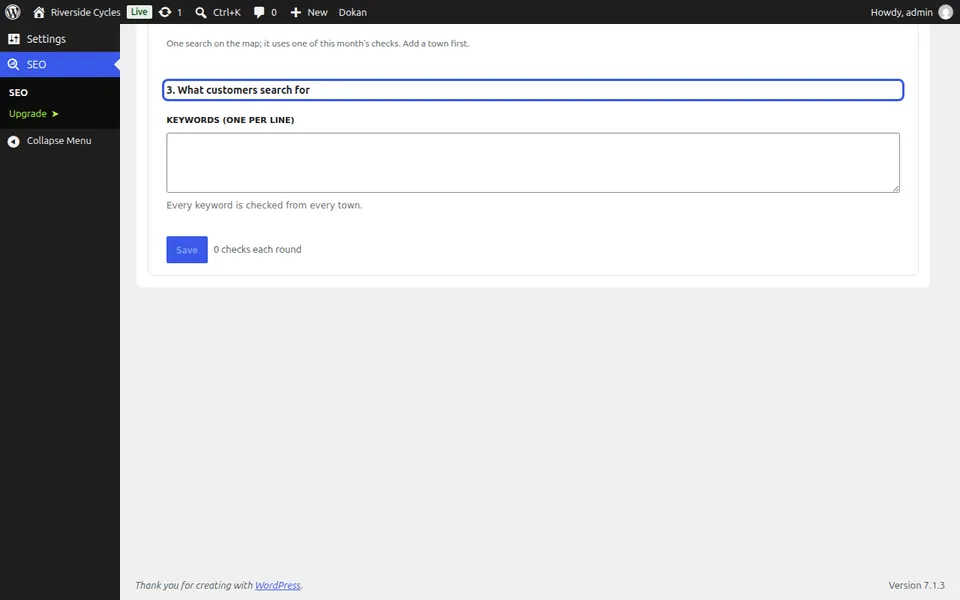
Under 3. What customers search for, add keywords one per line. Every keyword is checked from every town; Where you stand, town by town shows the results.
Next guide: Watch brand mentions and copied content (Pro)
From the same team
Want fast hosting to go with it?
Zinn Digital® hosts WordPress on its own servers, with a CDN, DNS, TLS and daily backups included in every plan.