 Zinn® SEO
Track your prices on Google Shopping
See where each product comes on Google Shopping, your price against the cheapest seller, and who else sells it. This is part of Zinn® SEO Pro. You pay for each check from your Zinn® credit, and the price is shown before anything runs.
Open Google Shopping
Go to SEO, Research toolbox, Google Shopping.
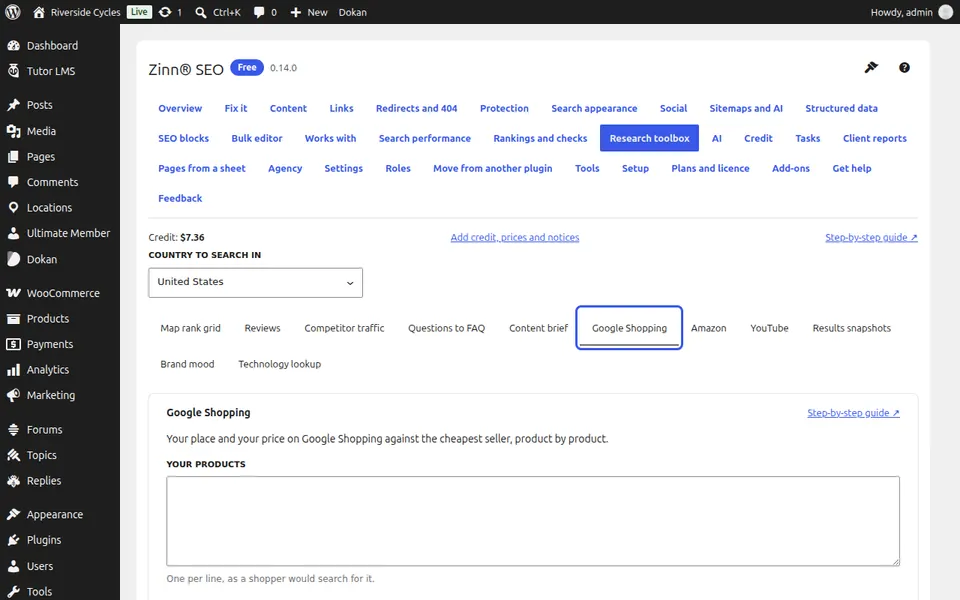
List your products
One per line, written the way a shopper would search for them.
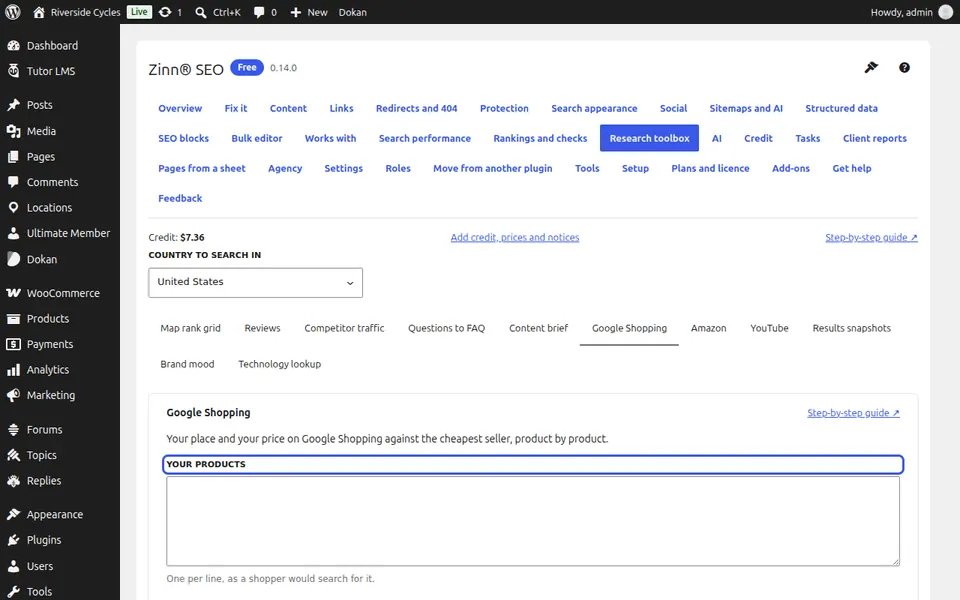
Type your seller name
Your shop name as Google Shopping shows it, so your offer can be told apart.
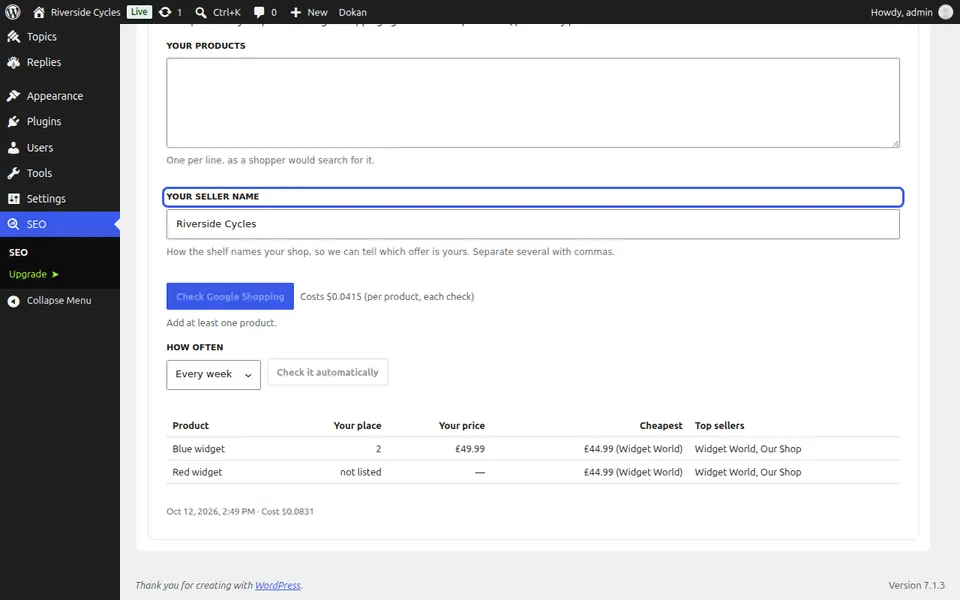
Run the check
Check the country at the top of the screen, press Check Google Shopping (one charge per product) and confirm.
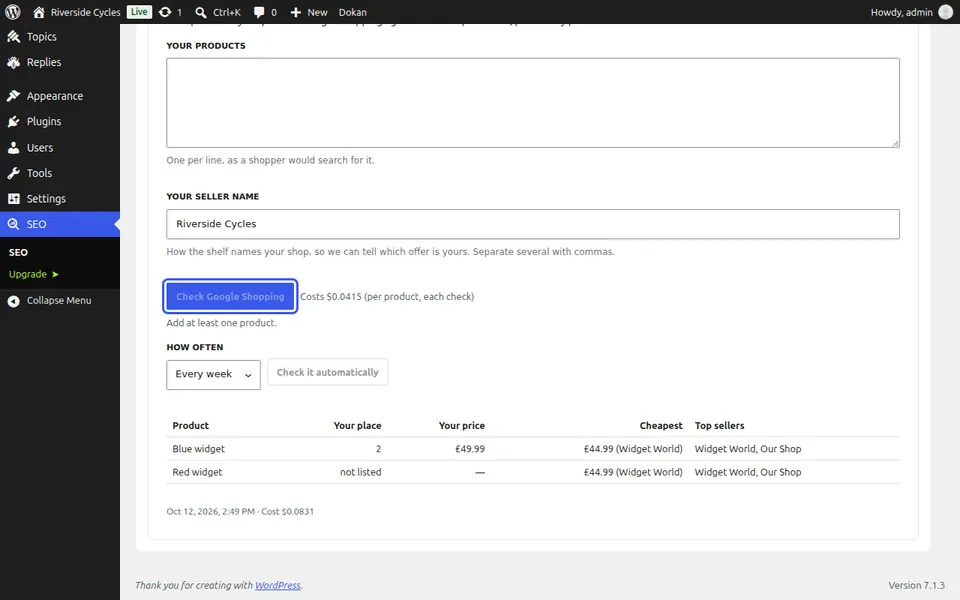
Read the shelf
For each product: your place (not listed if you are not there), your price, the cheapest price and who sells it, and the top sellers.
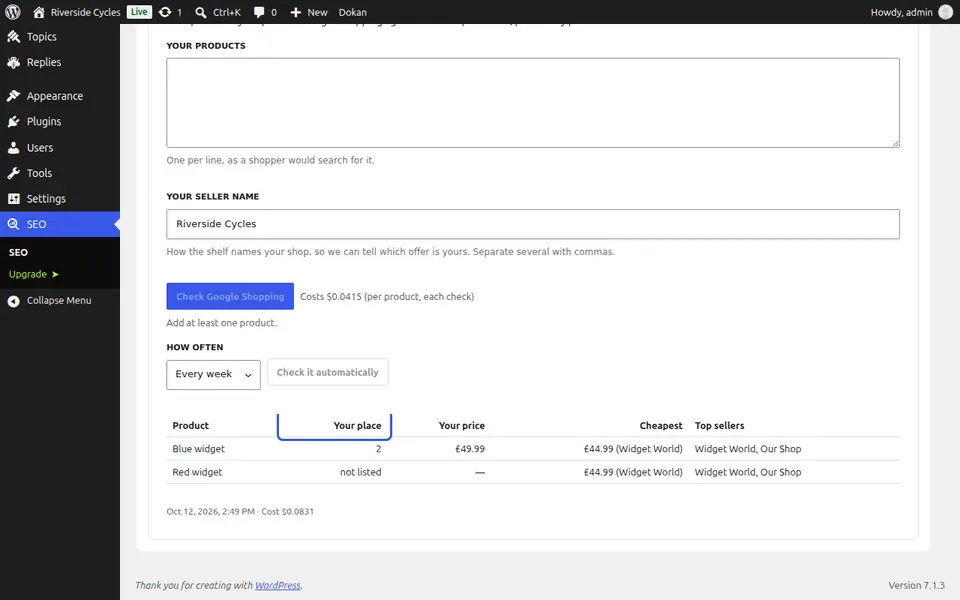
Follow price changes
Press Check it automatically to follow prices every day or week.
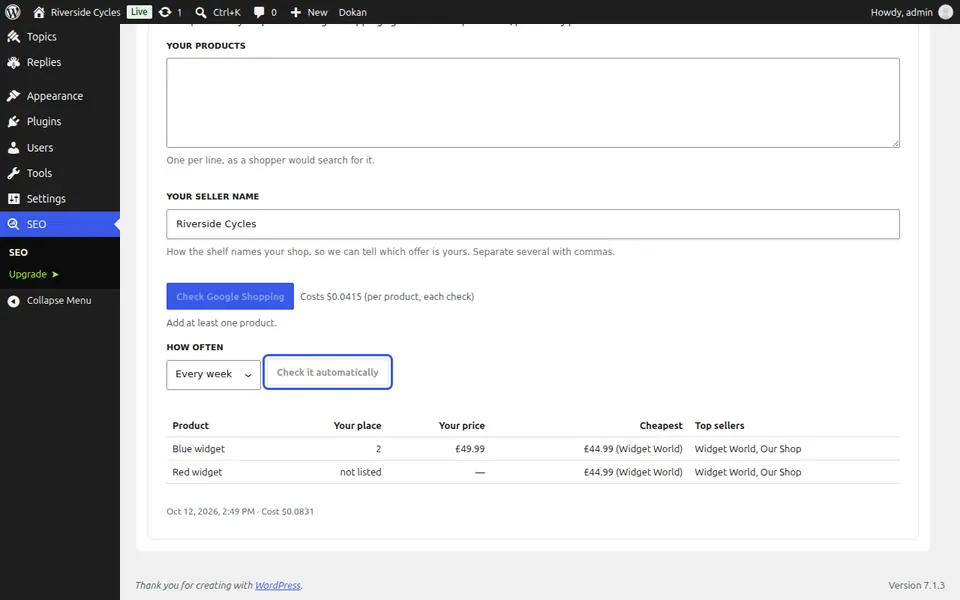
Next guide: Track your Amazon rankings
From the same team
Want fast hosting to go with it?
Zinn Digital® hosts WordPress on its own servers, with a CDN, DNS, TLS and daily backups included in every plan.