 Zinn® SEO
Use Zinn® SEO with headless WordPress (Pro)
A Next.js, Astro or app front end gets every page's finished SEO from one request.
Open Headless and networks
Go to SEO, Works with, Headless and networks, and find A front end that is not a WordPress theme.
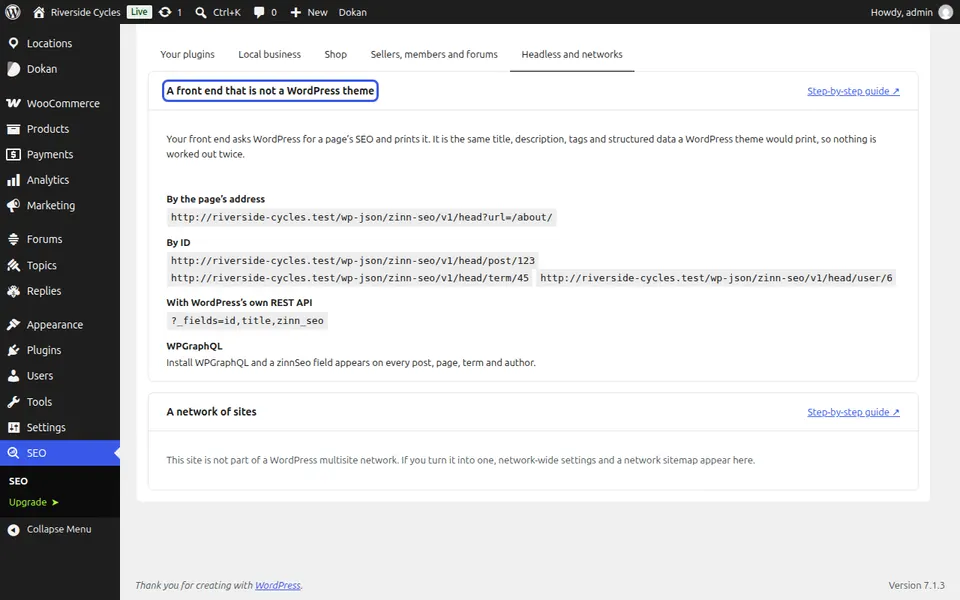
Ask for a page's SEO
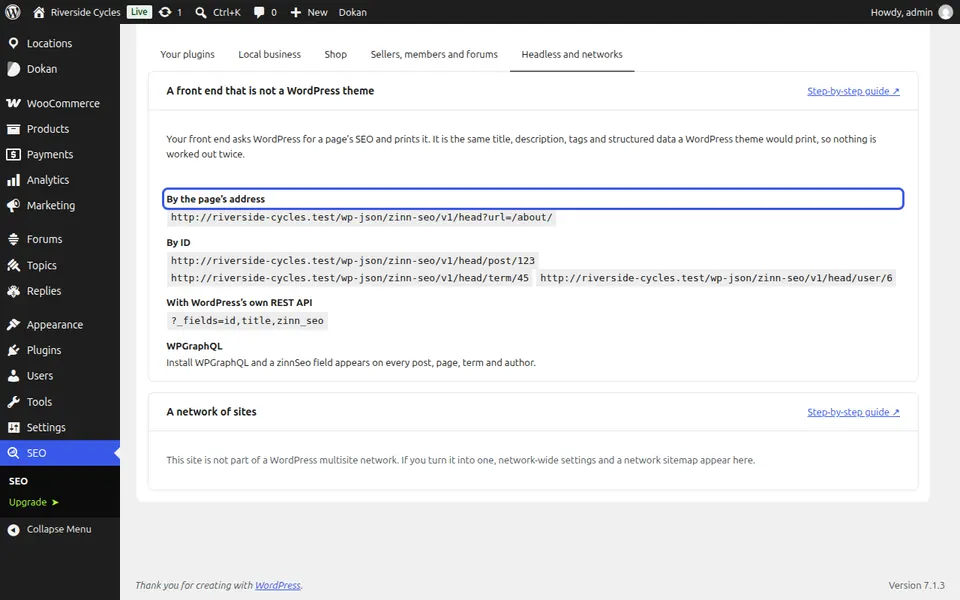
Your front end asks WordPress for a page by its address, or by ID, with WordPress's own REST API. It gets the same title, description, tags, structured data, breadcrumbs and redirects a theme would print.
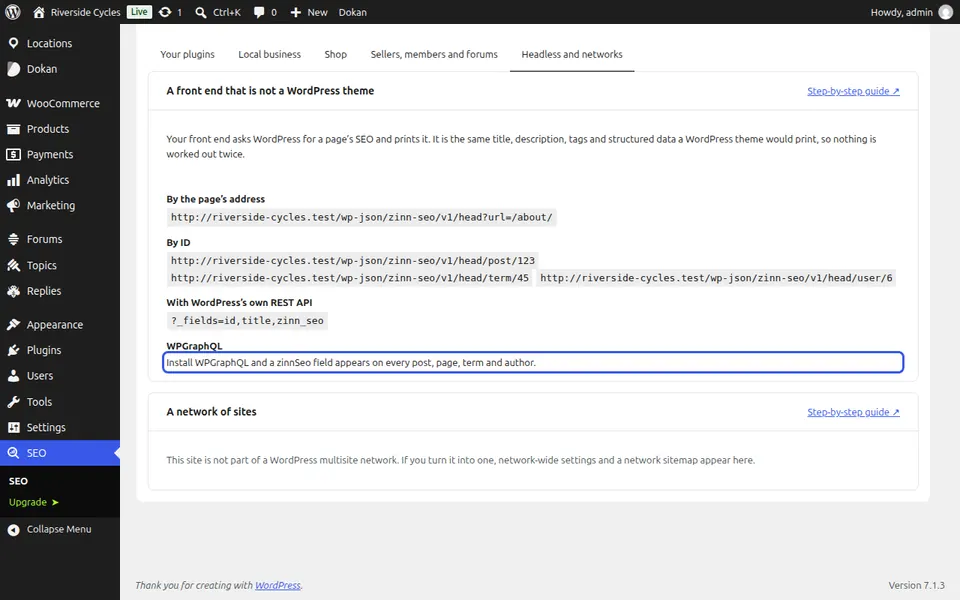
Or use WPGraphQL
Install WPGraphQL and a zinnSeo field appears on every post, page, term and author.
Next guide: Use Zinn® SEO with your page builder
From the same team
Want fast hosting to go with it?
Zinn Digital® hosts WordPress on its own servers, with a CDN, DNS, TLS and daily backups included in every plan.