 Zinn® SEO
Add credit and see what each check costs
Checks are paid as you go, from a fraction of a cent each. See your credit, add more and see every price first.
Open Credit
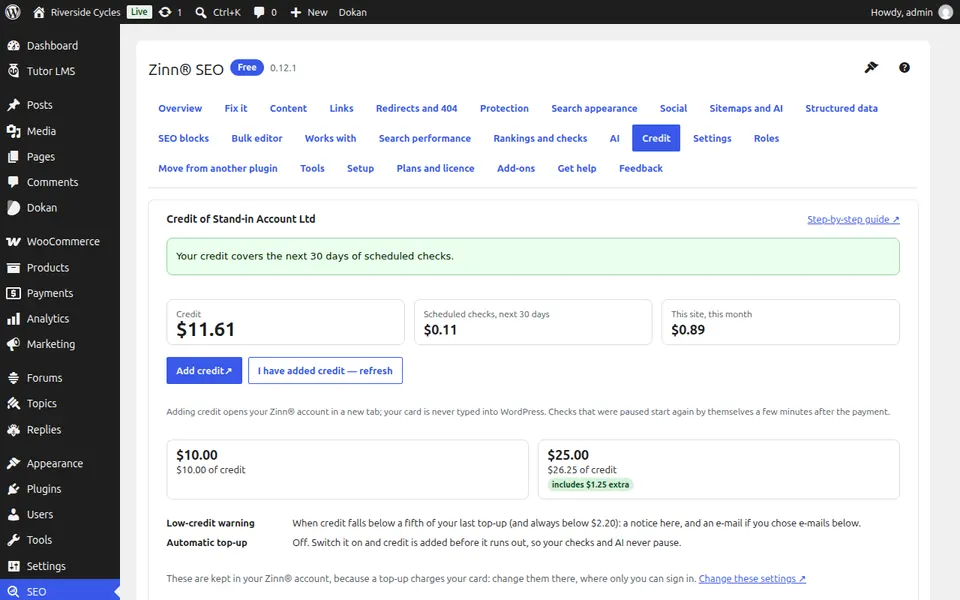
Go to SEO, Credit. You see your credit, how long it lasts at your current pace and the scheduled checks for the next 30 days.
See what each check costs
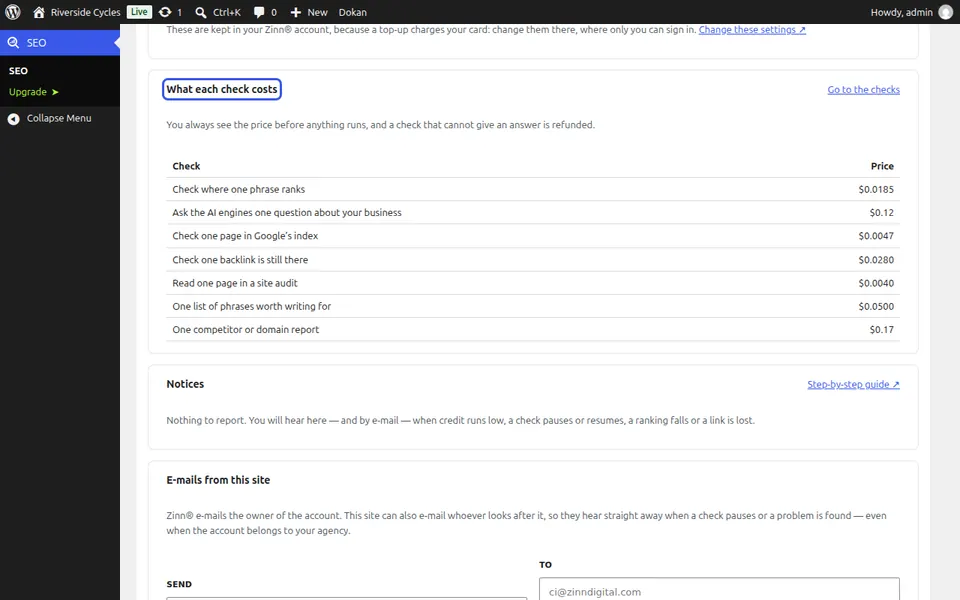
What each check costs lists every check with its price. You always see the price before anything runs, and a check that cannot give an answer is refunded.
Add credit
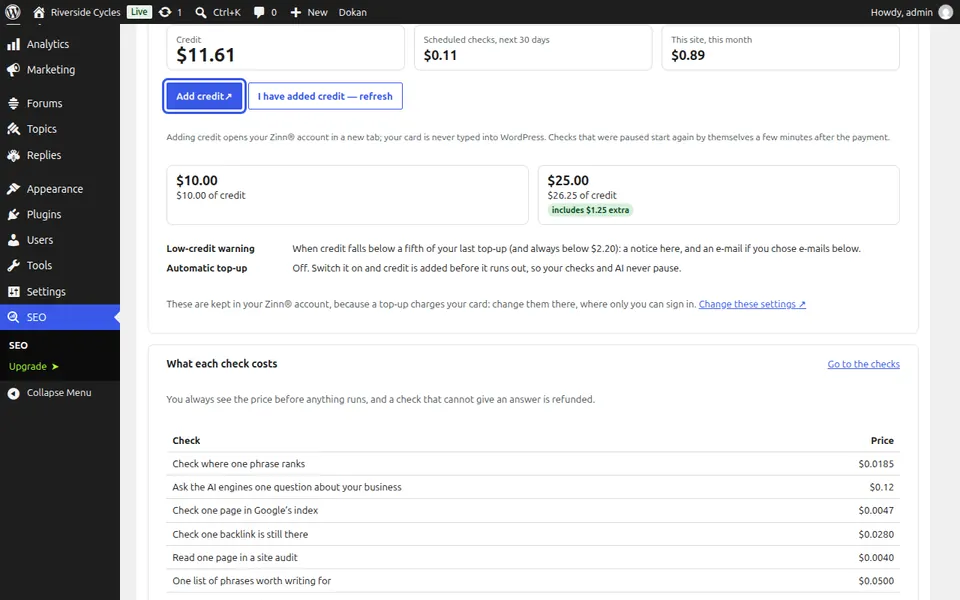
Press Add credit. Your Zinn® account opens in a new tab, so your card is never typed into WordPress. Paused checks start again by themselves a few minutes after the payment.
Keep an eye on this site's spending
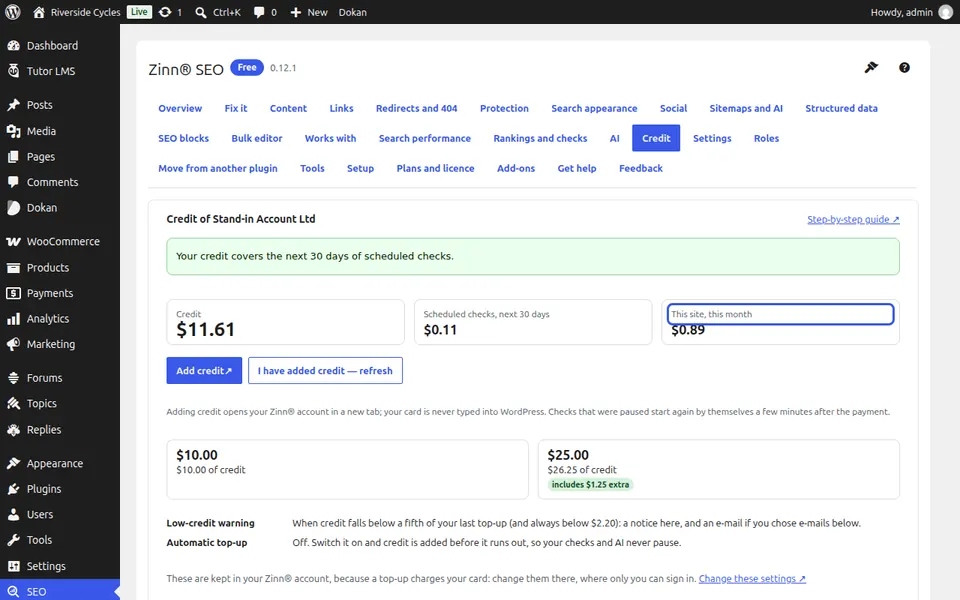
This site, this month shows what this site has spent. A monthly limit for the site, set in your Zinn® account, caps it, so a big job can never surprise you.
Next guide: Connect your site to a Zinn® account
From the same team
Want fast hosting to go with it?
Zinn Digital® hosts WordPress on its own servers, with a CDN, DNS, TLS and daily backups included in every plan.