 Zinn® SEO
Build landing pages from a spreadsheet (Pro)
One page per row of a spreadsheet or Google Sheet, each with its own SEO title and description; thin and look-alike pages are held back.
Open Pages from a sheet
Go to SEO, Pages from a sheet.
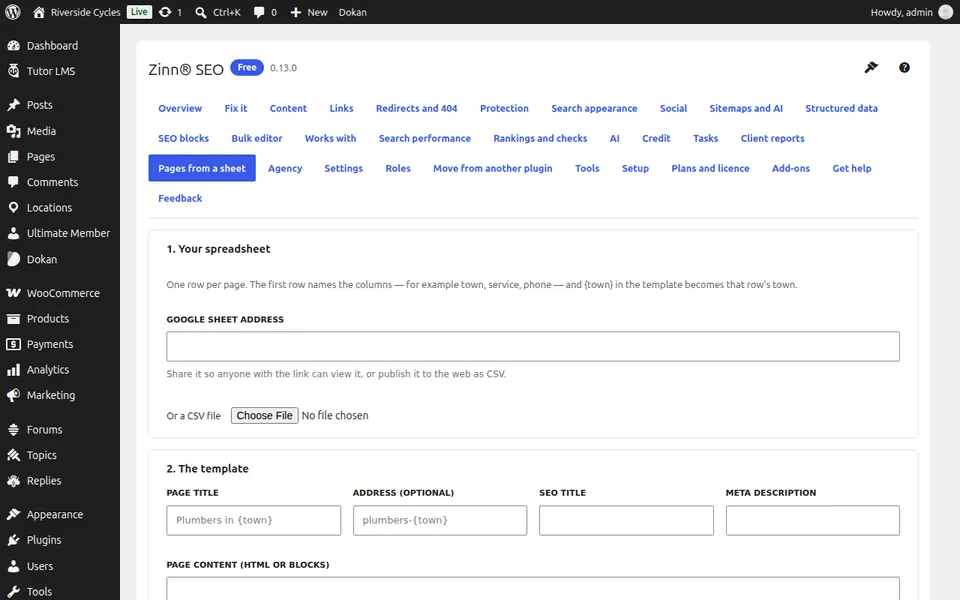
Give it your spreadsheet
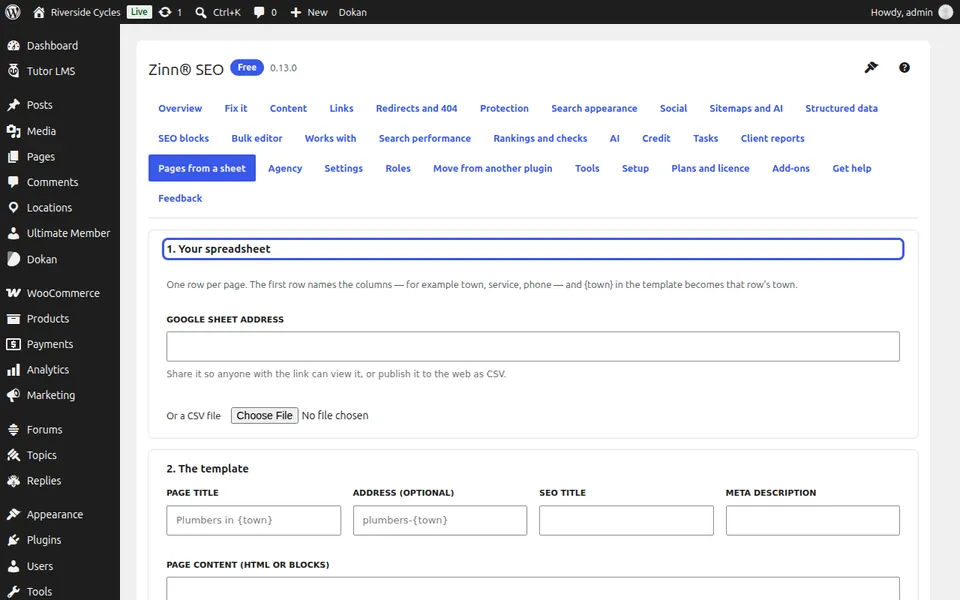
Under 1. Your spreadsheet, paste a Google Sheet address or load a CSV file. The first row names the columns, for example town, service, phone.
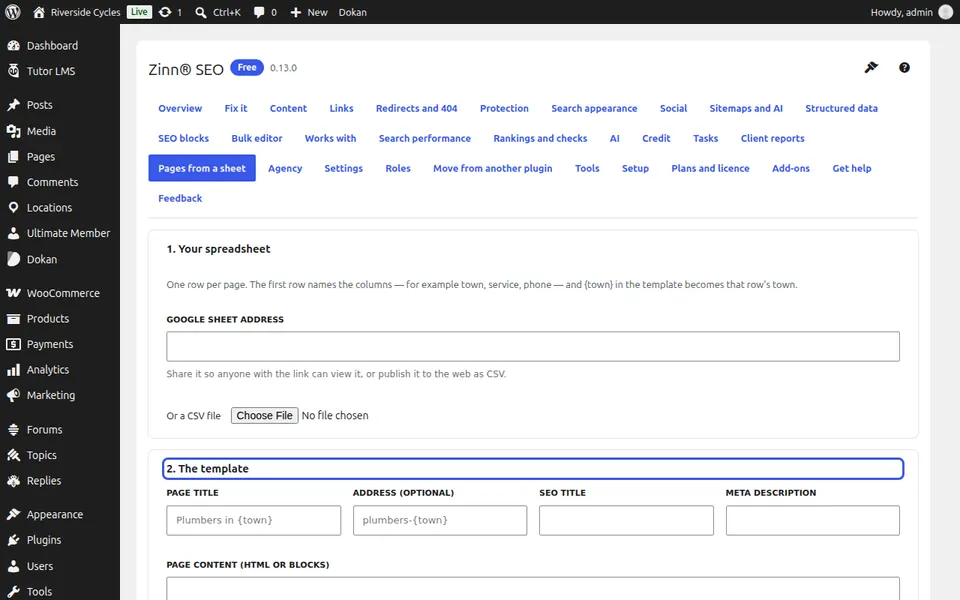
Write the template
Under 2. The template, write the page title, address, SEO title, meta description and content. Put a column's name in curly brackets where its value goes, for example the town.
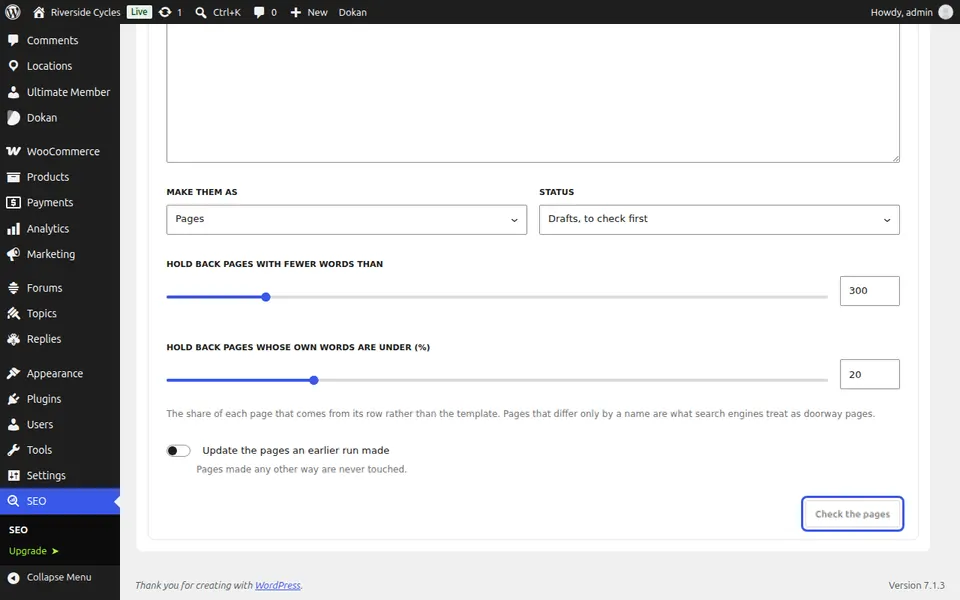
Check, then make the pages
Press Check the pages. 3. What will happen lists new, updated and held-back pages and why. Press Make the pages; Remove the pages this run made undoes it.
Next guide: Use the research toolbox
From the same team
Want fast hosting to go with it?
Zinn Digital® hosts WordPress on its own servers, with a CDN, DNS, TLS and daily backups included in every plan.