 Zinn® SEO
Use the research toolbox
Eleven research tools inside WordPress that you would normally pay a monthly subscription for elsewhere. You pay only for what you run, from your Zinn® credit, and every tool shows its price first.
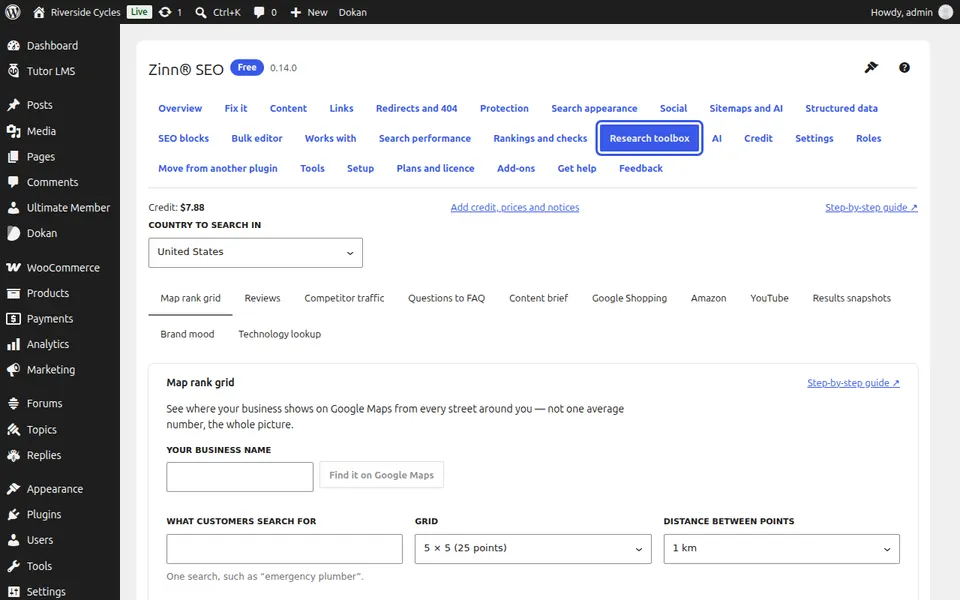
Open the research toolbox
In WordPress, go to SEO, Research toolbox. If the site is not connected to a Zinn® account yet, press Connect this site and approve it in the new tab (see the guide Connect your site to a Zinn® account).
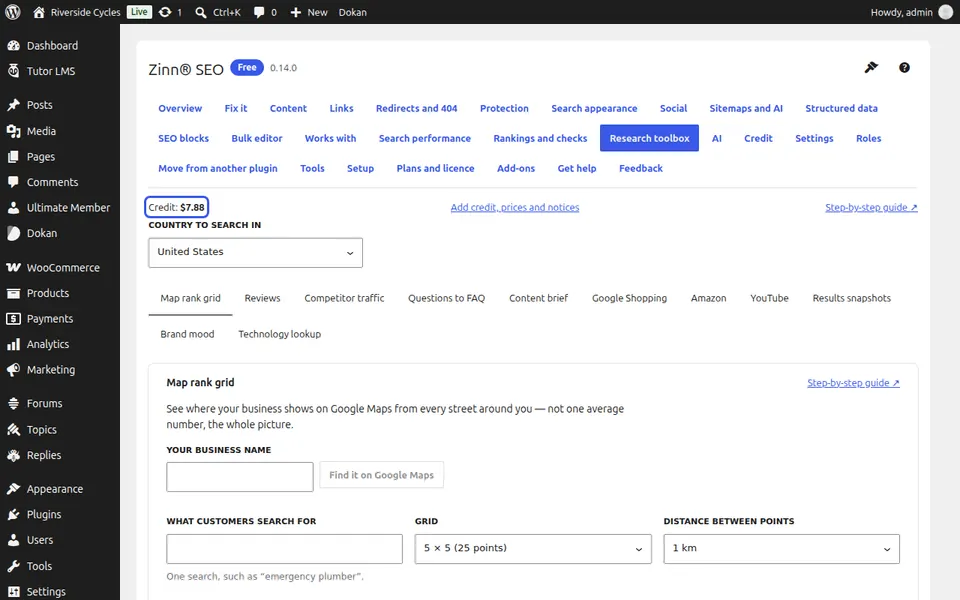
Check your credit
At the top you see your credit, with a link to add credit, see every price and choose your notices.
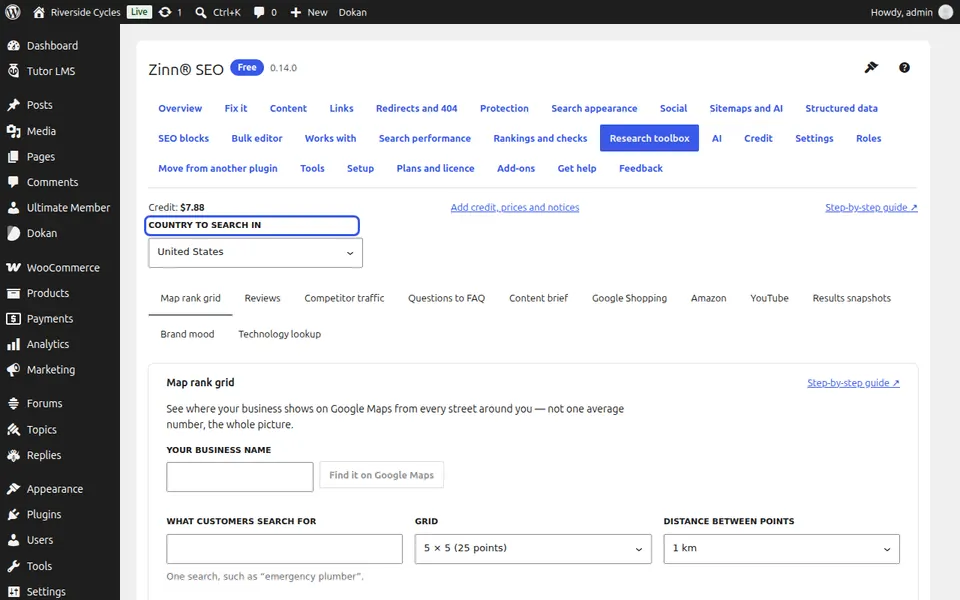
Choose the country to search in
Every tool that searches Google, YouTube, Google Shopping or Amazon asks in that country and its language.
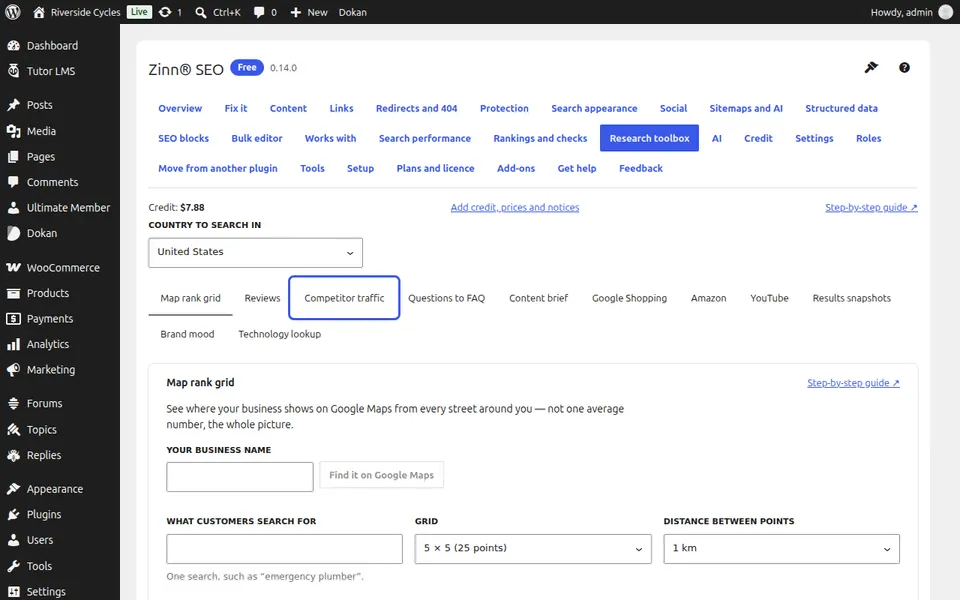
Pick a tool
Choose a tool from the tabs: Map rank grid, Reviews, Competitor traffic, Questions to FAQ and Content brief. With Zinn® SEO Pro you also get Google Shopping, Amazon, YouTube, Results snapshots, Brand mood and Technology lookup.
Fill in what the tool asks for
The price line under the button changes as you type, so you always know what a check will cost.
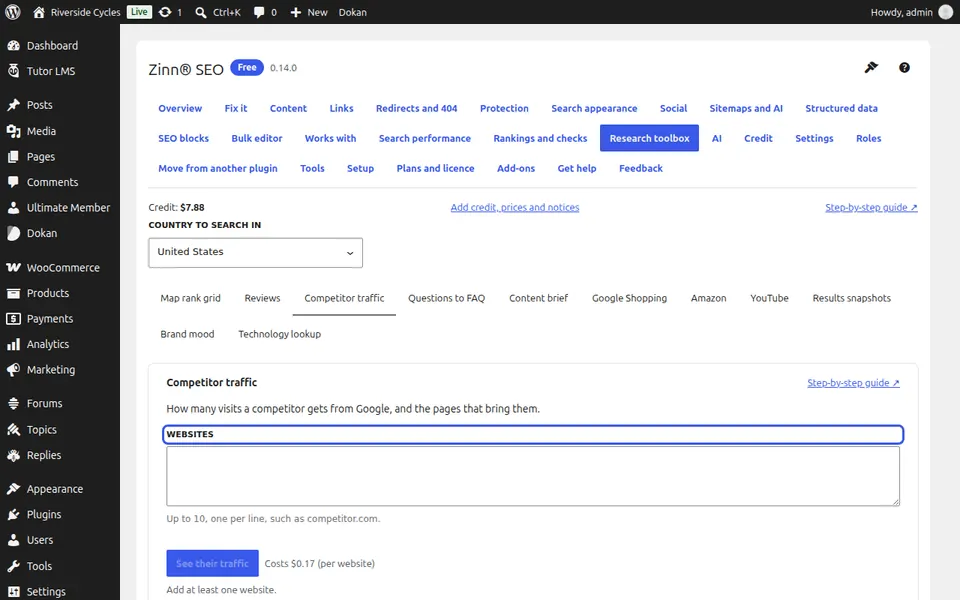
Run it
Press the tool's button and confirm with Yes, run it. Most answers arrive within a minute, and you can leave the page and come back.
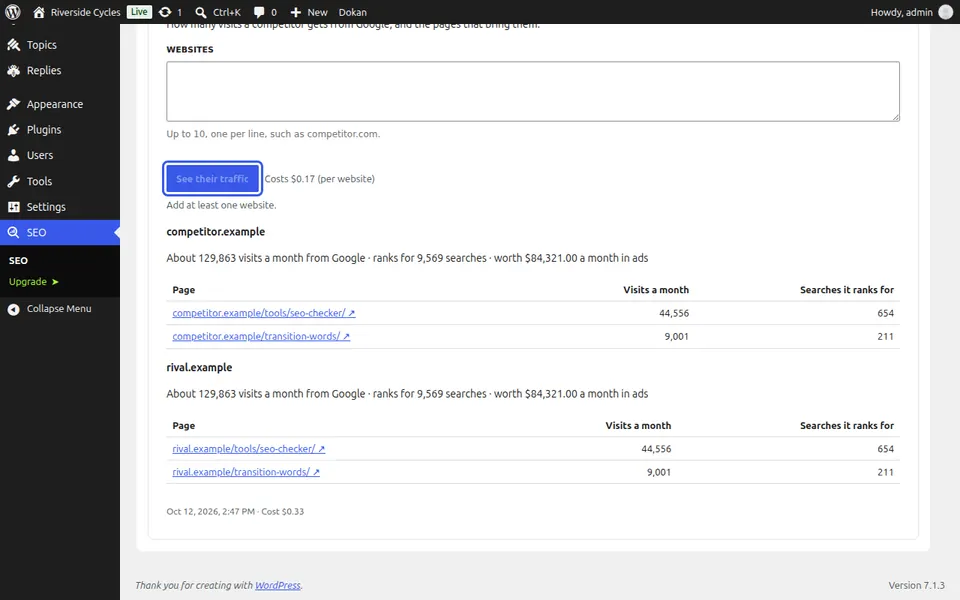
Compare with earlier results
Earlier answers stay listed under the form, newest first, so you can compare them.
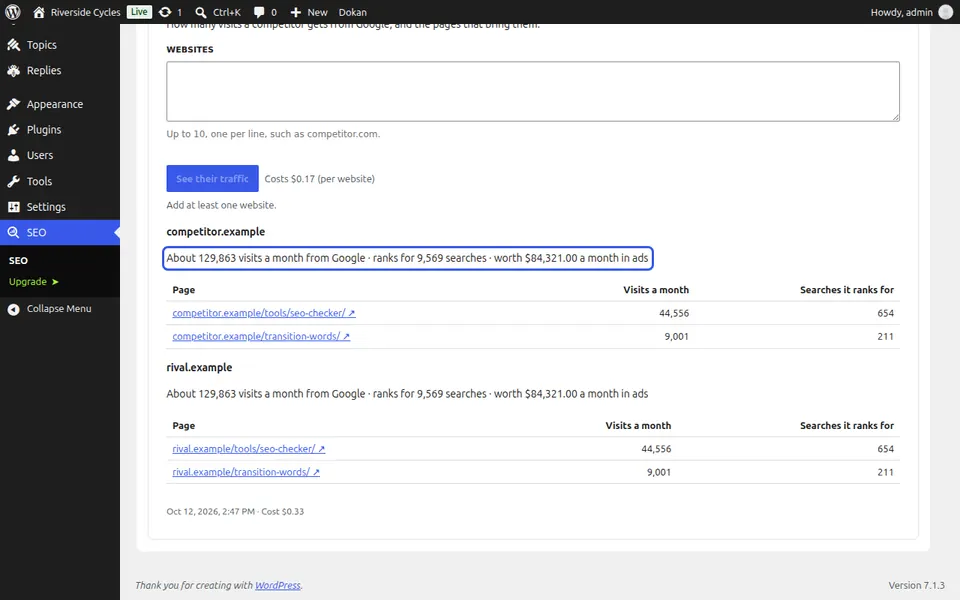
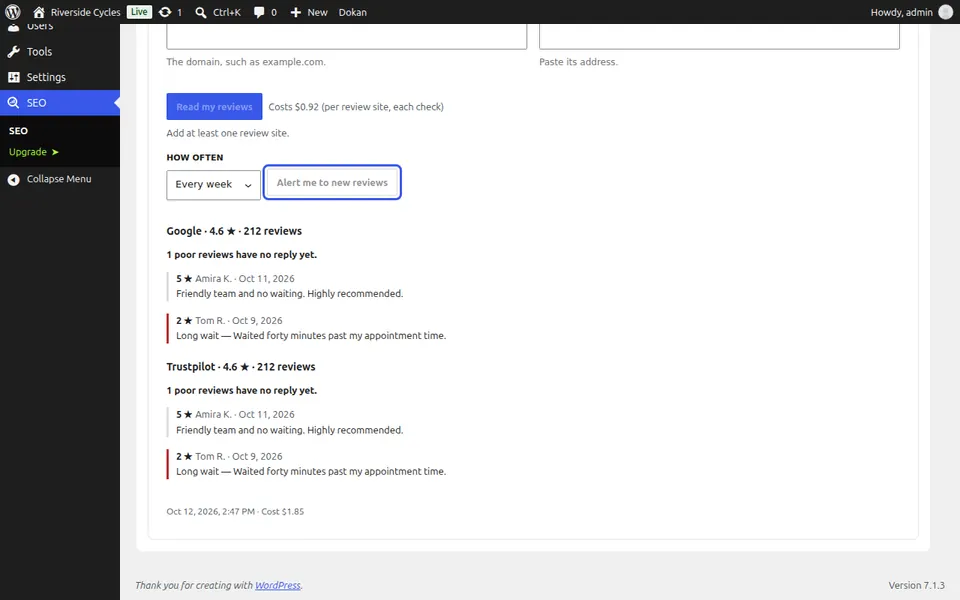
Run a check on a schedule
Tools that watch something (map grid, reviews, Shopping, Amazon, YouTube, snapshots and brand mood) can run every day, week or month. If your credit runs out, nothing is charged: scheduled checks pause and carry on by themselves after a top-up, and you are told by e-mail and inside WordPress.
Next guide: See your Google Maps rank street by street
From the same team
Want fast hosting to go with it?
Zinn Digital® hosts WordPress on its own servers, with a CDN, DNS, TLS and daily backups included in every plan.