 Zinn® SEO
Check spelling, grammar and tone
Check a draft's spelling and grammar in its own language with a LanguageTool server or AI, and see where its tone drifts from the voice your site wants, with one-click fixes.
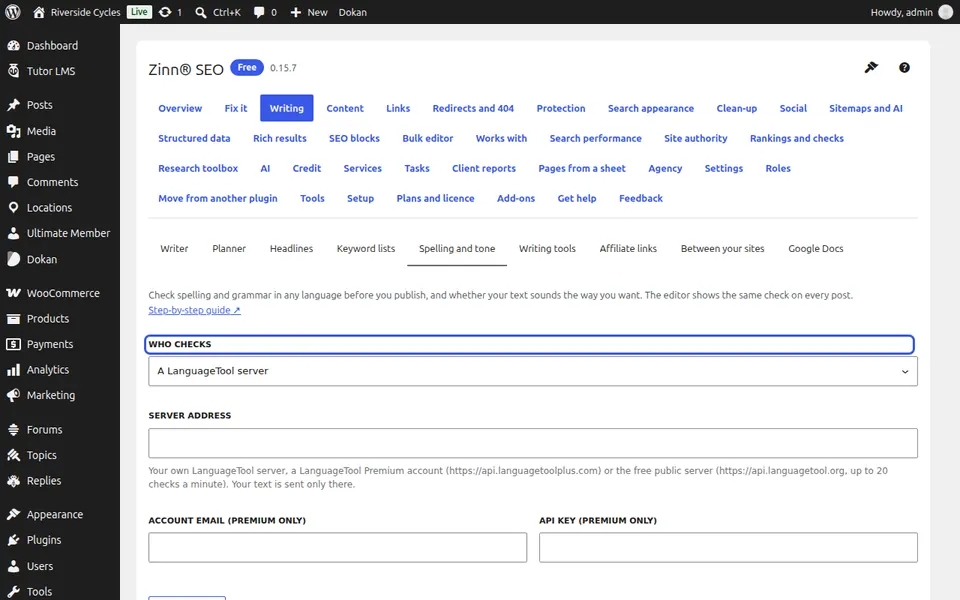
Choose who checks
Go to SEO, Writing, Spelling and tone. Under Who checks choose A LanguageTool server (add its address, and your username and key for a paid account) or AI (your own key, or Zinn® credits with Pro). With AI on your own key, choose its AI model too.
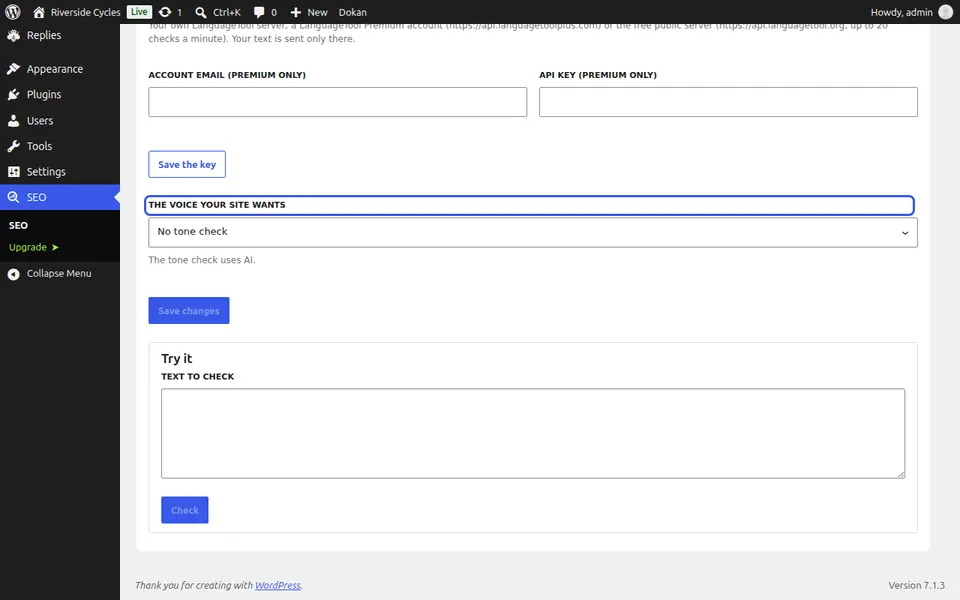
Choose your voice
Under The voice your site wants choose Friendly, Formal or another voice, or No tone check.
Check a post
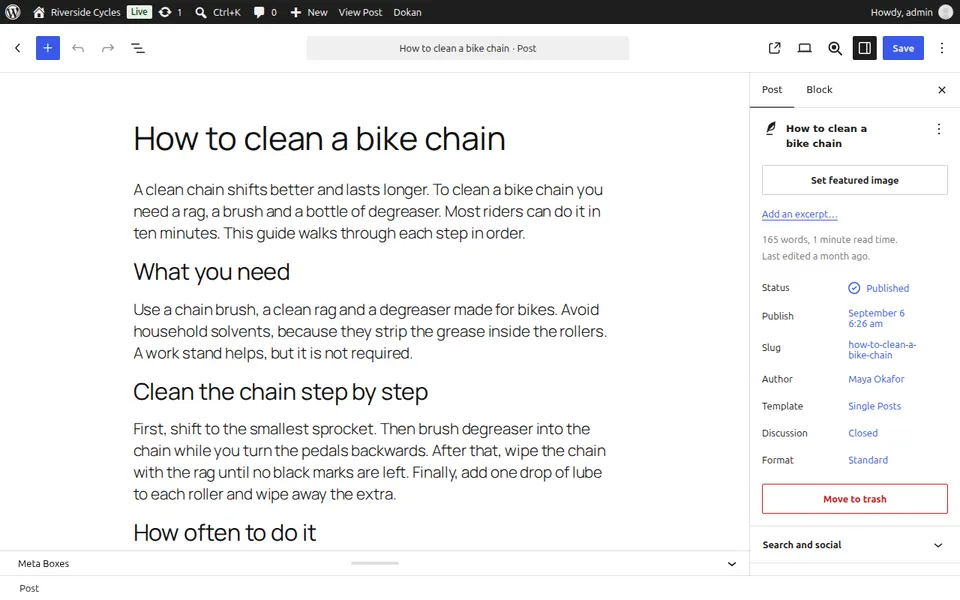
In the editor, open Writing help, Spelling, grammar and tone and press Check the text. Each issue shows its fix; press it to put it in the text.
Next guide: Use Surfer, Clearscope or Frase guidelines in WordPress
From the same team
Want fast hosting to go with it?
Zinn Digital® hosts WordPress on its own servers, with a CDN, DNS, TLS and daily backups included in every plan.