 Zinn® SEO
Choose which content types search engines see
Keep FAQ, review and other items that are shown inside your pages out of search, the sitemap and the content scores, with a preview and Undo.
Open Content types
Go to SEO, Search appearance, Content types. Every kind of content on your site is listed, including the ones other plugins and your theme add, with who added it and how many items it has.
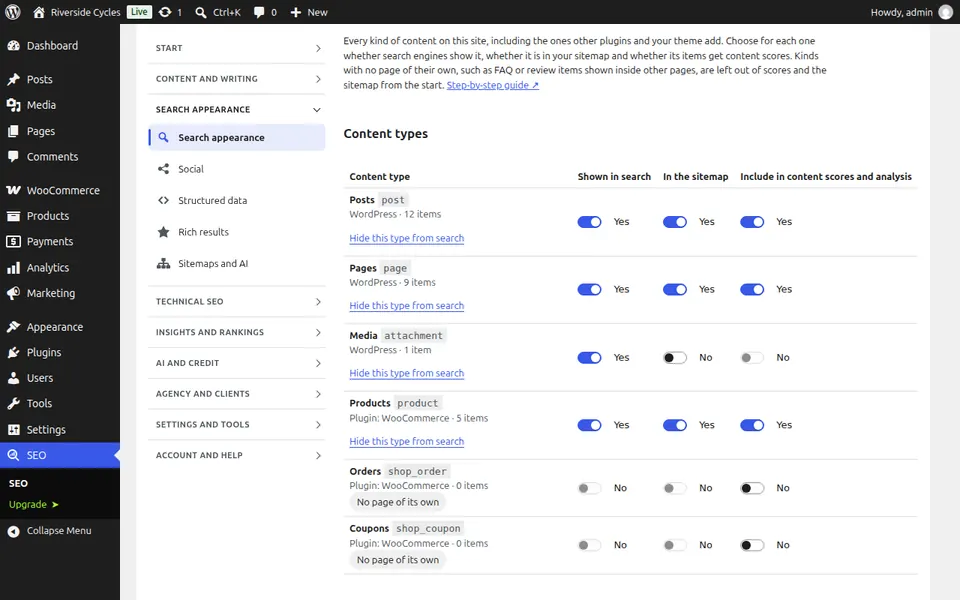
See which types have no page of their own
A type marked No page of its own, such as FAQ or review items shown inside other pages, is kept out of search, the sitemap and the content scores from the start. Probably shown inside other pages marks a type that does have pages but whose name suggests it is shown inside others: check it before you hide it.
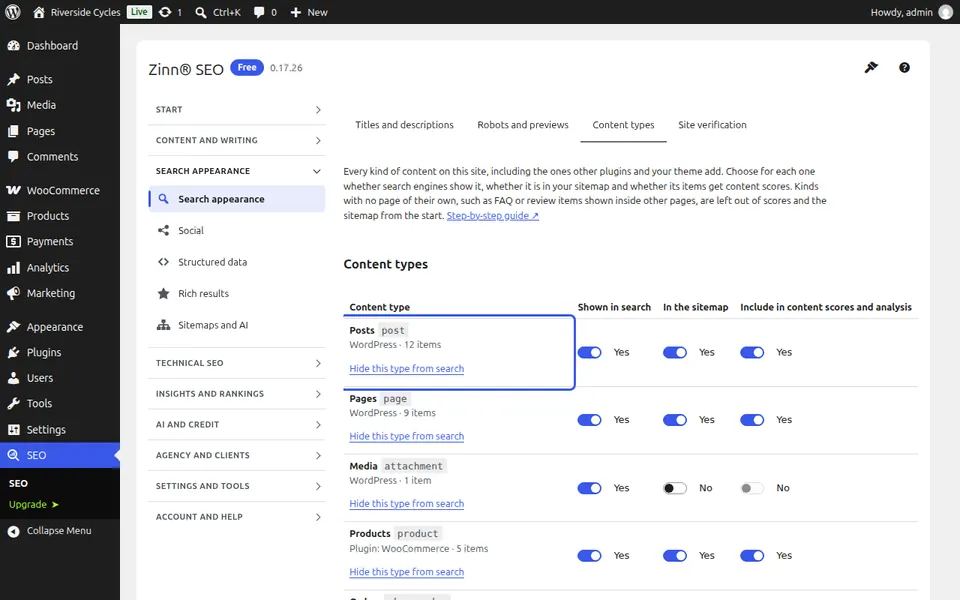
Hide a type from search
Press Hide this type from search under a type, or Hide the suggested types from search for all of them at once. You see each type and how many items it has before anything changes. Its items are then kept out of search results and the sitemap and are no longer scored. Nothing is deleted.
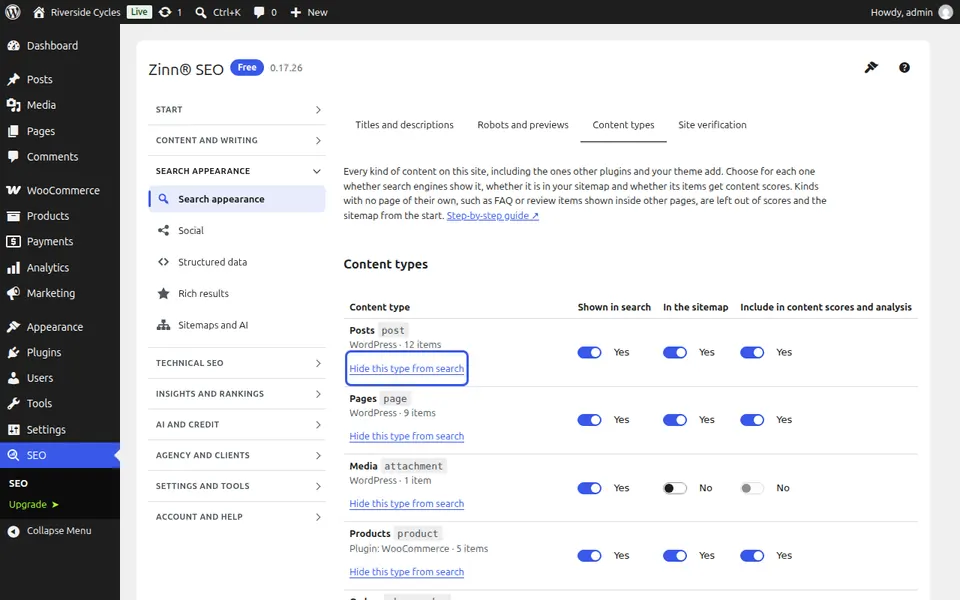
Change one switch, or undo
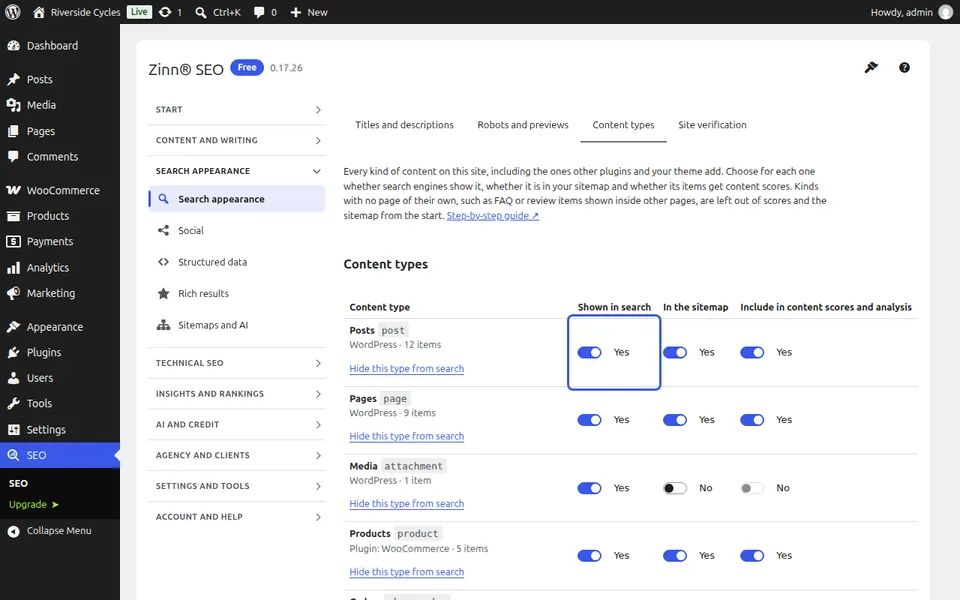
Use the switches to choose, for each type, whether it is Shown in search, In the sitemap and included in content scores and analysis. Undo the last "Hide from search" puts everything back. On Content, Scores, the Hidden types note says how many types are not scored and links here.
Next guide: Edit robots.txt in WordPress
From the same team
Want fast hosting to go with it?
Zinn Digital® hosts WordPress on its own servers, with a CDN, DNS, TLS and daily backups included in every plan.