 Zinn® SEO
Choose your own AI key or Zinn® credits
Use your own key from OpenAI, Anthropic, Google Gemini and others, or pay as you go with Zinn® credits.
Open Settings and costs
Go to SEO, AI, Settings and costs.
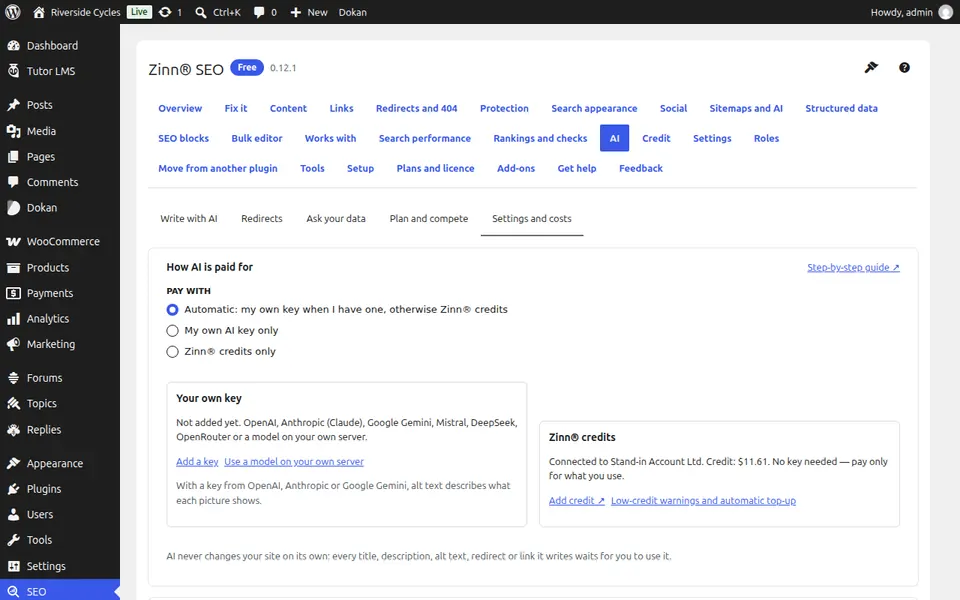
Choose how AI is paid for
Under Pay with, choose Automatic, My own AI key only, or Zinn® credits only.
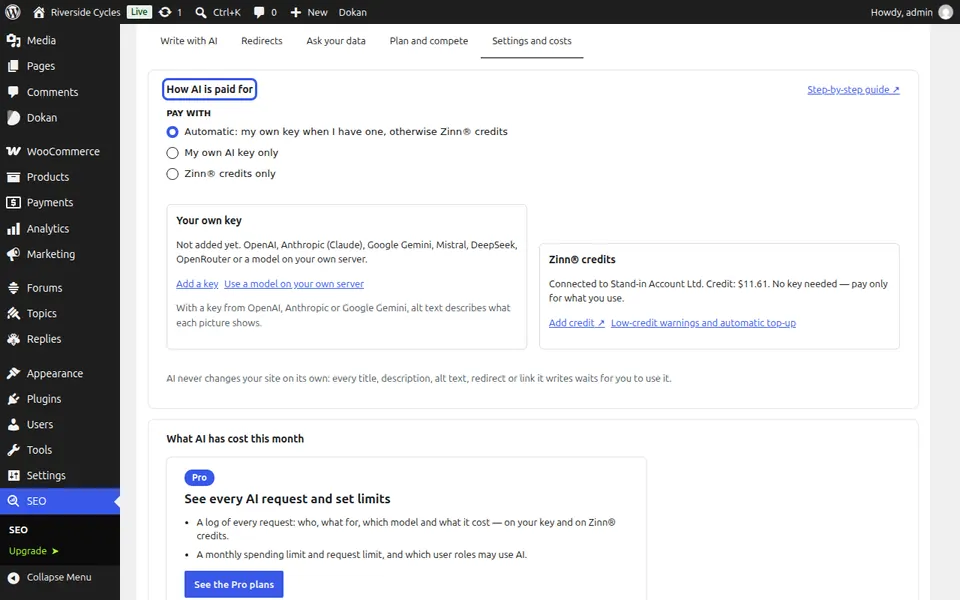
Add your key, or connect
Press Add a key for your own provider; you pay them directly and Zinn® charges nothing. Or press Connect to Zinn® and pay only for what you use.
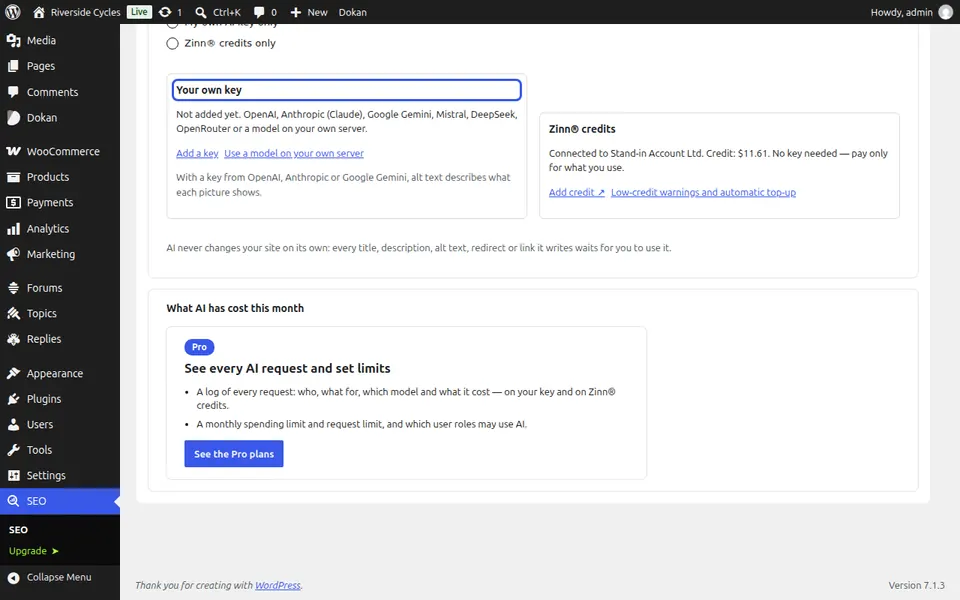
See what AI has cost
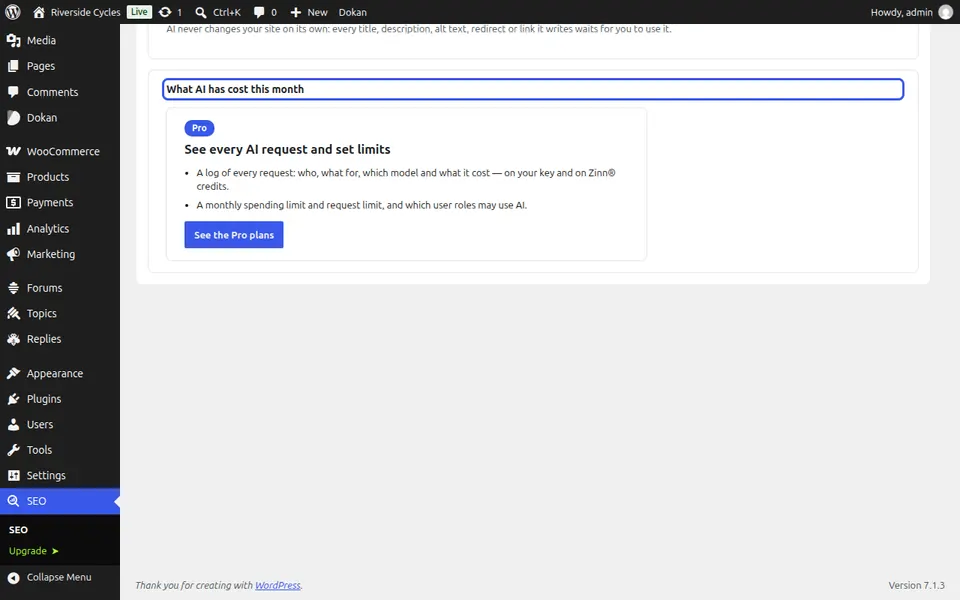
What AI has cost this month shows requests and cost on credits and on your key. AI never changes your site on its own.
Next guide: Redirect missing pages with AI (Pro)
From the same team
Want fast hosting to go with it?
Zinn Digital® hosts WordPress on its own servers, with a CDN, DNS, TLS and daily backups included in every plan.