 Zinn® SEO
Connect Bing Webmaster Tools
Bing powers Bing, Yahoo, DuckDuckGo and ChatGPT search. See its searches and clicks, and send your sitemap.
Open the Bing tab
Go to SEO, Search performance, Bing.
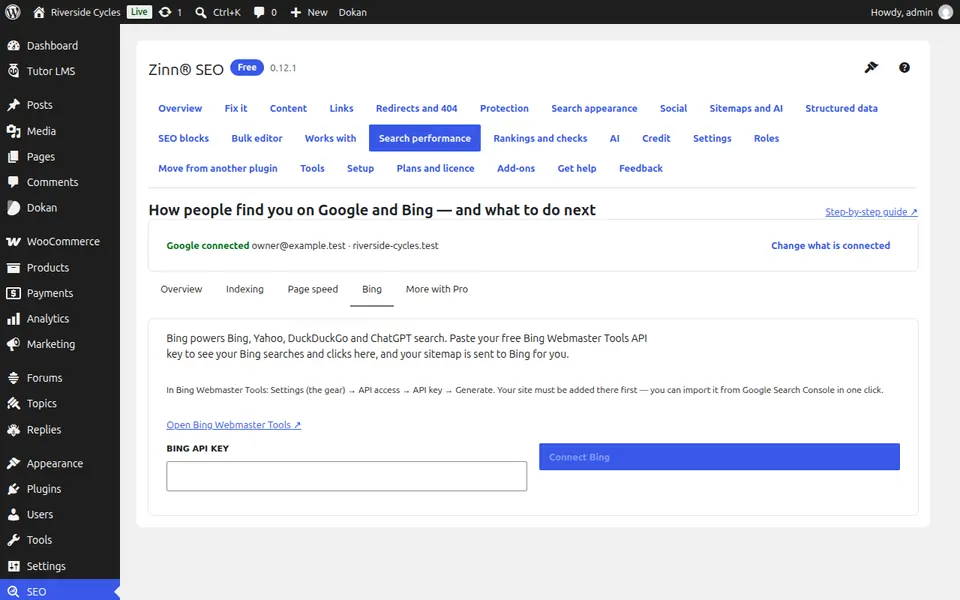
Get your free API key
In Bing Webmaster Tools open Settings (the gear), API access, API key, Generate. Add your site there first; you can import it from Google Search Console in one click.
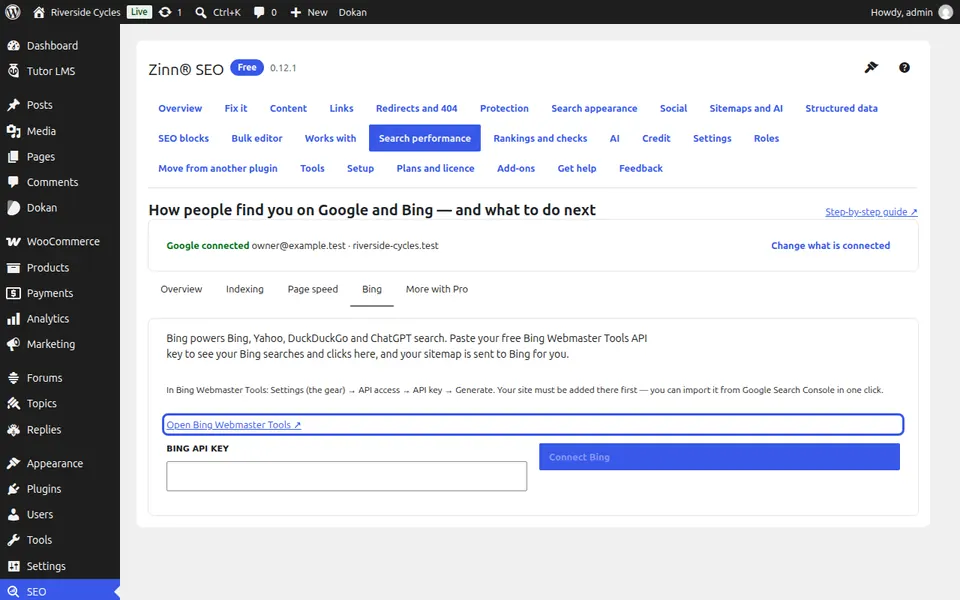
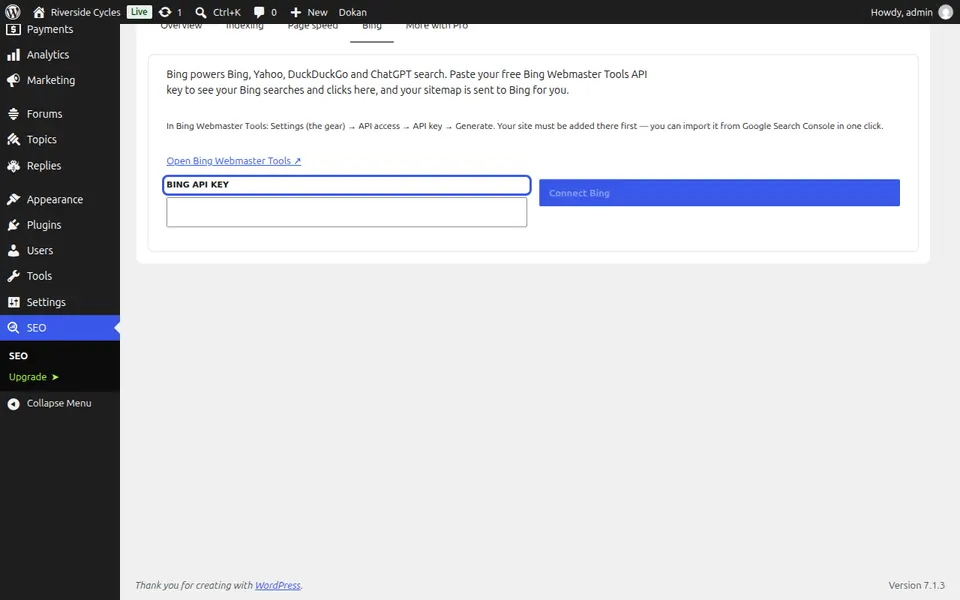
Paste it and connect
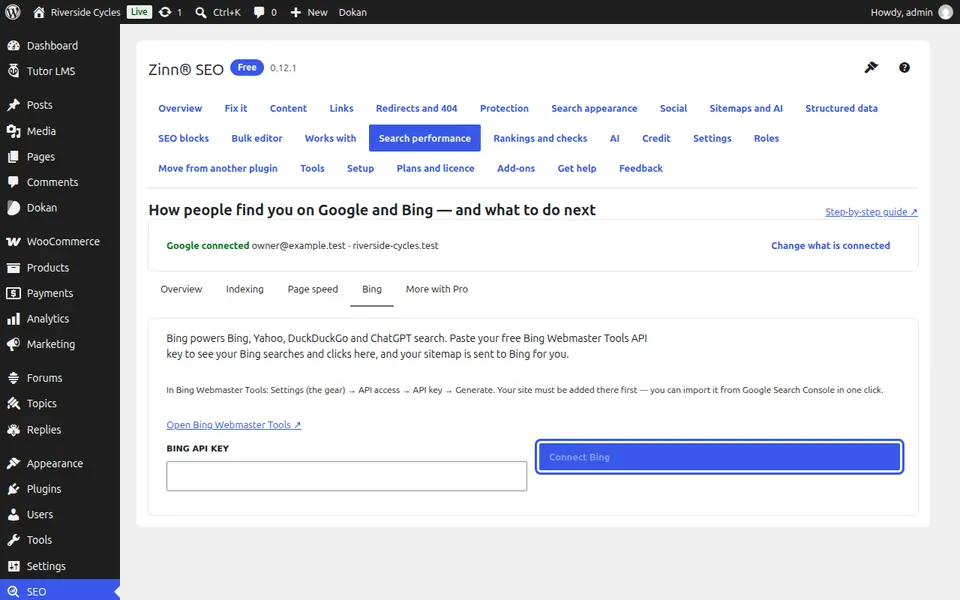
Paste the key in Bing API key and press Connect Bing. Your sitemap is sent to Bing for you.
Read your Bing figures
Clicks from Bing day by day, top Bing searches and top pages on Bing appear on the same tab.
Next guide: See which pages Google has indexed, and why not
From the same team
Want fast hosting to go with it?
Zinn Digital® hosts WordPress on its own servers, with a CDN, DNS, TLS and daily backups included in every plan.