 Zinn® SEO
See which pages Google has indexed, and why not
Google's own verdict for each page, from your Search Console, checked across the whole site.
Open the Indexing tab
Go to SEO, Search performance, Indexing.
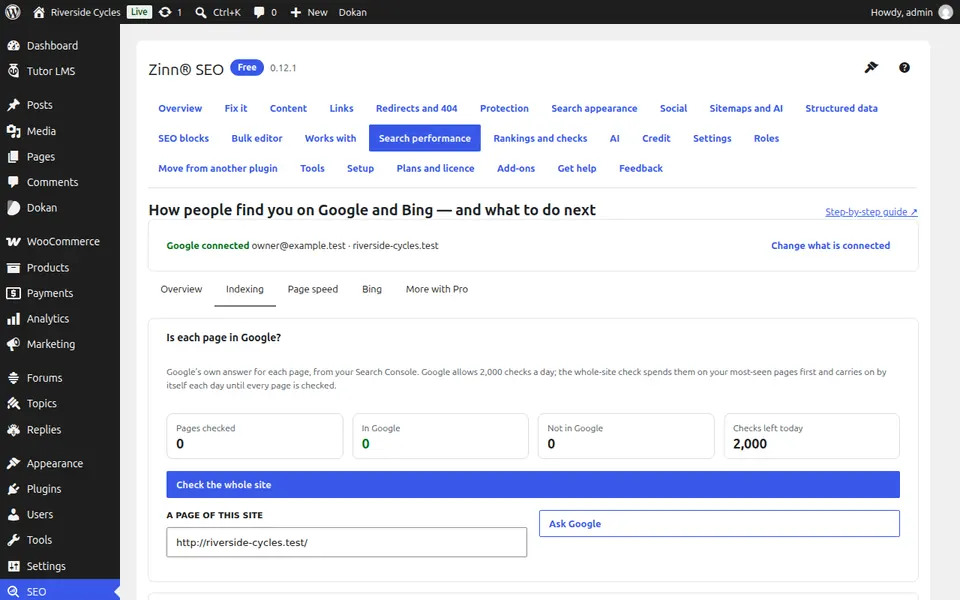
Ask Google about a page
Type a page of this site and press Ask Google. You see Google's answer, when it last read the page, the address Google chose and any rich results.
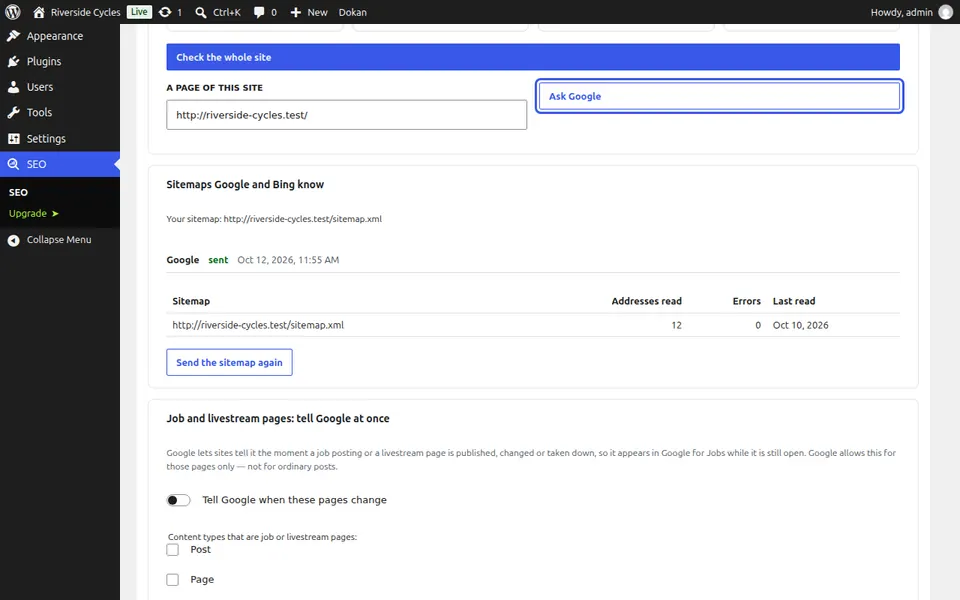
Check the whole site
Check the whole site spends Google's daily allowance on your most-seen pages first and carries on by itself each day until every page is checked.
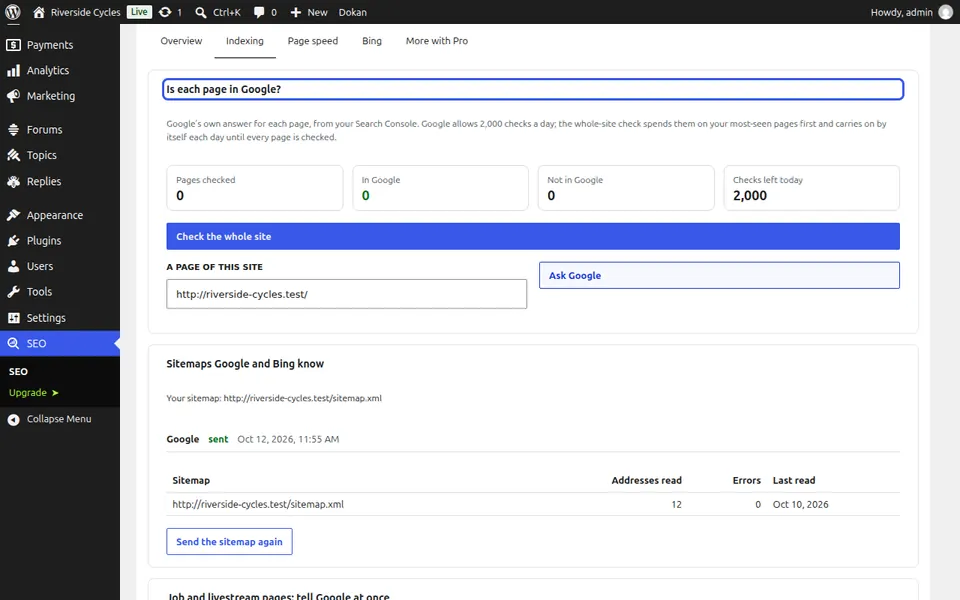
Fix the pages not in Google
Pages not in Google lists each one with the reason in Google's words. Open in Search Console takes you straight there.
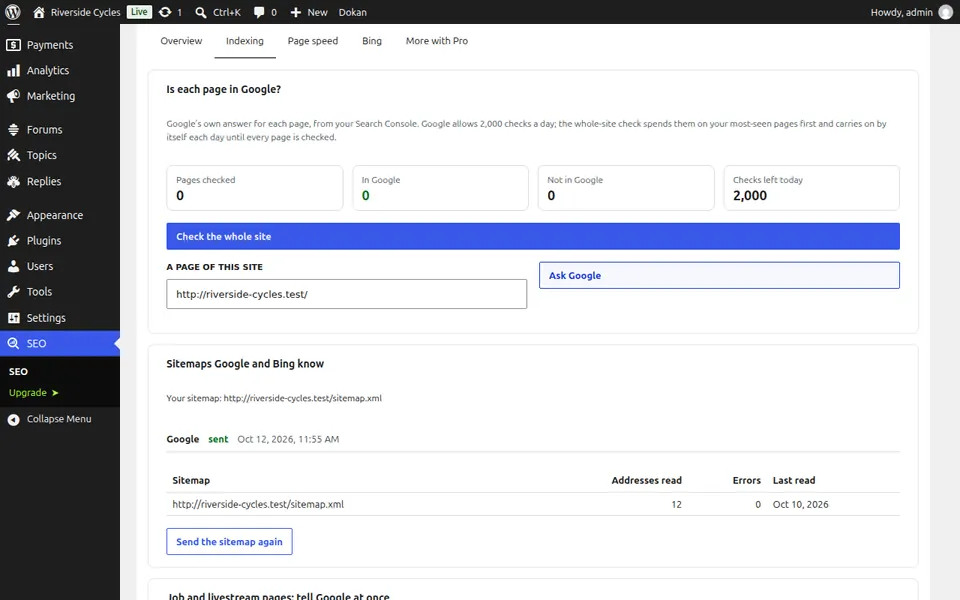
Next guide: Tell Google about job and livestream pages
From the same team
Want fast hosting to go with it?
Zinn Digital® hosts WordPress on its own servers, with a CDN, DNS, TLS and daily backups included in every plan.