 Zinn® SEO
Edit .htaccess and Nginx rules safely (Pro)
Change your server rules with a syntax check, a backup of every version and an automatic undo if the site stops answering.
Open Server rules
Go to SEO, Tools, Server rules (.htaccess). You see the rules file your server reads.
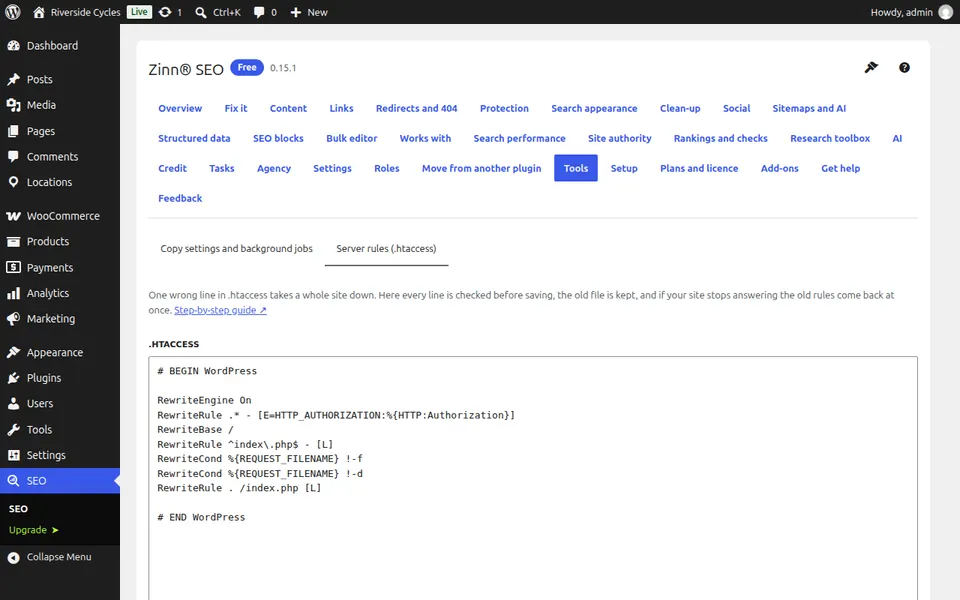
Edit and check
Change the rules and press Check the rules. Mistakes are listed by line before anything is saved.
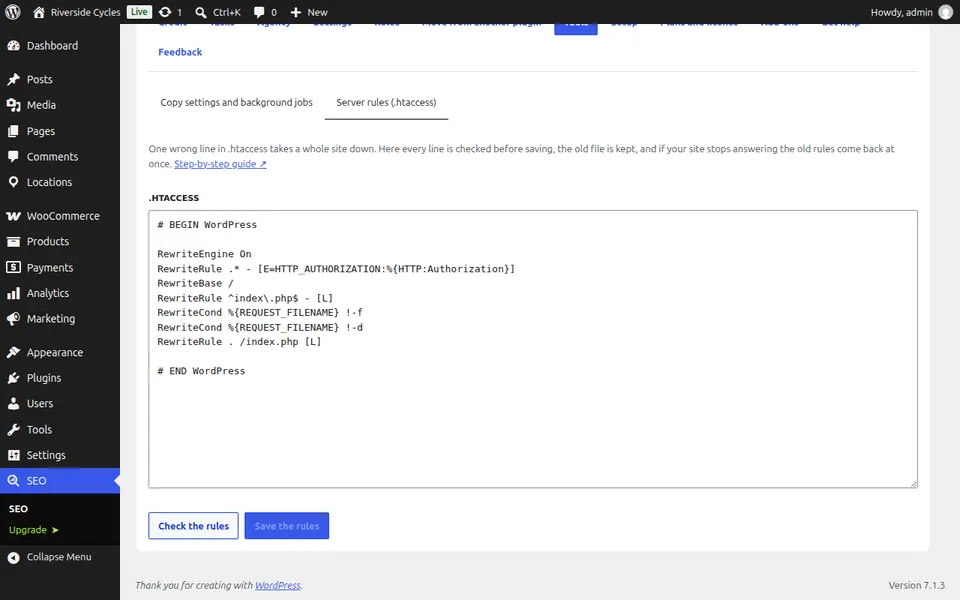
Save the rules
Every save keeps a backup. If your home page, login or admin stop answering after the change, the previous rules go back by themselves.
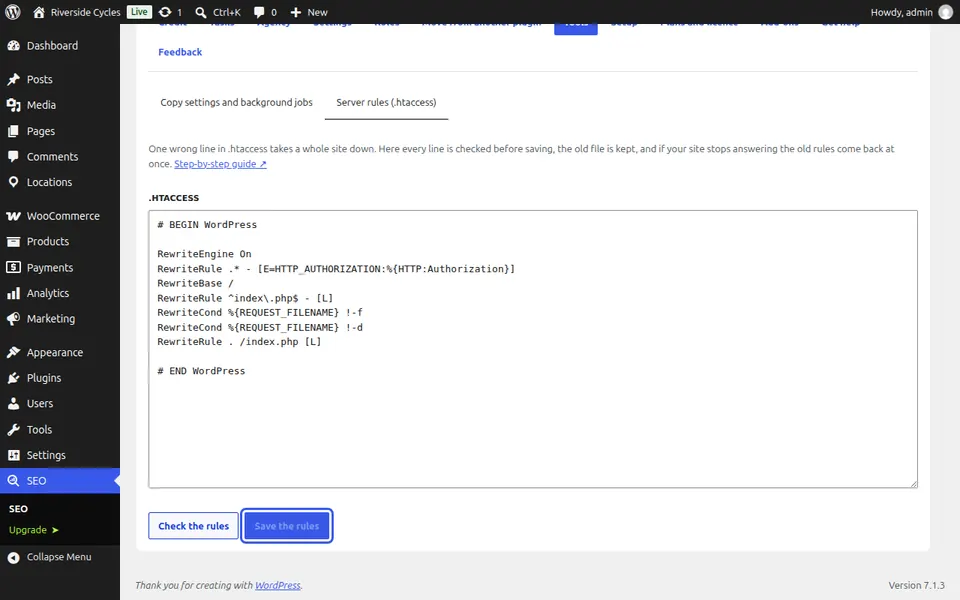
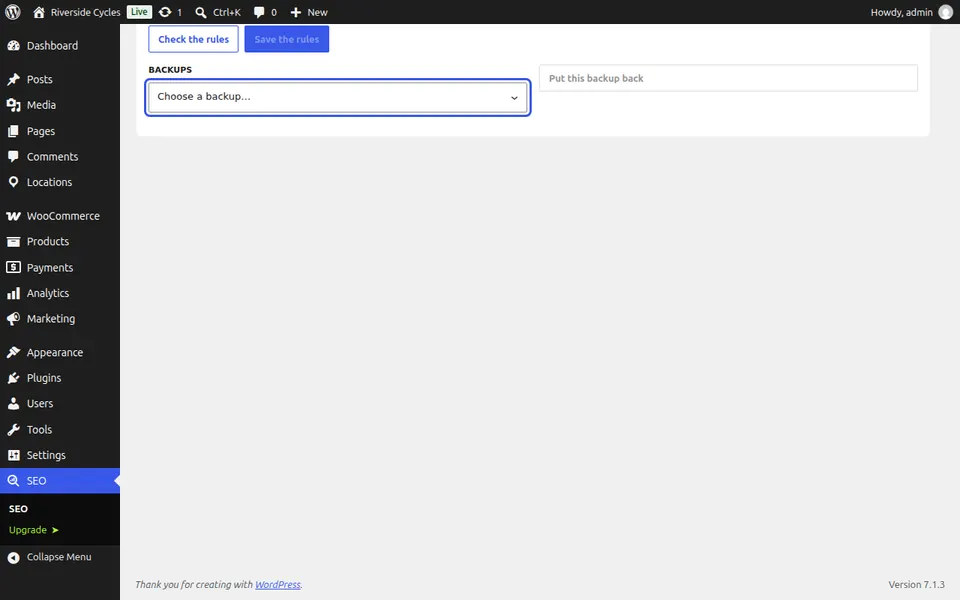
Put a backup back
Under Backups, choose a backup and press Put this backup back.
Next guide: Keep internal links working when an address changes
From the same team
Want fast hosting to go with it?
Zinn Digital® hosts WordPress on its own servers, with a CDN, DNS, TLS and daily backups included in every plan.