 Zinn® SEO
Keep internal links working when an address changes
When a page's address changes, every link to it in your posts and menus is updated, and each change can be undone.
Change a page's address
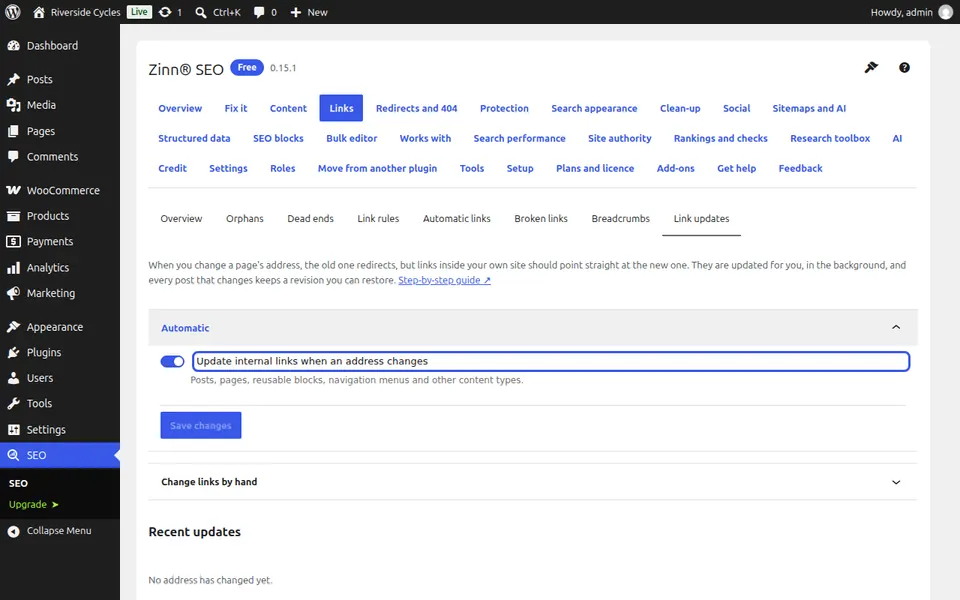
Change a slug as usual. With Update internal links when an address changes on, links in your posts and menus that point at the old address are updated in the background.
See what changed
Go to SEO, Links, Link updates. Recent updates lists each change and how many links were updated.
Change links by hand
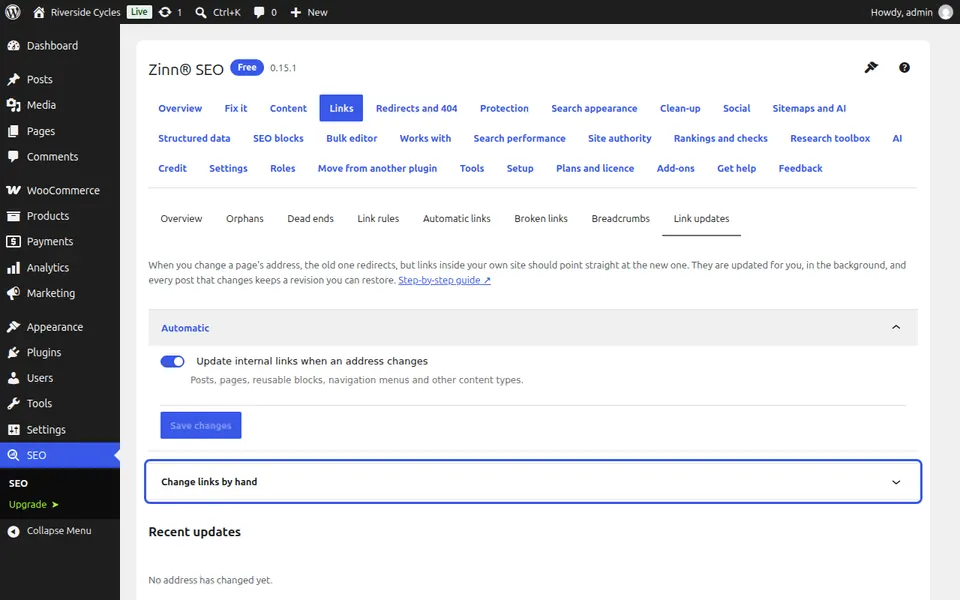
Under Change links by hand, enter the Old address and the New address and press Update the links. Each changed post keeps a revision, so you can go back.
Next guide: Schedule SEO changes (Pro)
From the same team
Want fast hosting to go with it?
Zinn Digital® hosts WordPress on its own servers, with a CDN, DNS, TLS and daily backups included in every plan.