 Zinn® SEO
Schedule SEO changes (Pro)
Change a title, description or search setting at a set time and change it back later, such as for a sale.
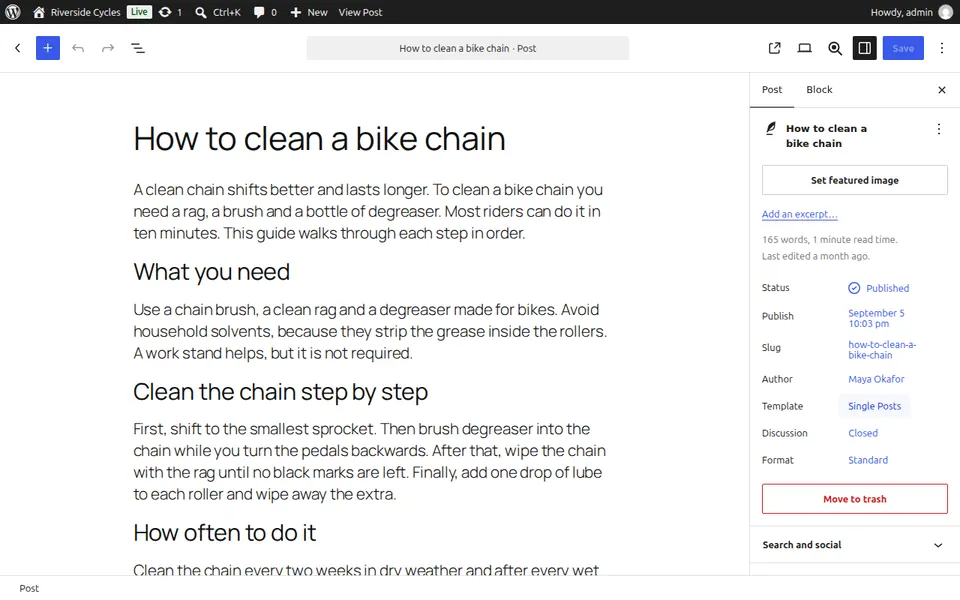
Open the post
Edit the post or page and open Schedule an SEO change in the sidebar.
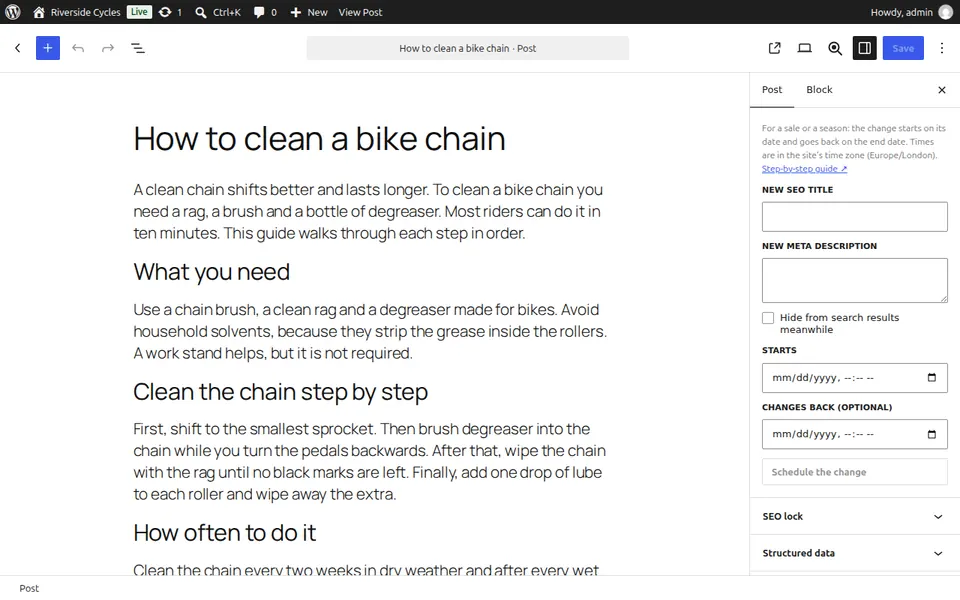
Write the change
Enter a New SEO title or New meta description, or choose Hide from search results meanwhile.
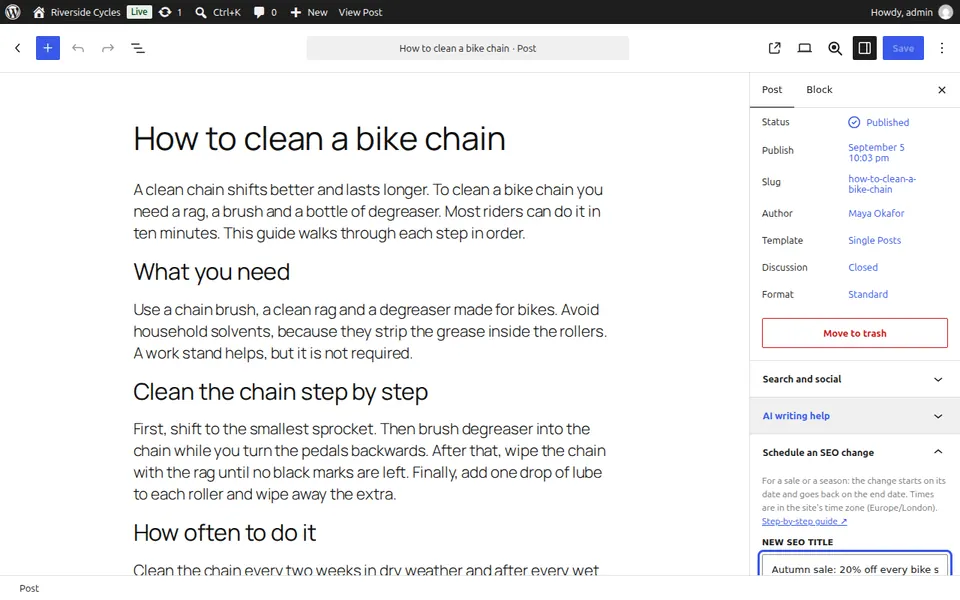
Choose when
Set Starts and, if you want, Changes back (optional). Then press Schedule the change. Times are in your site's time zone.
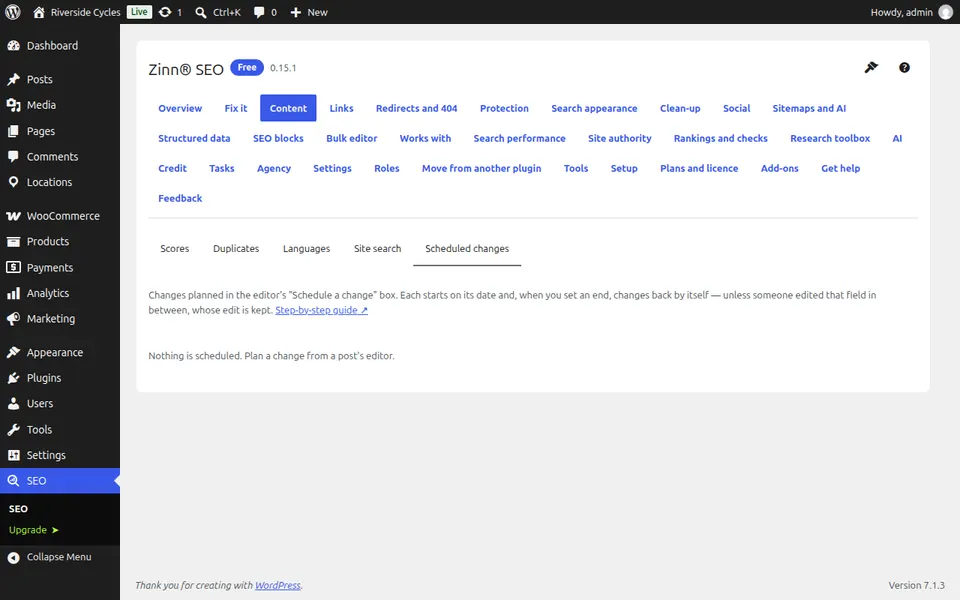
See every scheduled change
Go to SEO, Content, Scheduled changes to see them all, cancel one or change a page back now.
Next guide: Redirect only some visitors (Pro)
From the same team
Want fast hosting to go with it?
Zinn Digital® hosts WordPress on its own servers, with a CDN, DNS, TLS and daily backups included in every plan.