 Zinn® SEO
Find your way around Zinn® SEO
Where everything is: the Overview, the screens, a quick way to jump to any of them, and the guide behind every screen.
Open the Overview
In WordPress, open SEO in the menu. The Overview shows this site's edition and version, with a card for each part of the plugin and a button that takes you straight there.
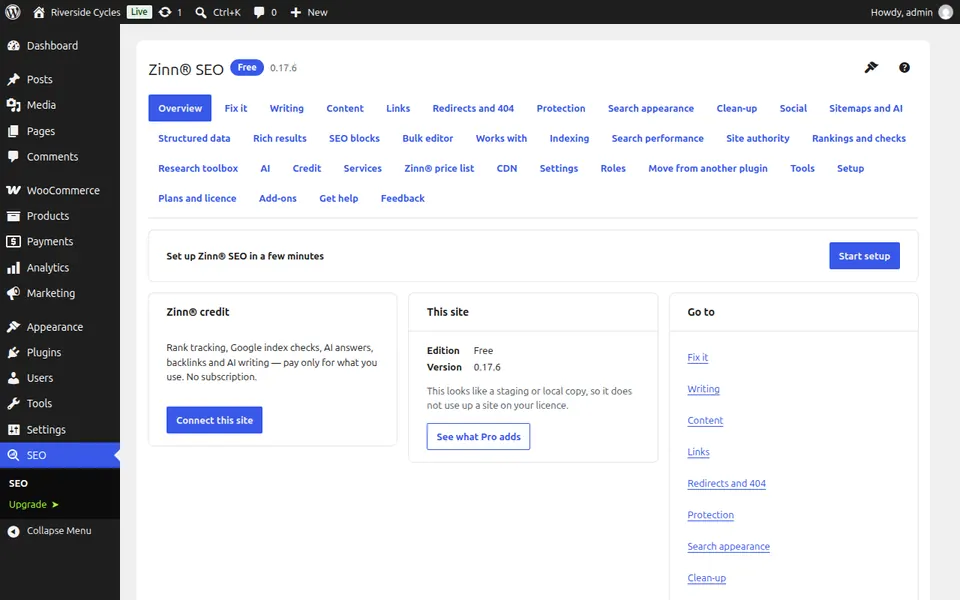
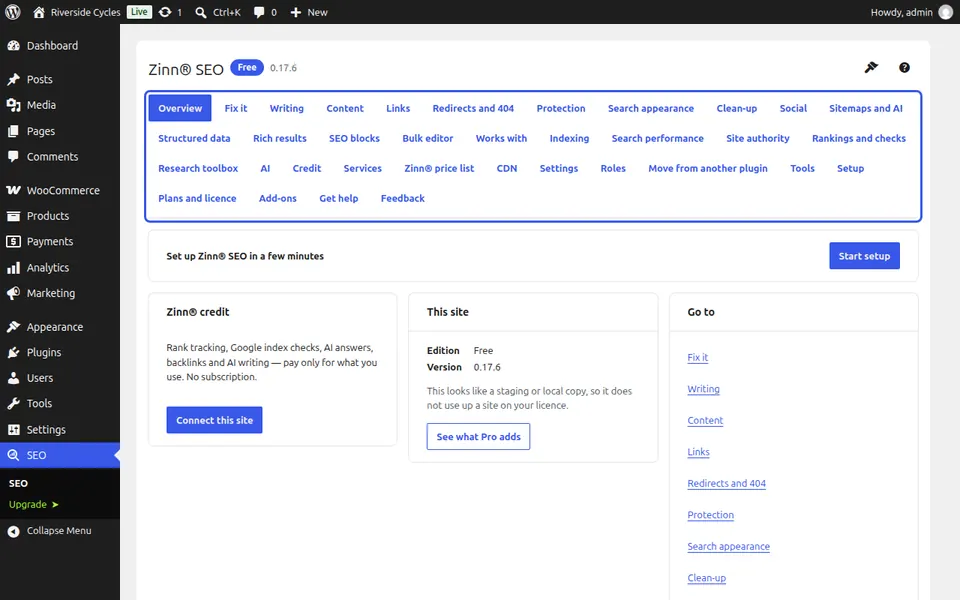
Move between screens
Every screen of the plugin is listed in the menu at the top. Each one has its own address, so you can bookmark it and your browser's Back button works.
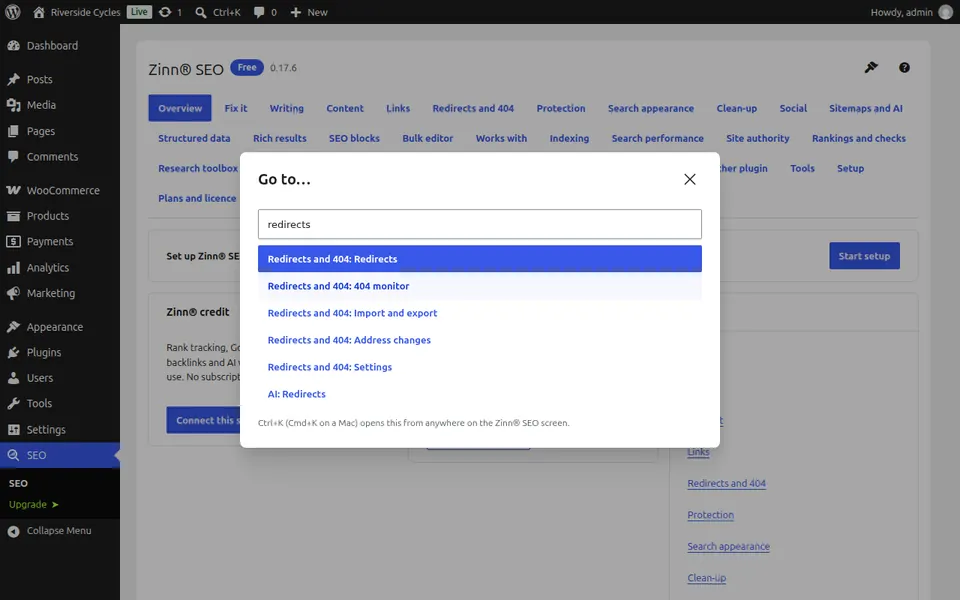
Jump anywhere with the keyboard
On any screen of the plugin press Ctrl+K (Cmd+K on a Mac) and type what you are looking for, such as robots or redirects. Press Enter to go straight to that screen or tab.
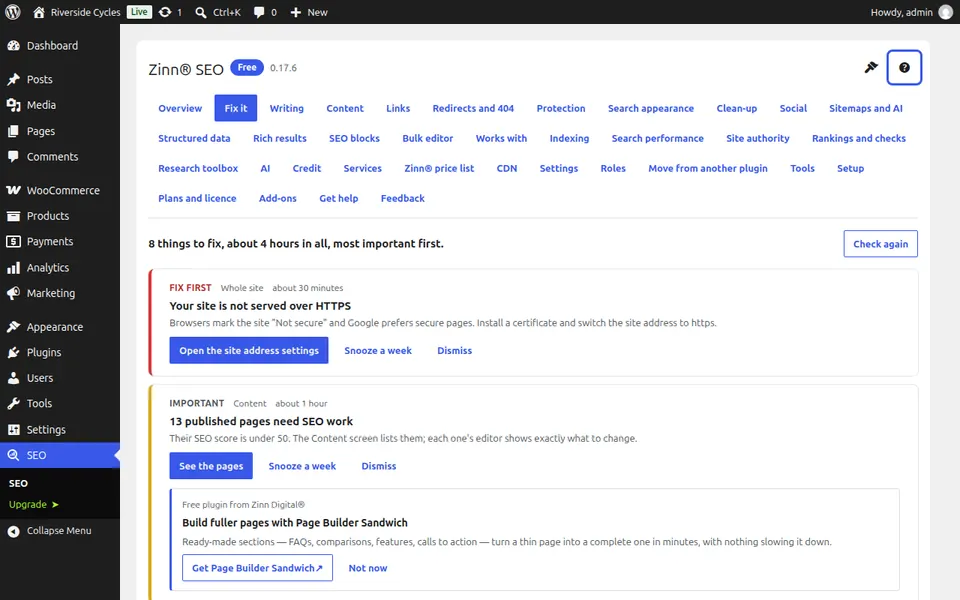
Open the guide for the screen you are on
Press the question mark at the top of any screen. Guide to this screen opens the step-by-step guide for that screen, in your language, in a new tab. Take the tour shows you around the screen where it has one.
Next guide: Fix SEO problems from one list
From the same team
Want fast hosting to go with it?
Zinn Digital® hosts WordPress on its own servers, with a CDN, DNS, TLS and daily backups included in every plan.