 Zinn® SEO
Get a report on any website
Any website's visits from Google, the searches it ranks for, its best pages and the links pointing to it, in one report you can come back to. You pay for each website from your Zinn® credit, and the price is shown before anything runs.
Open Domain reports
Go to SEO, Research toolbox, Domain reports.
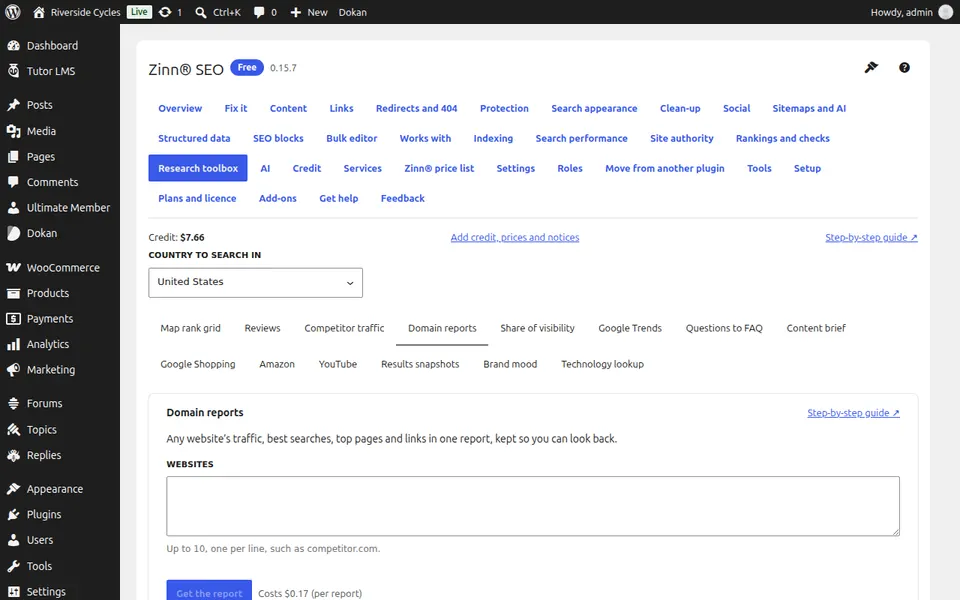
Type the websites
Up to 10, one per line, such as competitor.com. Check the country the figures are for.
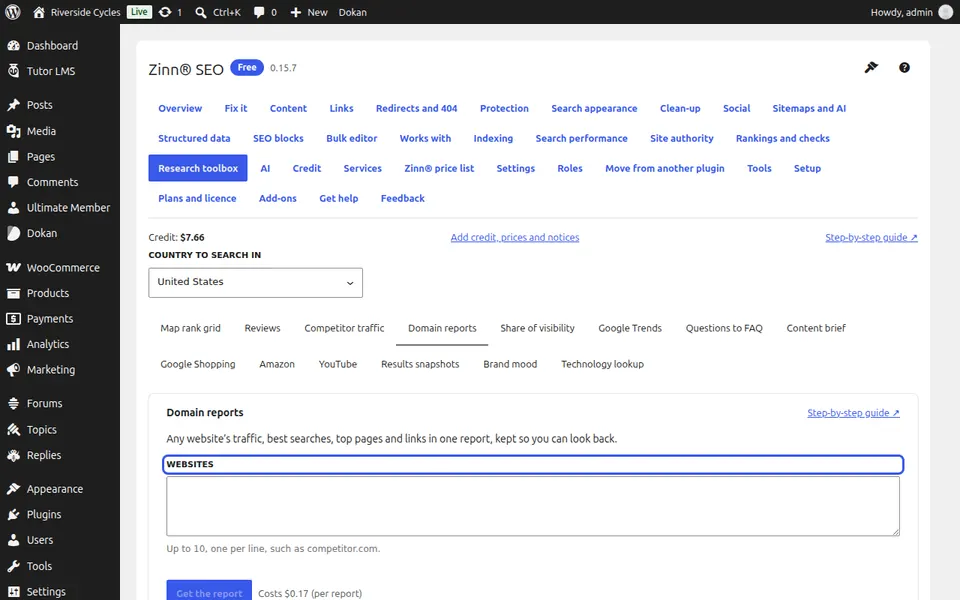
Get the report
Press Get the report (one charge per website) and confirm. A website the data cannot answer for is refunded.
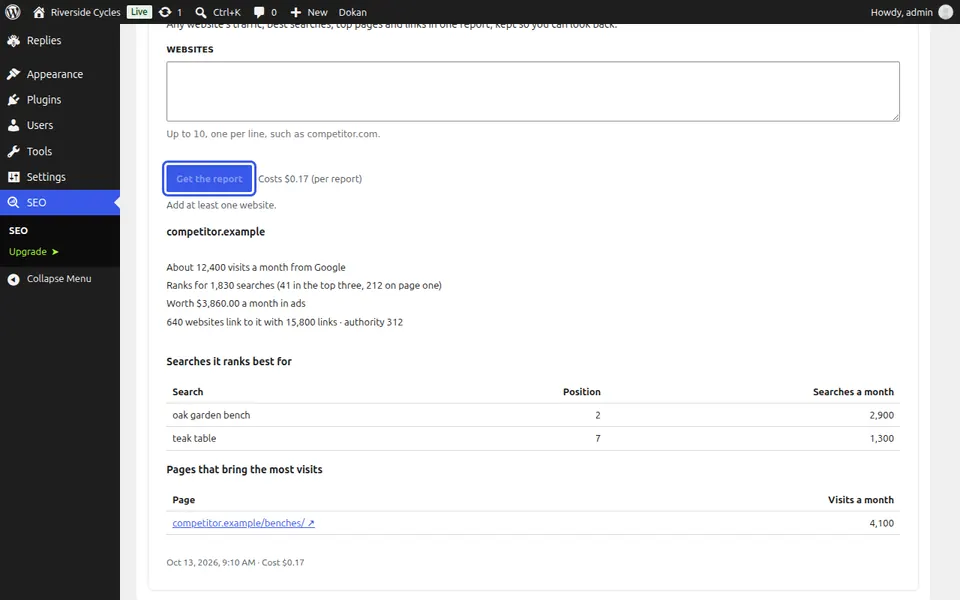
Read the report
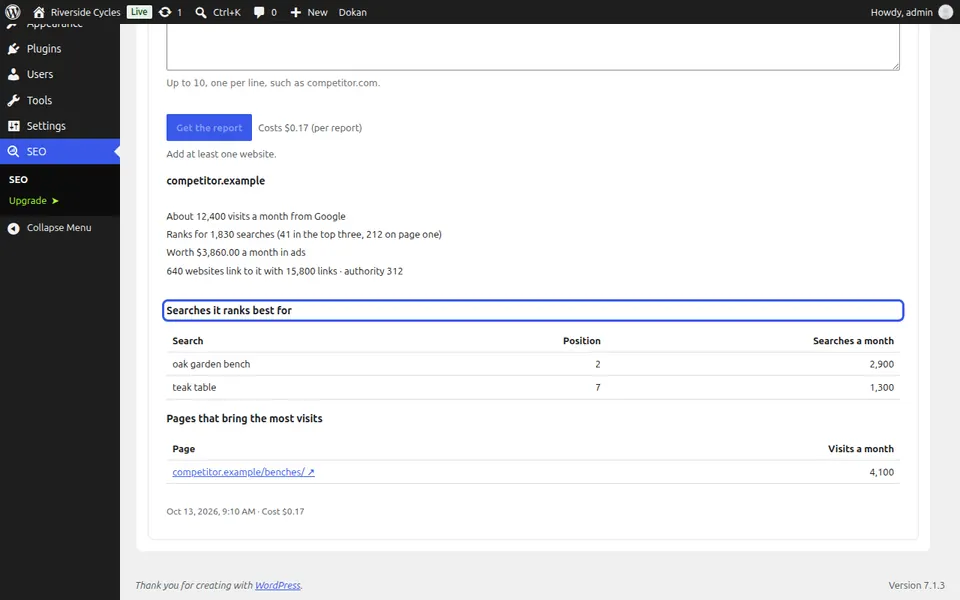
For each website: visits a month from Google, how many searches it ranks for and how many in the top three, the searches it ranks best for, the pages that bring the most visits, and how many websites link to it. Every report is kept: open an earlier one under Earlier runs.
Next guide: Measure your share of search visibility
From the same team
Want fast hosting to go with it?
Zinn Digital® hosts WordPress on its own servers, with a CDN, DNS, TLS and daily backups included in every plan.