 Zinn® SEO
Measure your share of search visibility
For the searches your customers make, see how much of the clicks you get and how much goes to each rival, which of your pages earn it, and how that moves over time. Each search is one rank check from your Zinn® credit. Zinn® SEO Pro.
Open Share of visibility
Go to SEO, Research toolbox, Share of visibility.
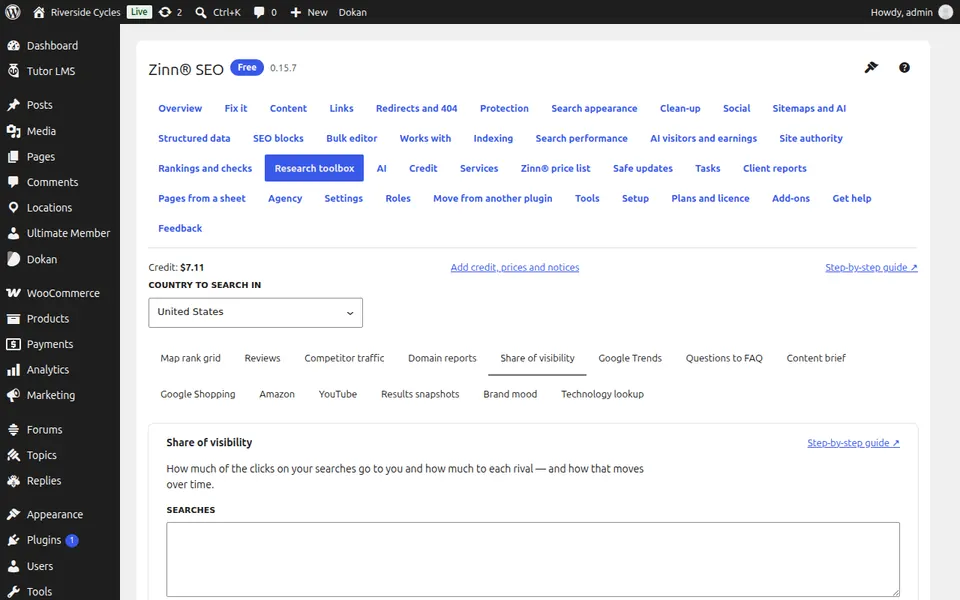
Add your searches and rivals
Type up to 100 searches, one per line, and up to 10 rival websites.
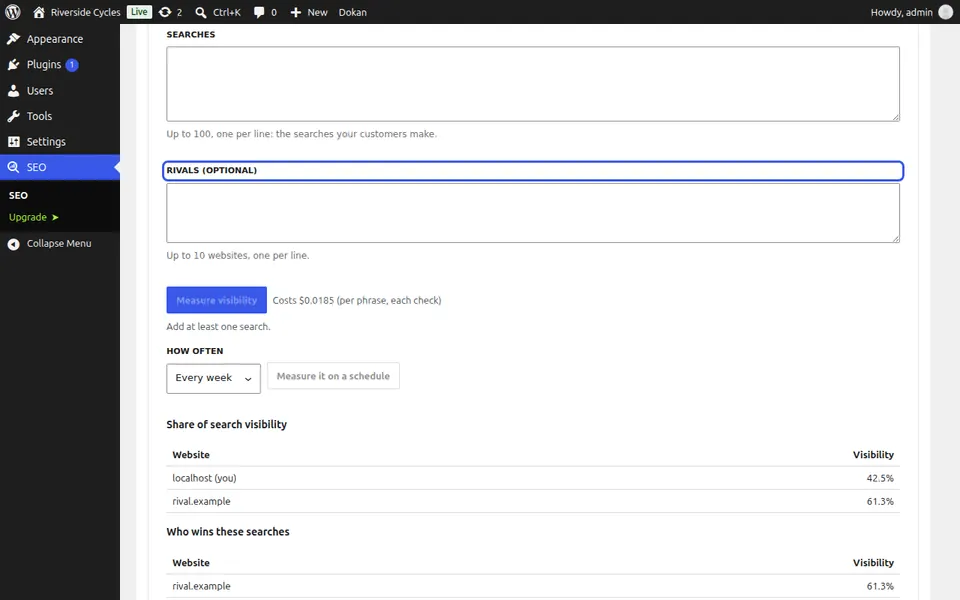
Measure it
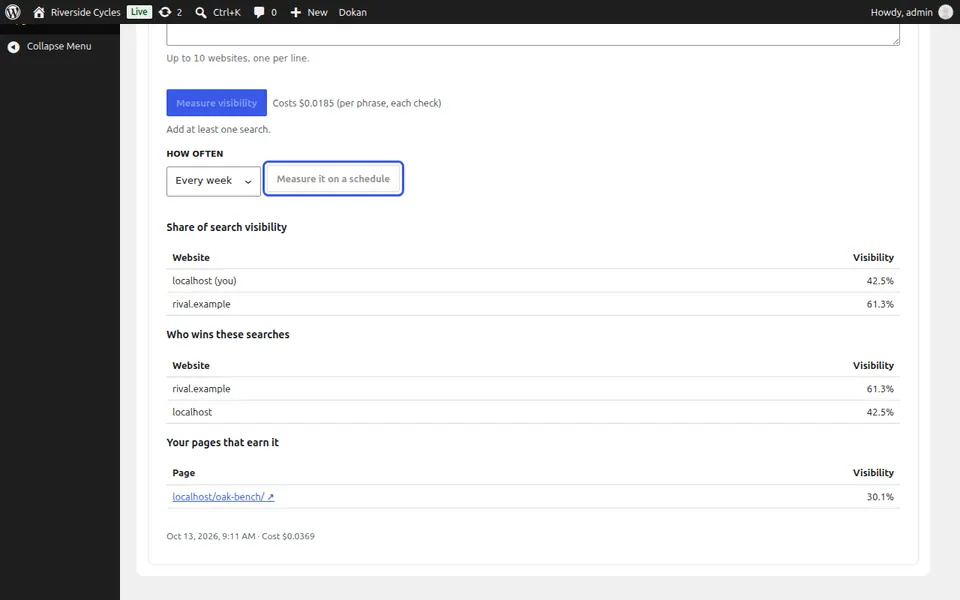
Press Measure visibility and confirm. The price is one rank check per search.
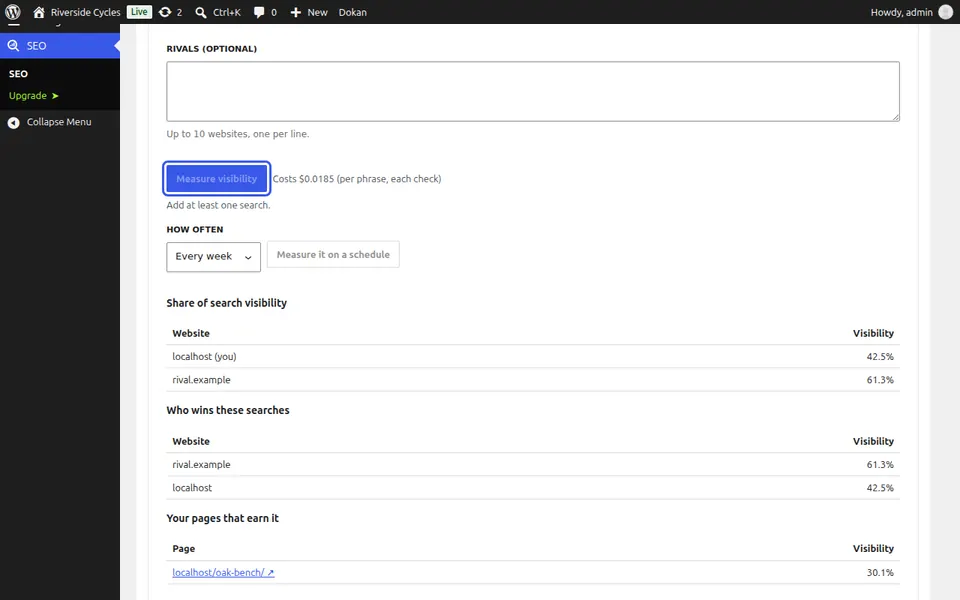
Read your share
Visibility is the share of clicks your best page would get on every search, out of what first place on all of them would get. Compare yourself with each rival and see who wins these searches.
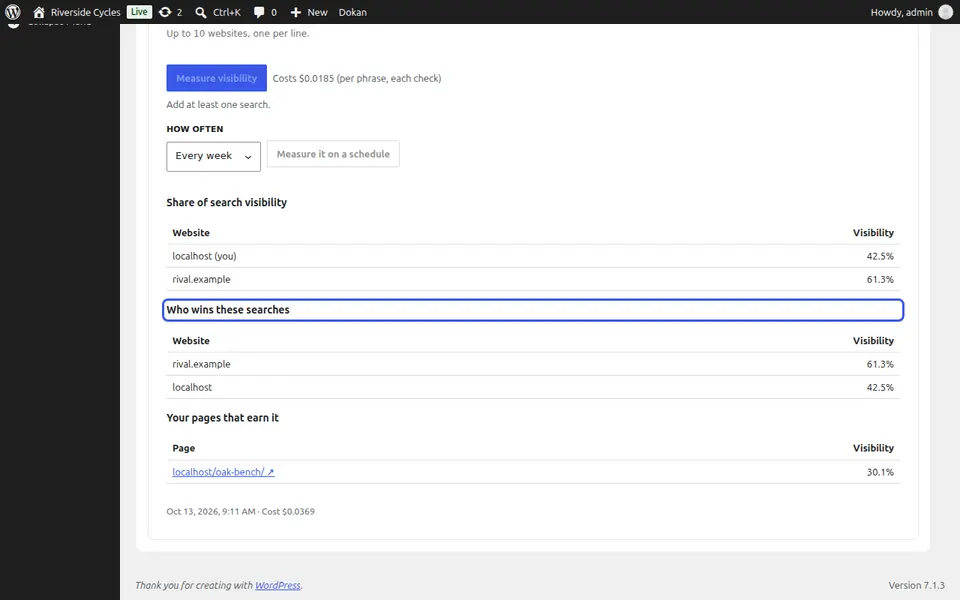
Watch it move
Under Measure it on a schedule, choose every week or every month. Your visibility over time builds up below, run by run.
Next guide: See when people search, with Google Trends
From the same team
Want fast hosting to go with it?
Zinn Digital® hosts WordPress on its own servers, with a CDN, DNS, TLS and daily backups included in every plan.