 Zinn® SEO
Get help or report a problem
Ask for help, report a bug, request a feature or send feedback from inside WordPress, with the details we need already attached.
Open Get help
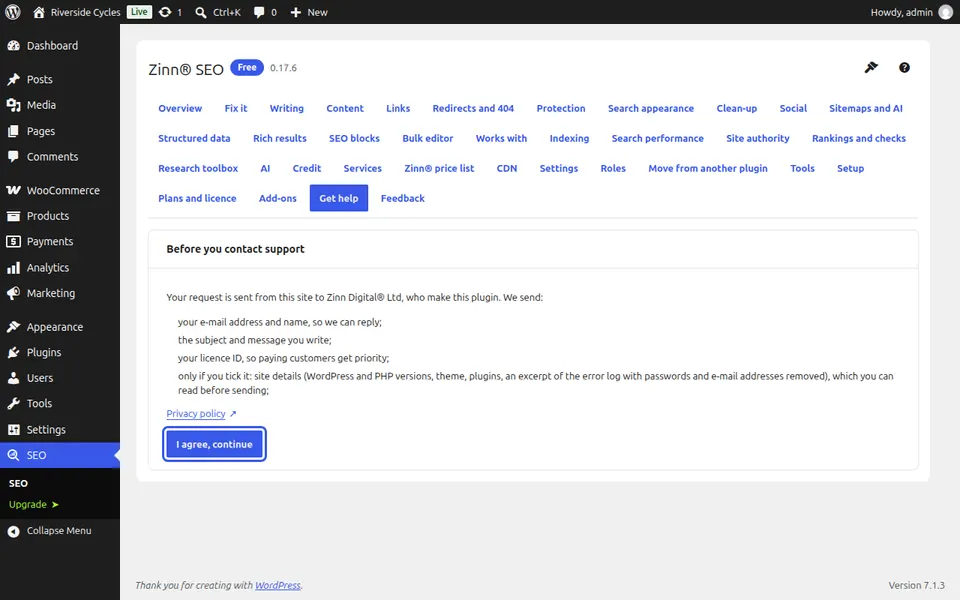
Go to SEO, Get help. The first time, it tells you what is sent with your message and links to our privacy policy. Press I agree, continue.
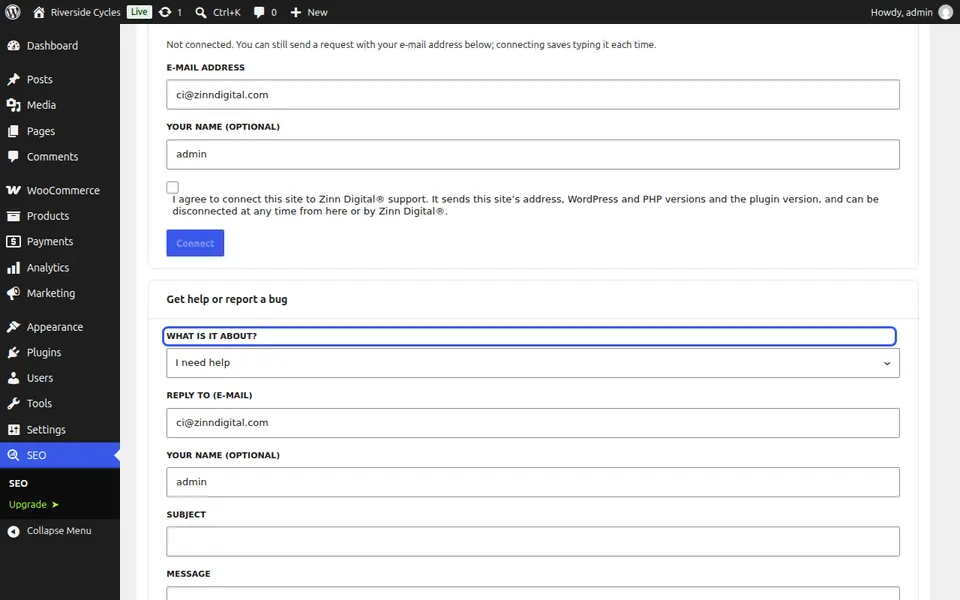
Write your message
Under Get help or report a bug, choose what it is about: I need help, Report a bug, Send feedback or Request a feature. Add a subject and your message and press Send. We reply to the e-mail address on the form.
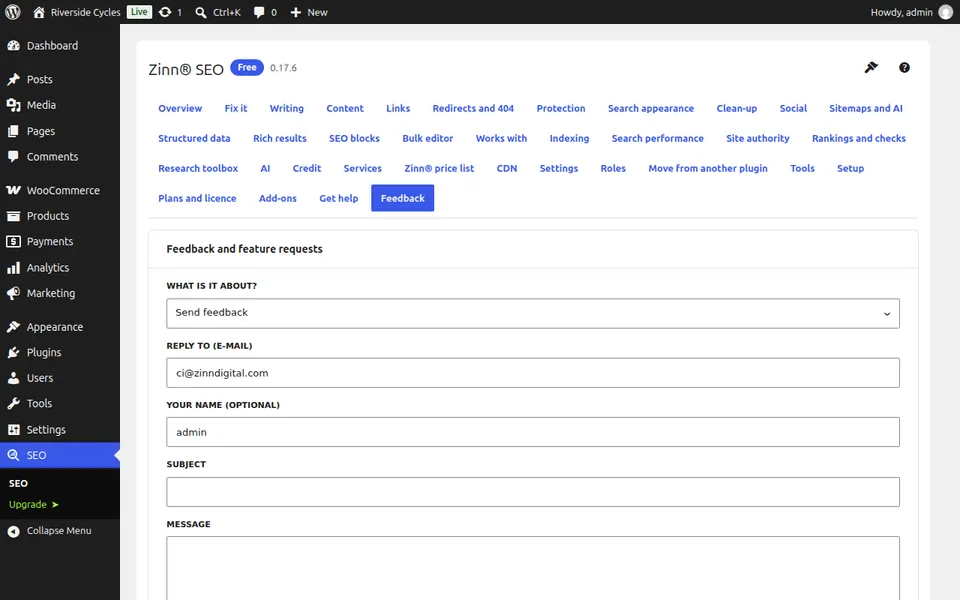
Send feedback
Feedback is the quickest way to tell us what you would change. Write what you think and press Send.
Next guide: Move from Yoast, Rank Math or another SEO plugin
From the same team
Want fast hosting to go with it?
Zinn Digital® hosts WordPress on its own servers, with a CDN, DNS, TLS and daily backups included in every plan.