 Zinn® SEO
Get rich results in Google Search
Add the details that let Google show your pages with more than a blue link: carousels, licensable images, datasets, math solvers and FAQs.
Open Rich results
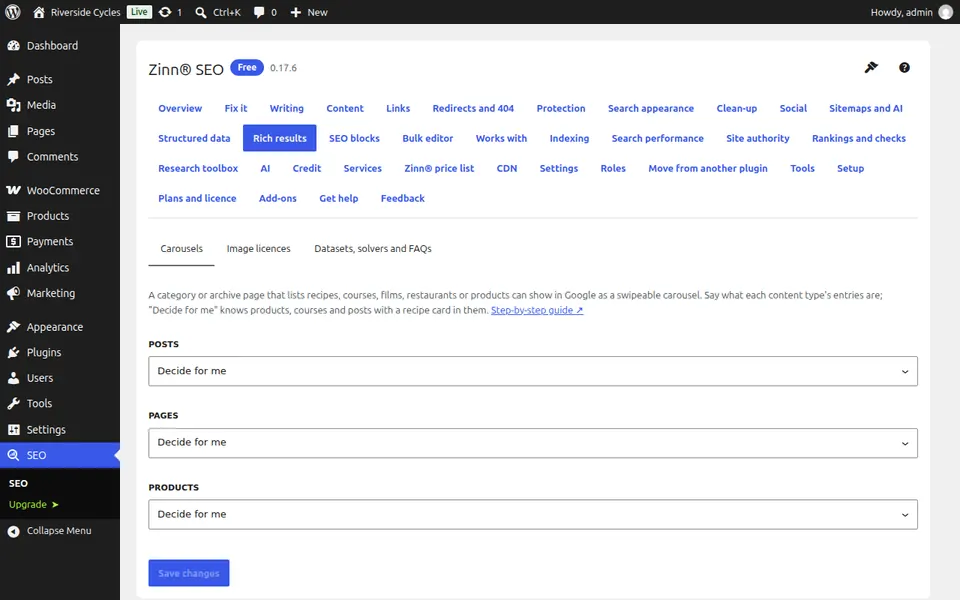
Go to SEO, Rich results. Each tab adds one kind of rich result. Carousels shows a category page's posts as a carousel in Google.
Mark the images you license
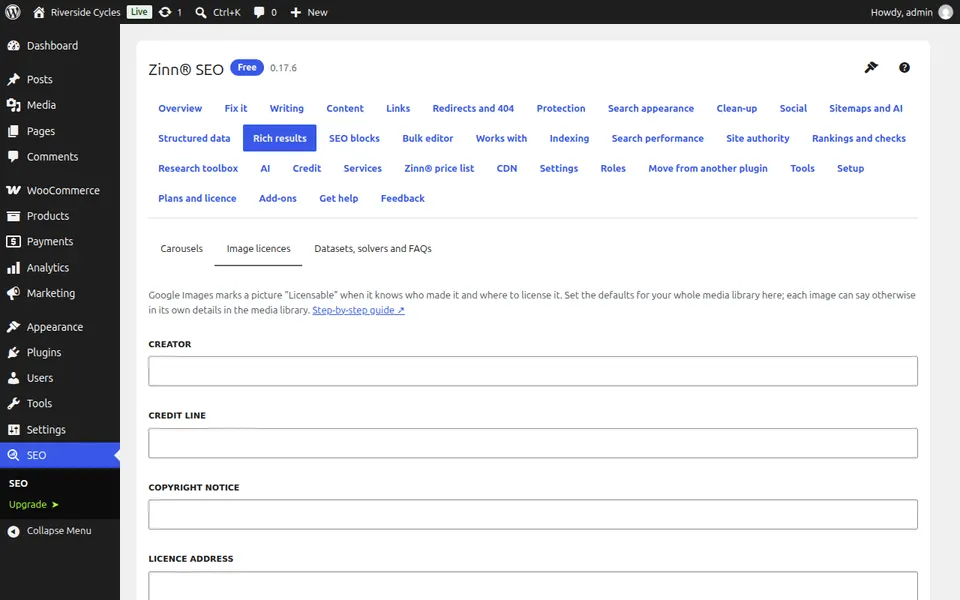
On Image licences, say where people can license your images and on what terms. Google then shows them with the Licensable badge in Google Images.
Add datasets, solvers and FAQs
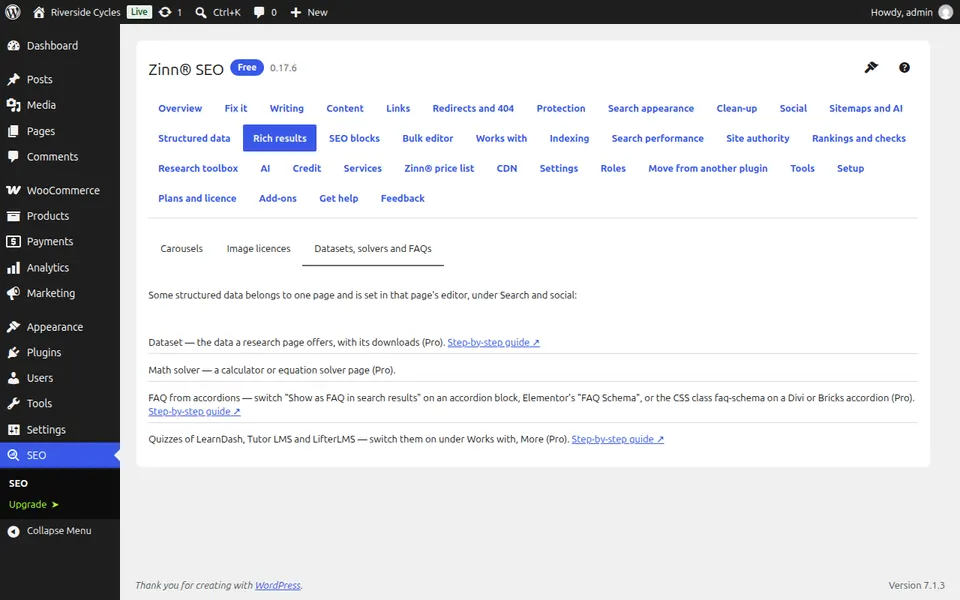
Datasets, solvers and FAQs adds the structured data for data pages, maths solvers and question-and-answer pages. With Pro, News and Shop policies add publisher and shop details too.
Check a page
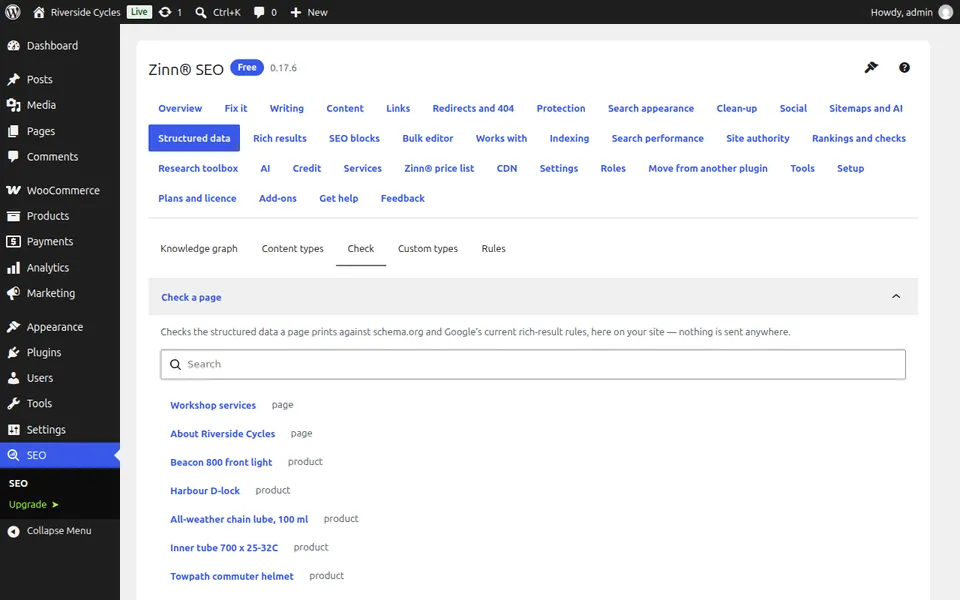
Go to SEO, Structured data, Check and pick a page from the list or search for it. You see the structured data the page now carries and whether Google can use it.
Next guide: Set the image and text for social sharing
From the same team
Want fast hosting to go with it?
Zinn Digital® hosts WordPress on its own servers, with a CDN, DNS, TLS and daily backups included in every plan.