 Zinn® SEO
Get SEO alerts in Slack, Teams, Discord or Telegram (Pro)
The same alerts you get by e-mail, in the chat your team already uses or your own webhook, on one set of rules.
Open Alerts to chat
Go to SEO, Agency, Alerts to chat.
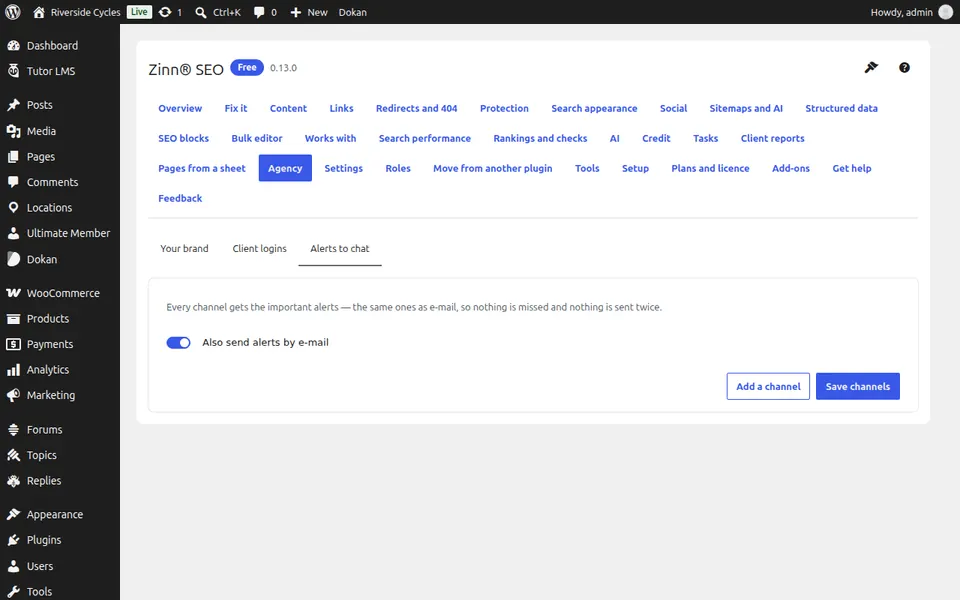
Add a channel
Press Add a channel, choose where (Slack, Teams, Discord, Telegram or your own webhook) and paste its incoming webhook address or bot token.
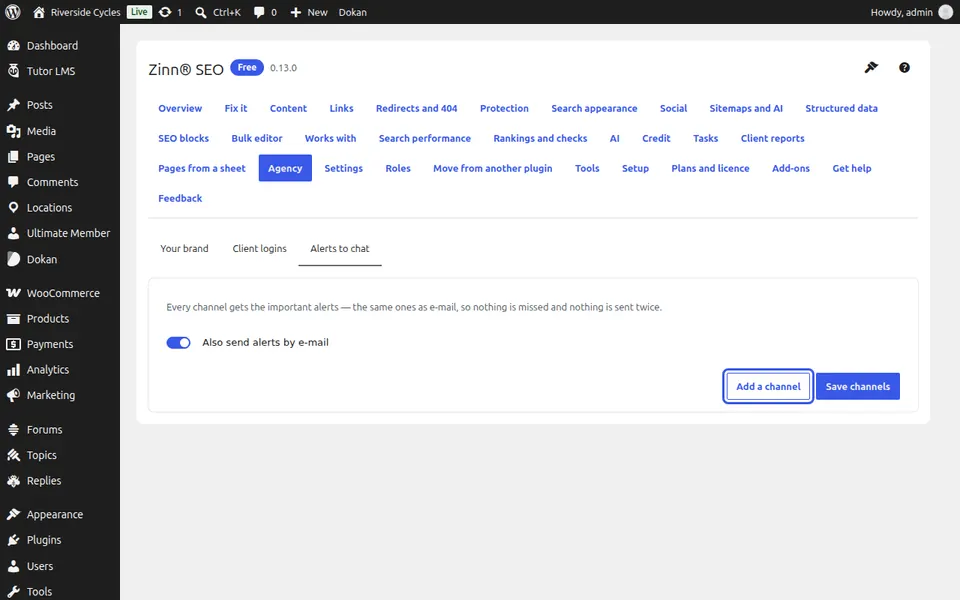
Send a test
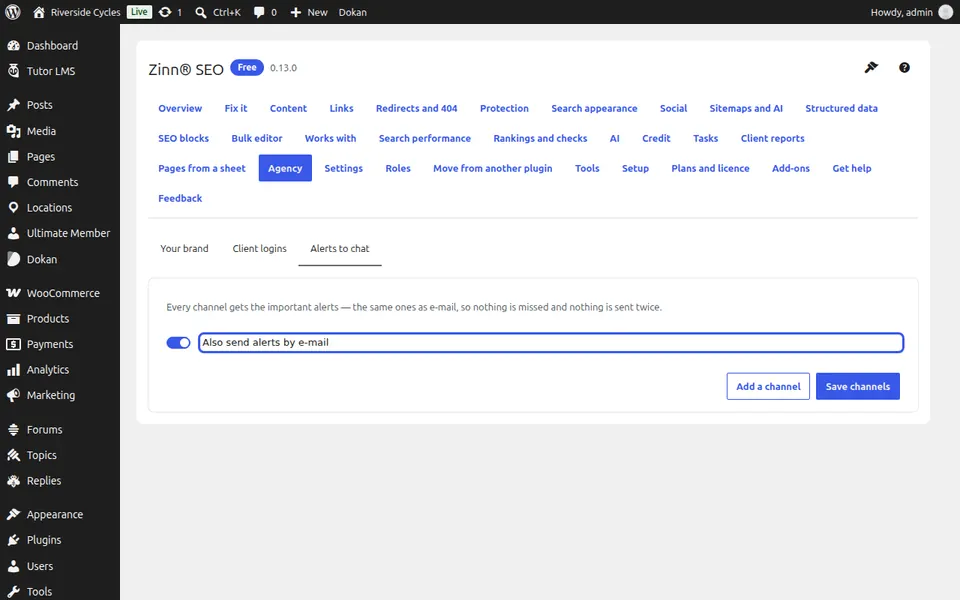
Press Send a test and check the channel. Every channel gets the same alerts as e-mail, so nothing is missed and nothing is sent twice. Press Save channels.
Next guide: Send branded SEO reports to clients (Pro)
From the same team
Want fast hosting to go with it?
Zinn Digital® hosts WordPress on its own servers, with a CDN, DNS, TLS and daily backups included in every plan.