 Zinn® SEO
Send branded SEO reports to clients (Pro)
A report of a site's rankings, pages in Google, links and the work you did, with your logo and theirs, in the client's language, on your schedule. Pro, with the Client Reports plan in your Zinn® account.
Open Client reports
Go to SEO, Client reports. Without the Client Reports plan the screen says so and links to the Zinn® app.
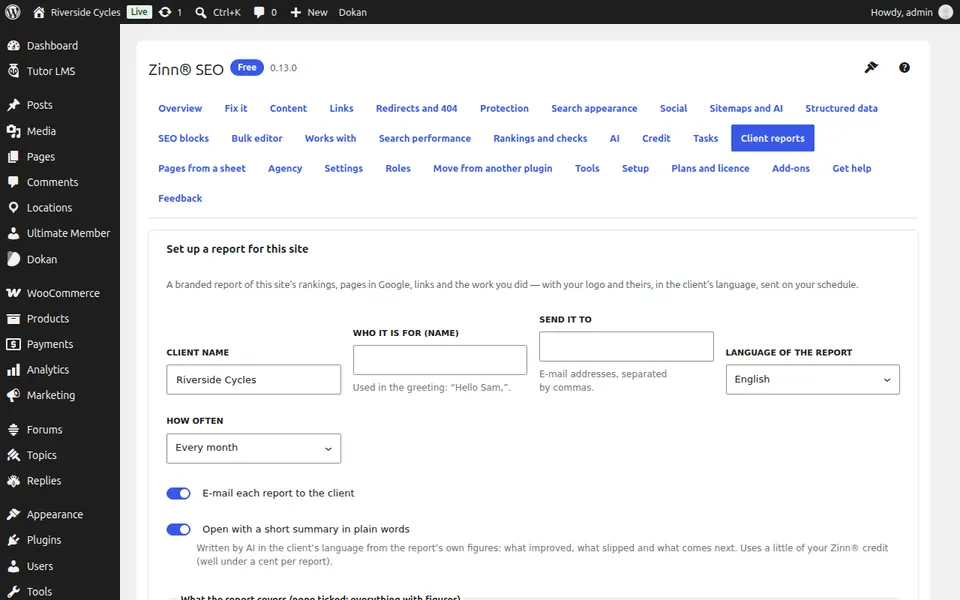
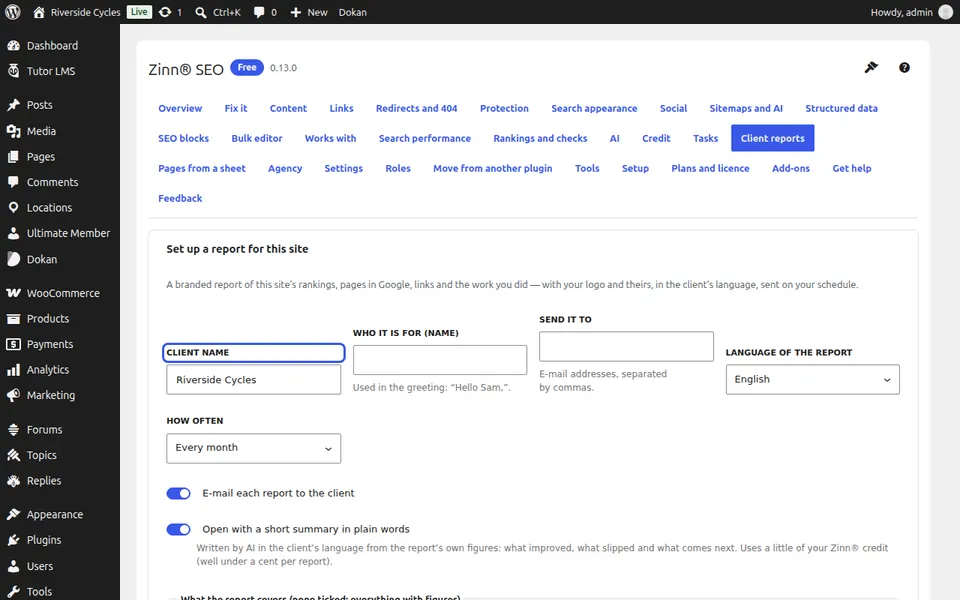
Set up the report
Press Set up a report for this site. Fill in the client name, who it is for, the e-mail addresses, the language and how often it goes.
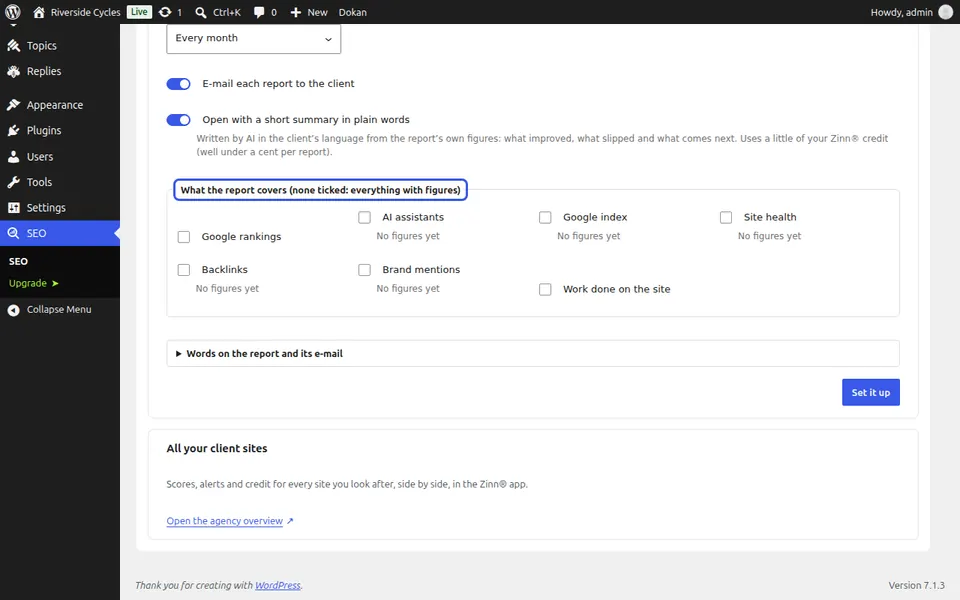
Choose what it covers
Tick what the report covers, and Open with a short summary in plain words for a summary written in the client's language from the report's own figures.
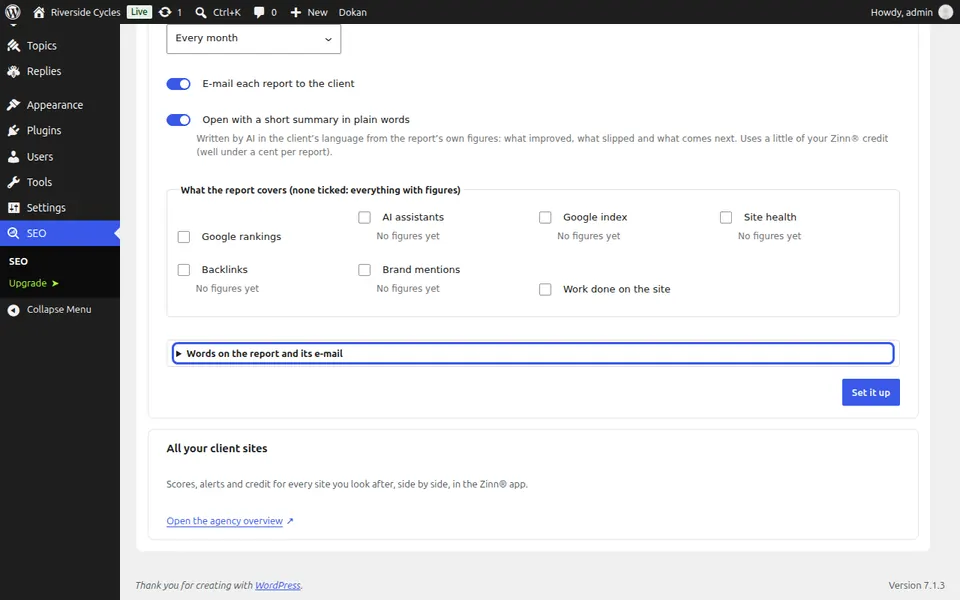
Send it
Press Save, then Make one now or Send now. Every report is also kept on a report page the client opens without a login, and can be written into a Google Sheet you own.
Next guide: Give SEO tasks to your team and clients (Pro)
From the same team
Want fast hosting to go with it?
Zinn Digital® hosts WordPress on its own servers, with a CDN, DNS, TLS and daily backups included in every plan.