 Zinn® SEO
Give clients their own SEO login (Agency plan)
Each client gets a login that sees only the screens you choose, never prices, credit, AI keys, connections or settings.
Open Client logins
Go to SEO, Agency, Client logins.
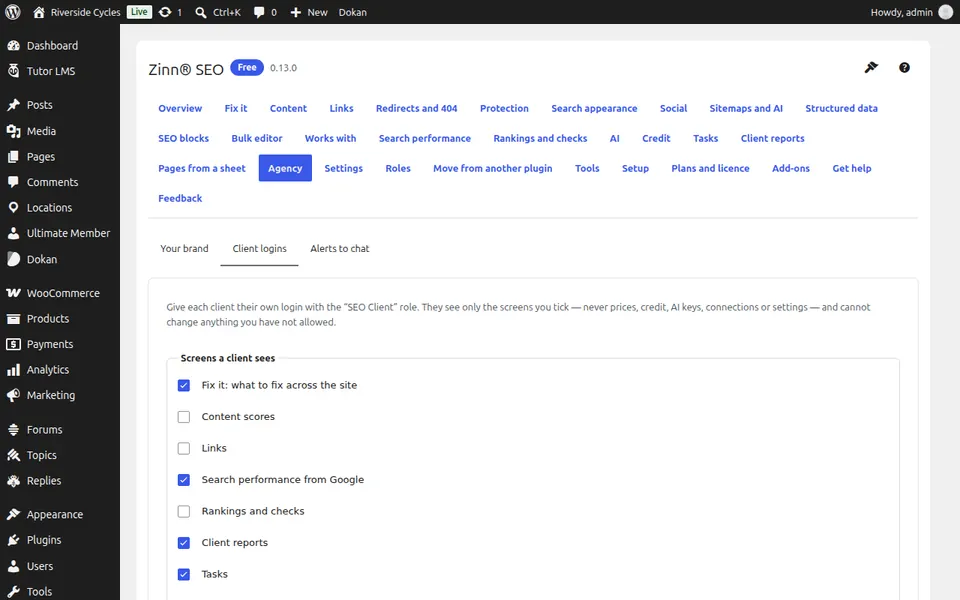
Choose what clients see
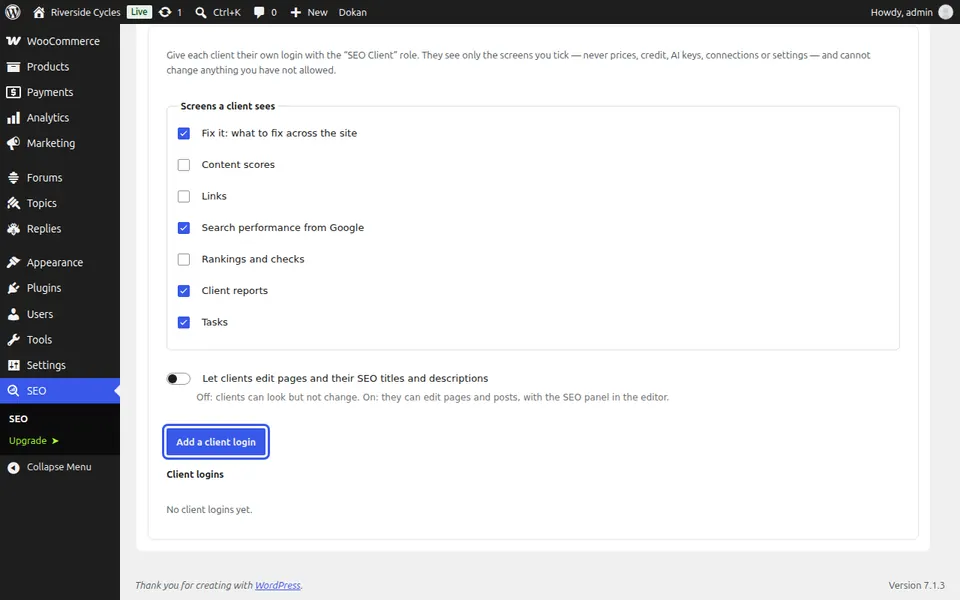
Tick the screens a client sees. Let clients edit pages and their SEO titles and descriptions decides whether they may change anything.
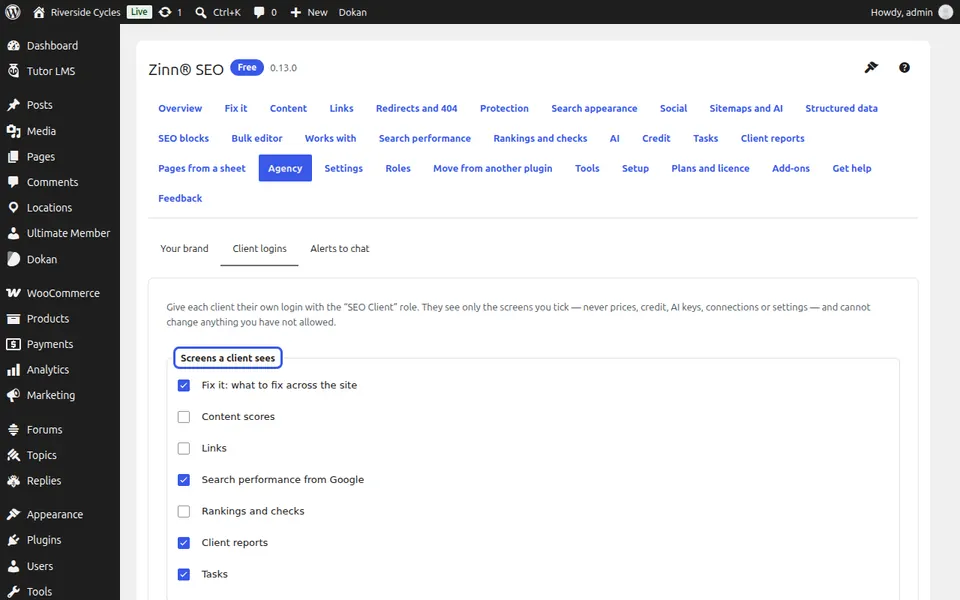
Add a client login
Press Add a client login. The client gets the SEO Client role and an e-mail to set their password.
Next guide: Get SEO alerts in Slack, Teams, Discord or Telegram (Pro)
From the same team
Want fast hosting to go with it?
Zinn Digital® hosts WordPress on its own servers, with a CDN, DNS, TLS and daily backups included in every plan.