 Zinn® SEO
Go back to an earlier version of Zinn® SEO
If an update causes a problem, go back to an earlier version in one click. If anything breaks, your site is put back by itself.
Open Version
Go to SEO, Settings, Version. The table lists the earlier versions your site can go back to, with the day each was released.
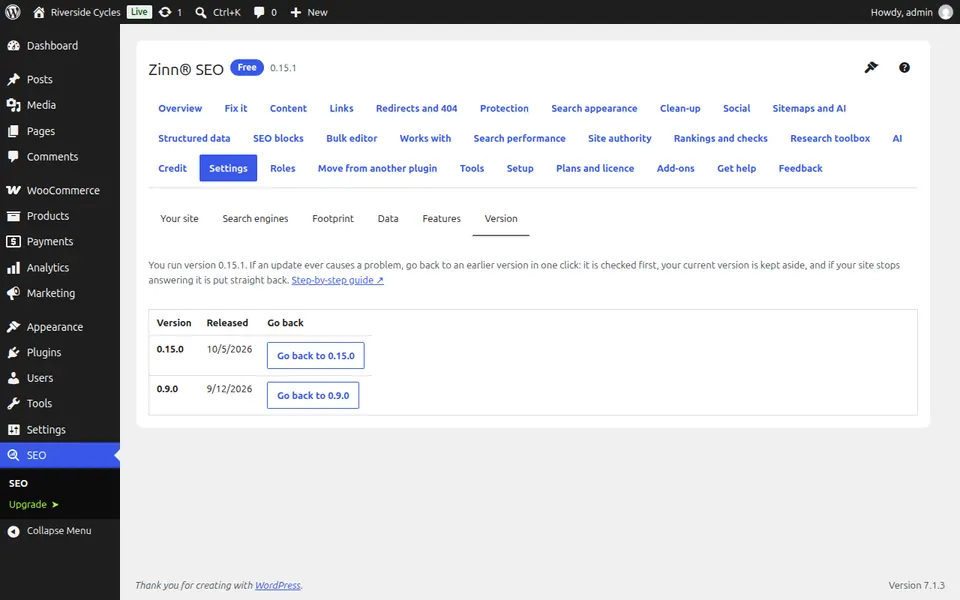
Choose a version
A version that cannot read the data your site has now, or does not run on your WordPress or PHP, says why and cannot be chosen.
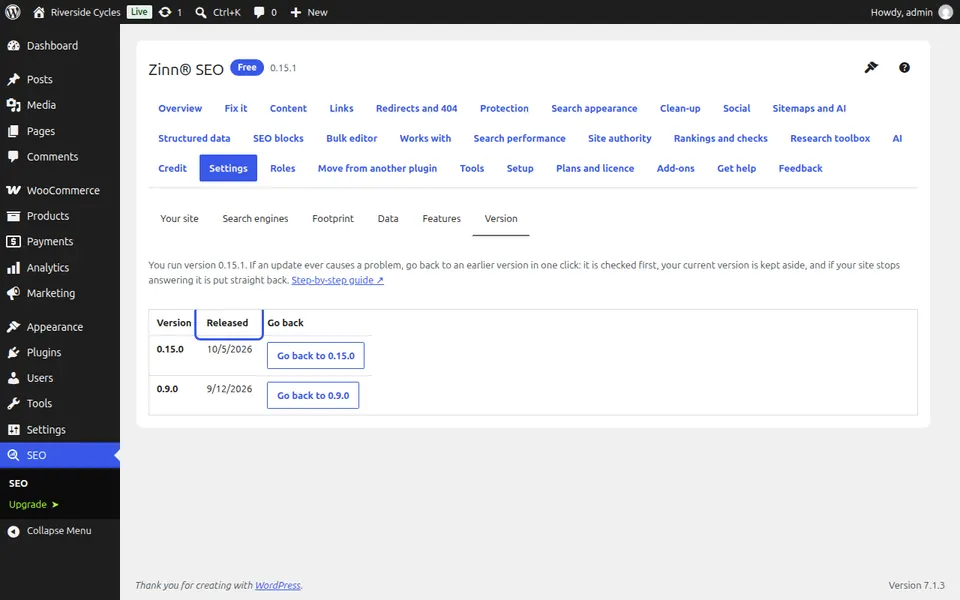
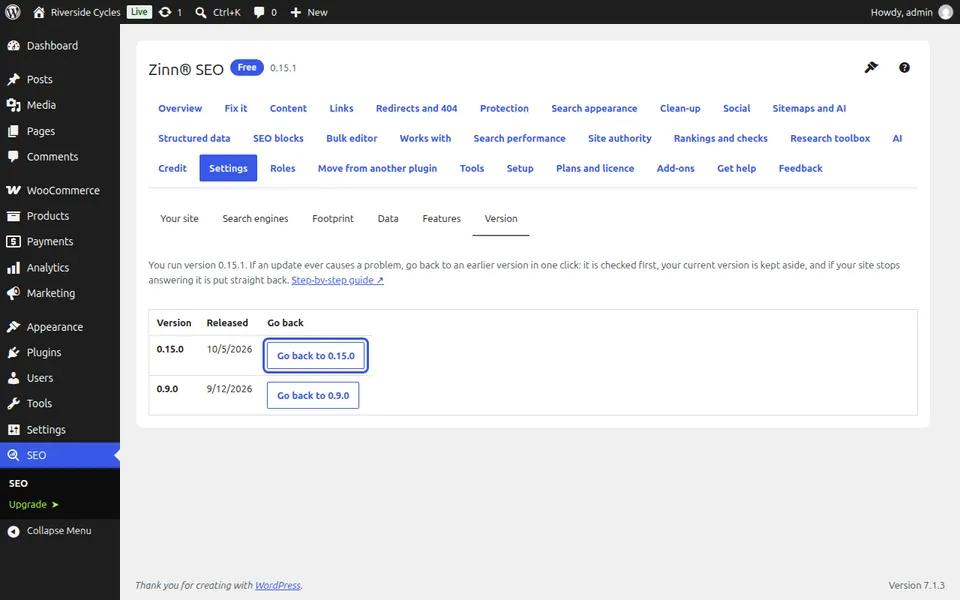
Press Go back
The plugin keeps a copy of the version you have, installs the earlier one and checks your home page and admin. If either stops working, the copy goes back at once.
Next guide: Edit .htaccess and Nginx rules safely (Pro)
From the same team
Want fast hosting to go with it?
Zinn Digital® hosts WordPress on its own servers, with a CDN, DNS, TLS and daily backups included in every plan.