 Zinn® SEO
Handle sold-out and discontinued products (Pro)
Choose what search engines are told about a product you cannot sell, so shoppers never land on a dead end.
Open the Shop tab
Go to SEO, Works with, Shop, and find Sold-out and discontinued products.
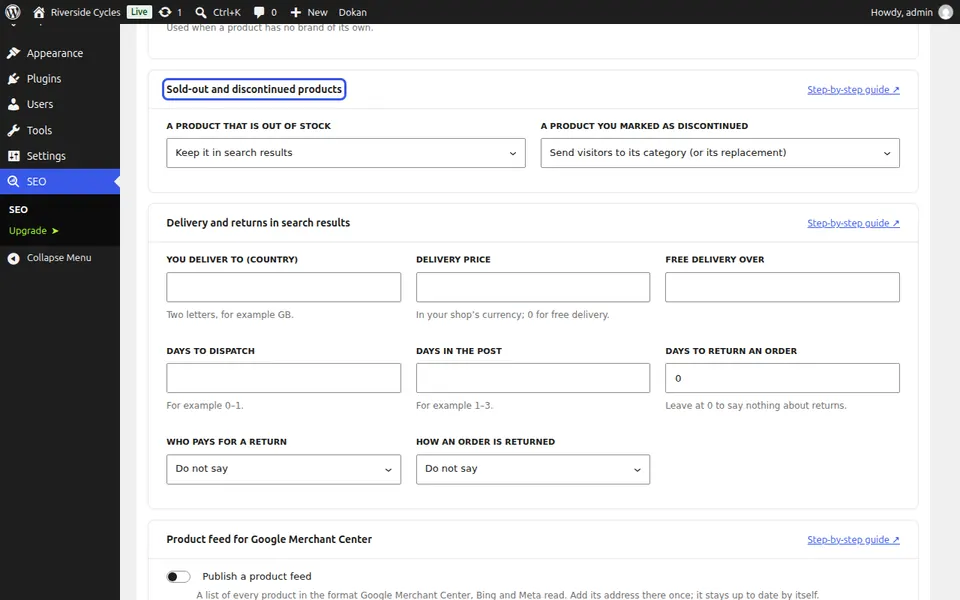
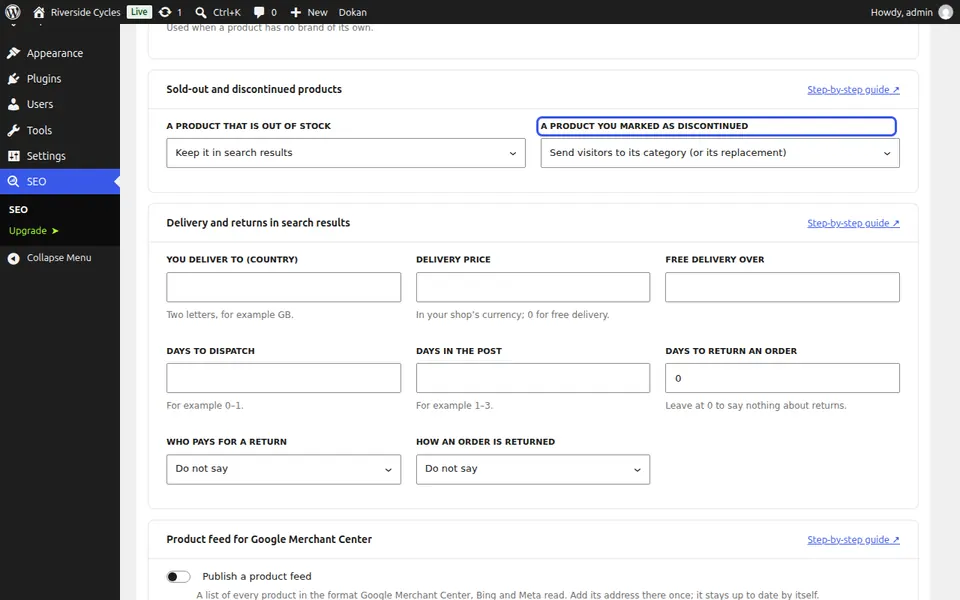
Choose a rule for each
For a product that is out of stock and for one you marked as discontinued, choose: keep it in search results, take it out, send visitors to its category or replacement, or tell search engines it is gone for good.
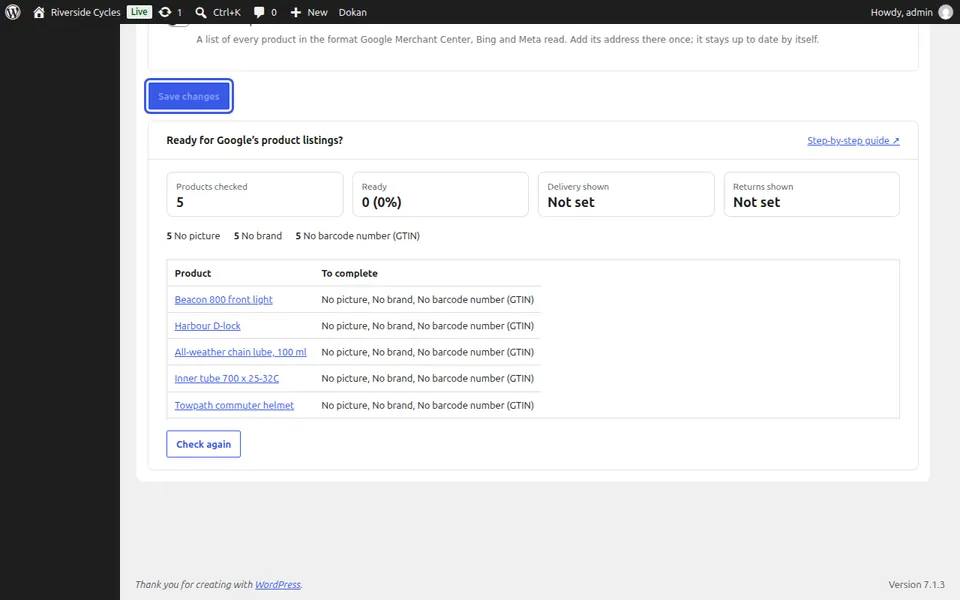
Save
Press Save changes. The rule applies to every product as its stock changes.
Next guide: Create a Google Merchant product feed (Pro)
From the same team
Want fast hosting to go with it?
Zinn Digital® hosts WordPress on its own servers, with a CDN, DNS, TLS and daily backups included in every plan.