 Zinn® SEO
Improve your site search with SEO data
With Relevanssi, SearchWP, ElasticPress or WP Search with Algolia, your site's own search also finds pages by their SEO title and description, and leaves out pages you hid from search engines. This is part of Zinn® SEO Pro.
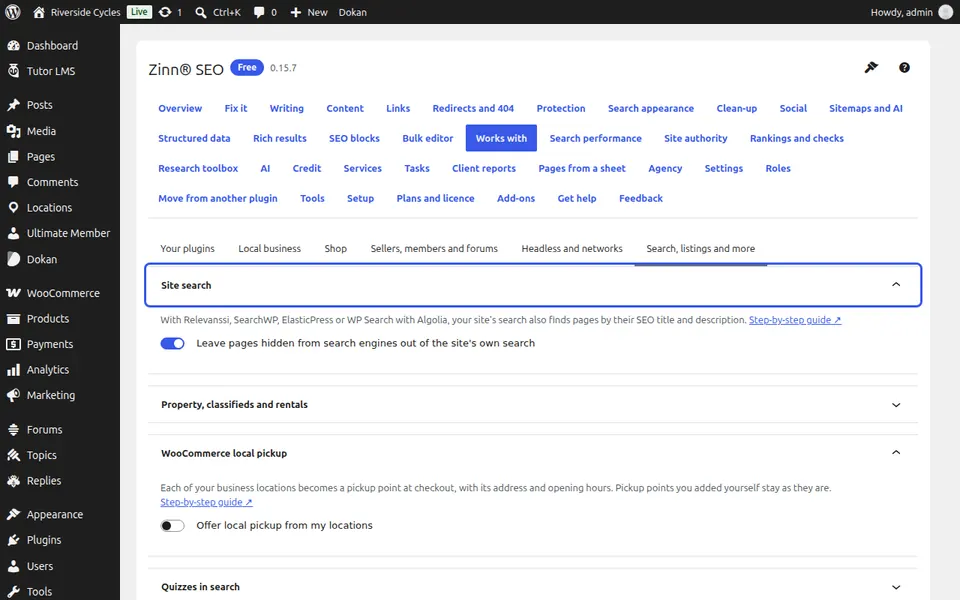
Open Site search
Go to SEO, Works with, More, Site search. It names the search plugin it found.
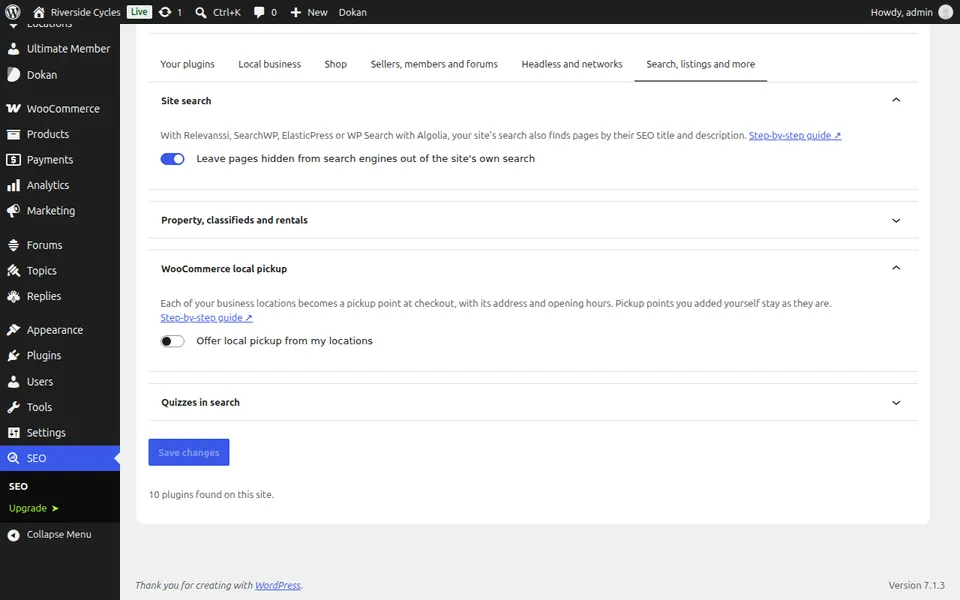
Choose about hidden pages
Leave pages hidden from search engines out of the site's own search is on by default; switch it off to keep them findable.
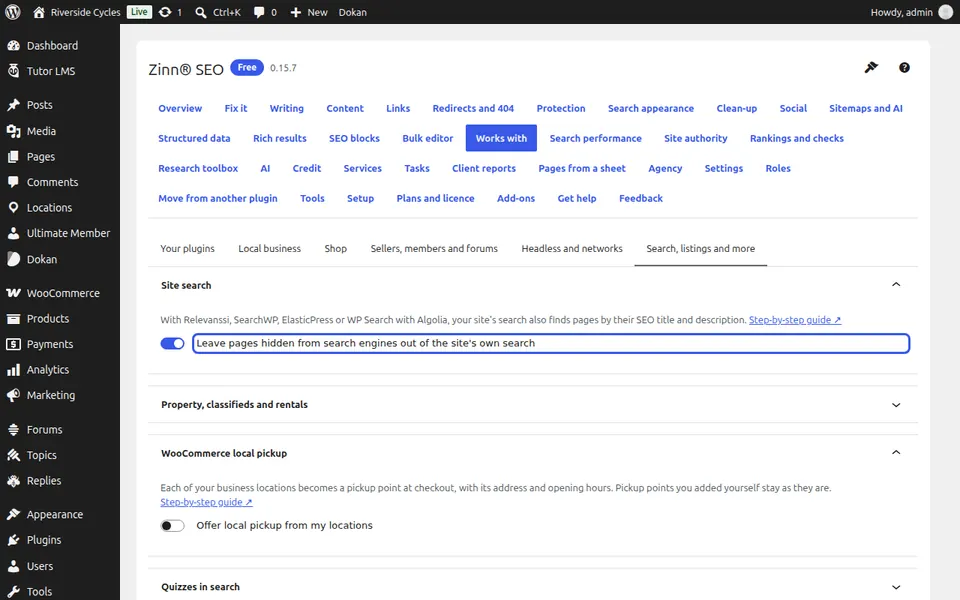
Rebuild the index
Rebuild your search plugin's index once, so every page is read with its SEO words.
Next guide: Offer local pickup from your locations
From the same team
Want fast hosting to go with it?
Zinn Digital® hosts WordPress on its own servers, with a CDN, DNS, TLS and daily backups included in every plan.