 Zinn® SEO
Keep thin pages out of search results
Password pages, empty categories, comment pages and feeds are kept out of search results for you, and every rule can be changed.
Open the robots rules
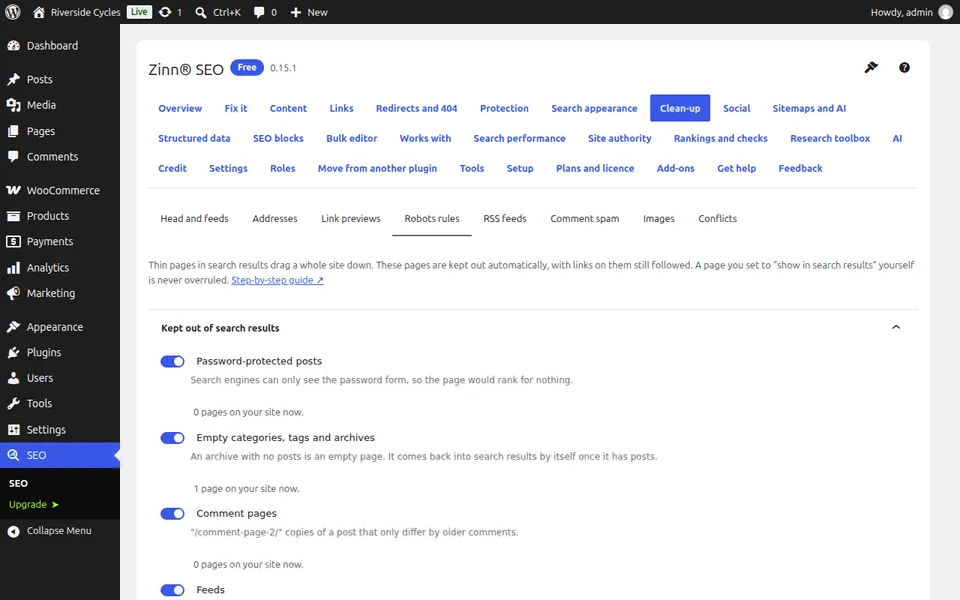
Go to SEO, Clean-up, Robots rules. Each rule names the pages it covers.
Keep the safe defaults
Password-protected posts, empty categories, tags and archives, comment pages and feeds are kept out of search results. Their links are still followed. A page number a post does not have goes back to the post.
Switch off a rule you do not want
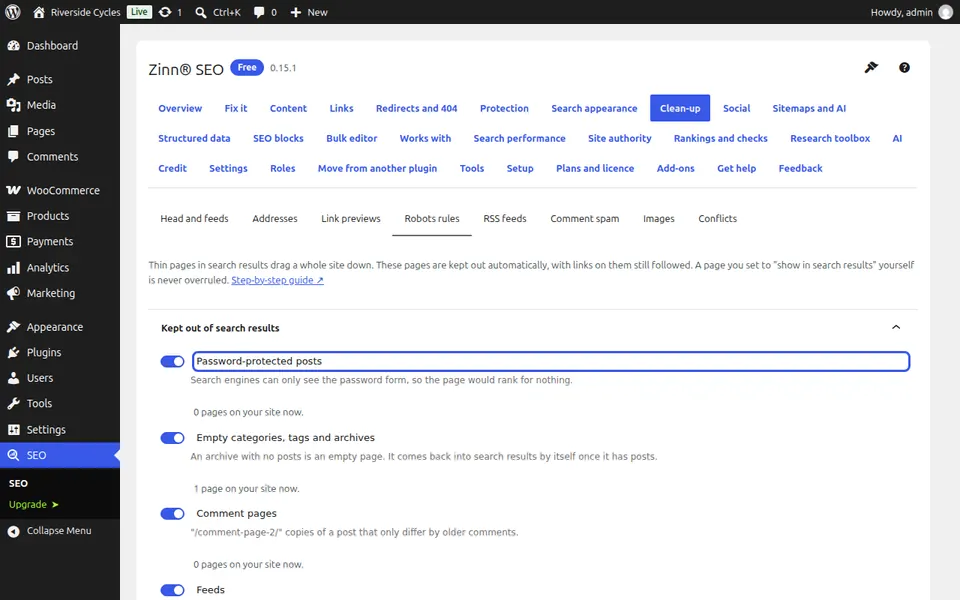
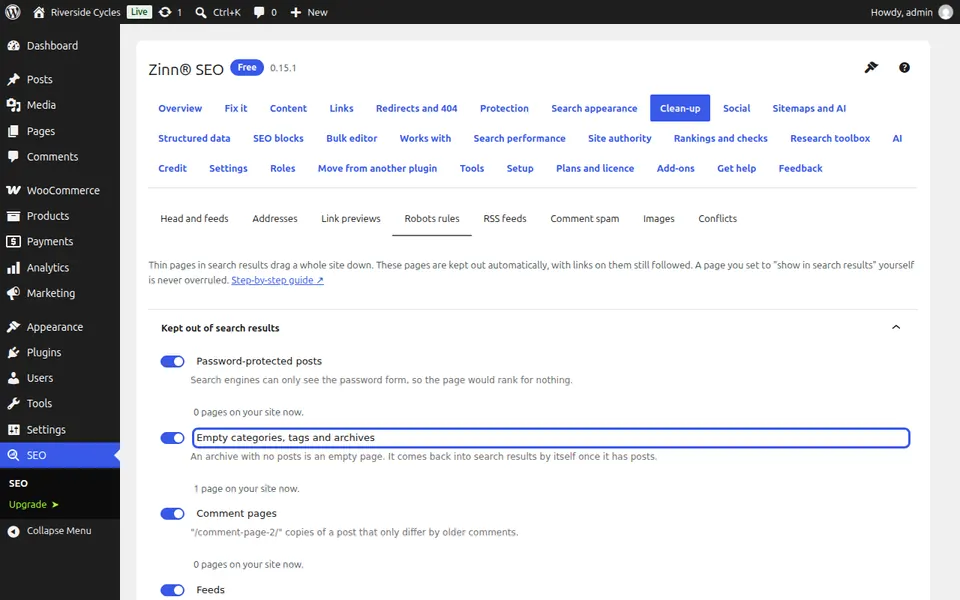
To have empty categories in search results, for example, switch that rule off and press Save changes. It applies at once.
Next guide: Protect your RSS feed from copying
From the same team
Want fast hosting to go with it?
Zinn Digital® hosts WordPress on its own servers, with a CDN, DNS, TLS and daily backups included in every plan.