 Zinn® SEO
Manage Google Business Profile, Apple and Bing listings (Pro)
Reply to Google reviews, publish posts and keep your Apple Maps and Bing listings in step with your site.
Open the Business listings tab
Go to SEO, Search performance, Business listings. On the Google card, tick Google Business Profile and choose your location first.
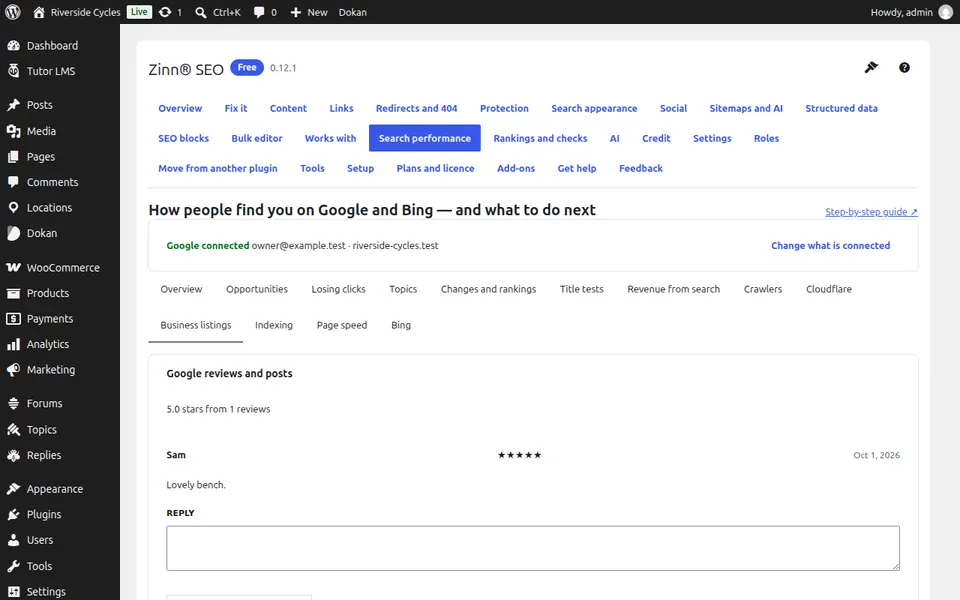
Reply to reviews
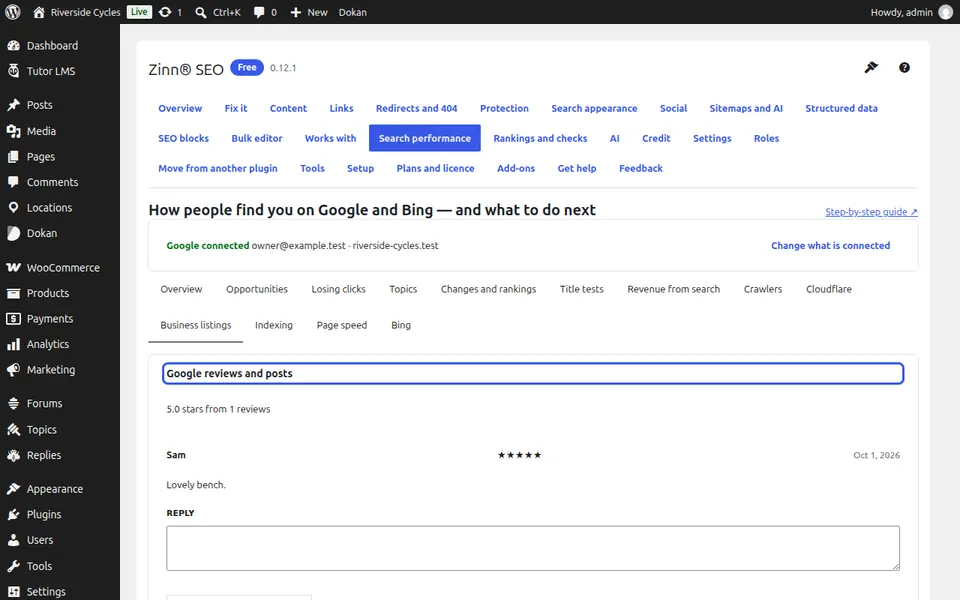
Google reviews and posts lists your reviews with their stars. Press Reply, write and publish the reply on Google.
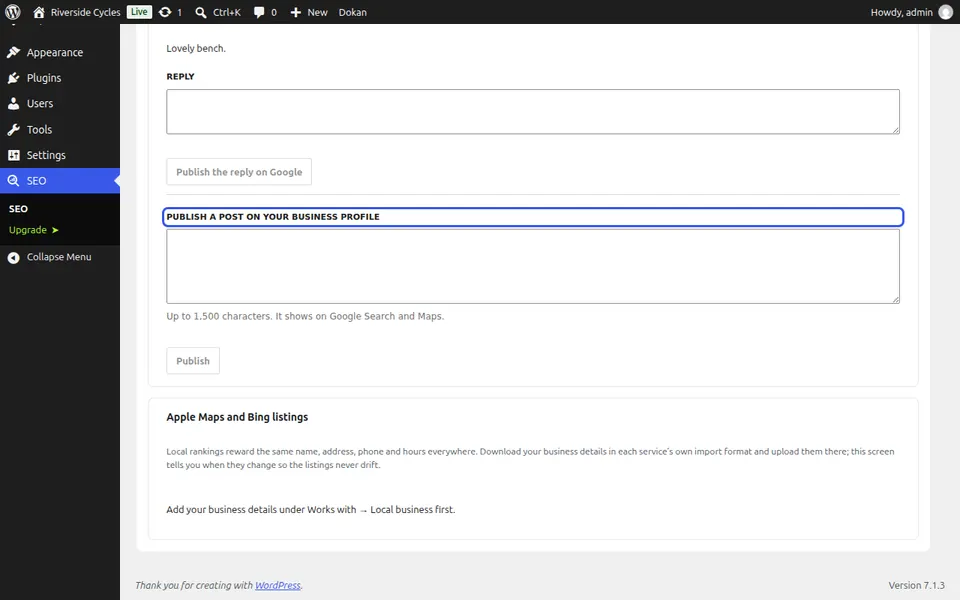
Publish a post
Write up to 1,500 characters under Publish a post on your Business Profile and press Publish. It shows on Google Search and Maps.
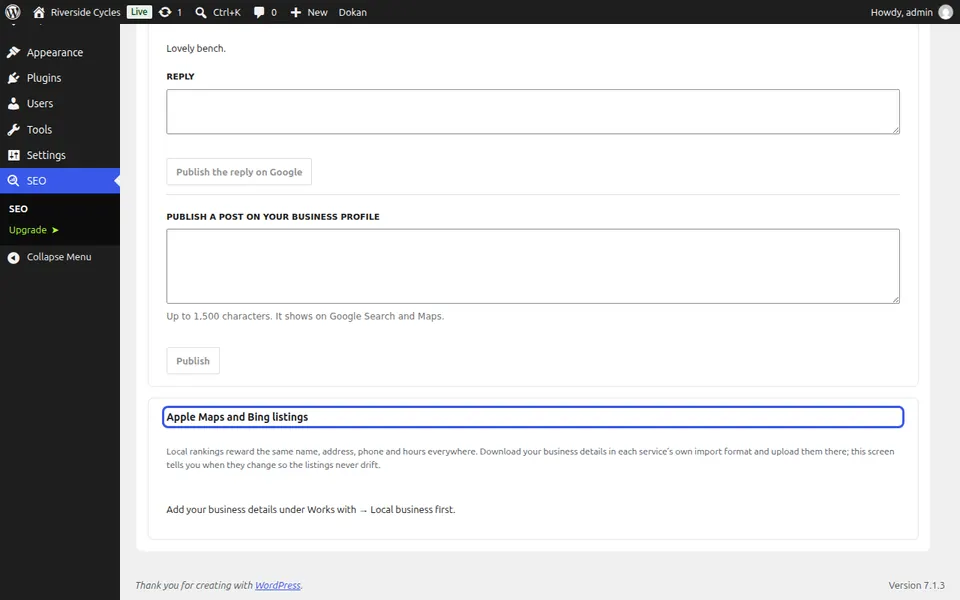
Keep Apple and Bing in step
Under Apple Maps and Bing listings, download your business details in each service's format and upload them there. The screen tells you when they change.
Next guide: Use AI to write SEO titles, descriptions and alt text
From the same team
Want fast hosting to go with it?
Zinn Digital® hosts WordPress on its own servers, with a CDN, DNS, TLS and daily backups included in every plan.