 Zinn® SEO
Use AI to write SEO titles, descriptions and alt text
Titles that earn the click, descriptions and alt text for every image. One page at a time in the editor is free; the whole site at once is Pro. You check every one.
Open AI
Go to SEO, AI. Write with AI opens first. For one page, use the AI section of the SEO panel in the editor instead (see Use AI in the editor).
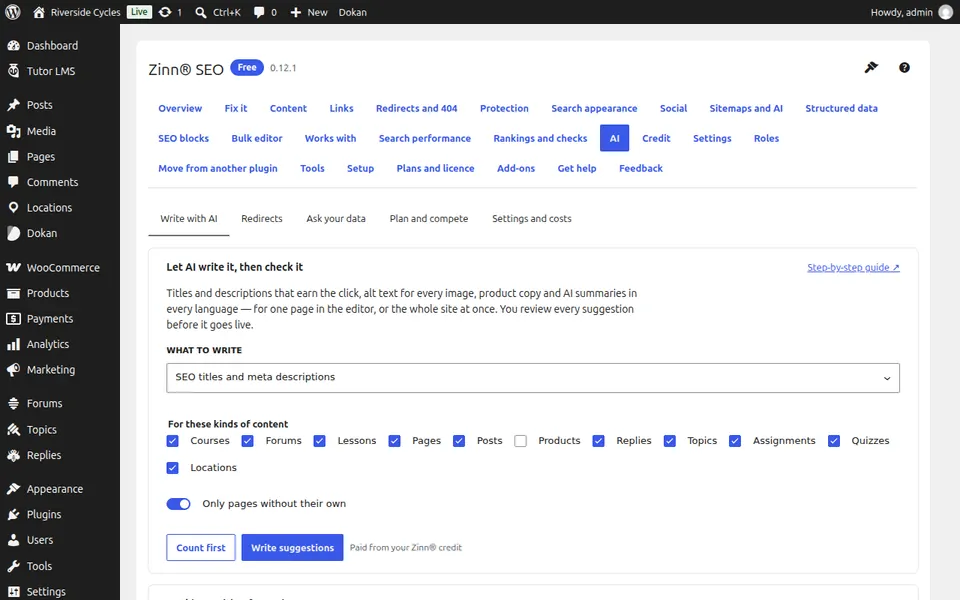
Choose what to write
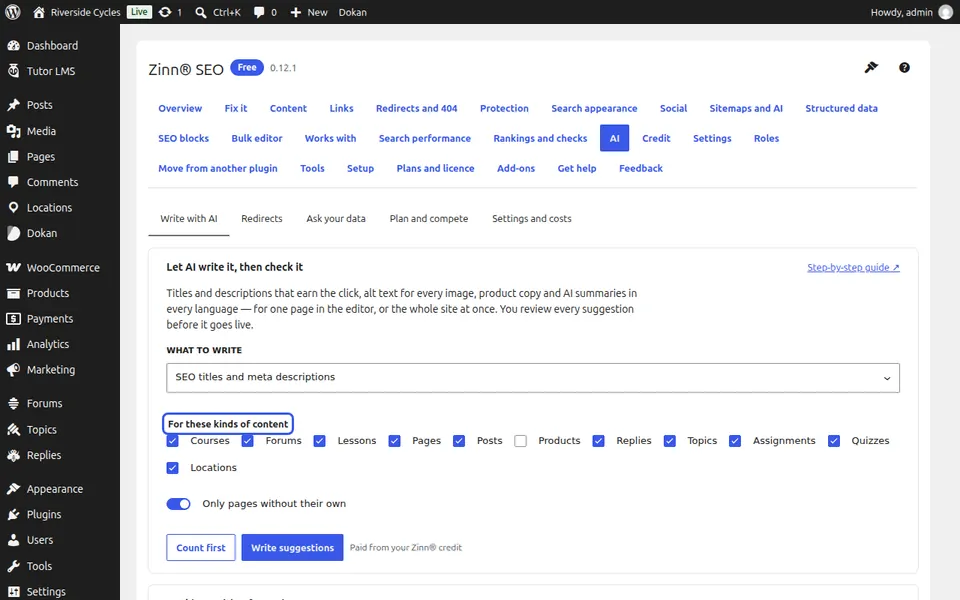
Under What to write, choose SEO titles, meta descriptions or alt text, the kinds of content, and Only pages without their own or Only images with no alt text.
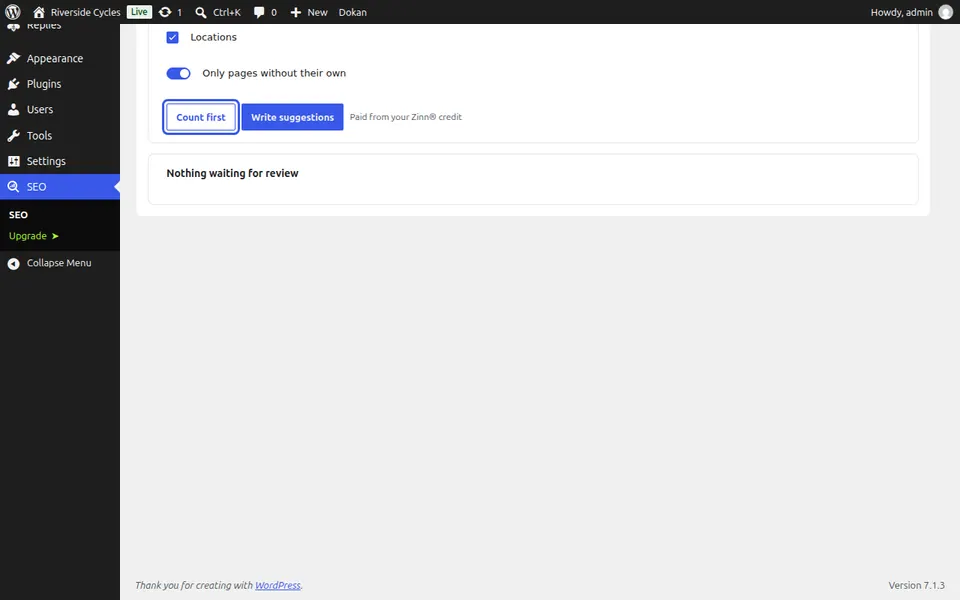
Count, then write
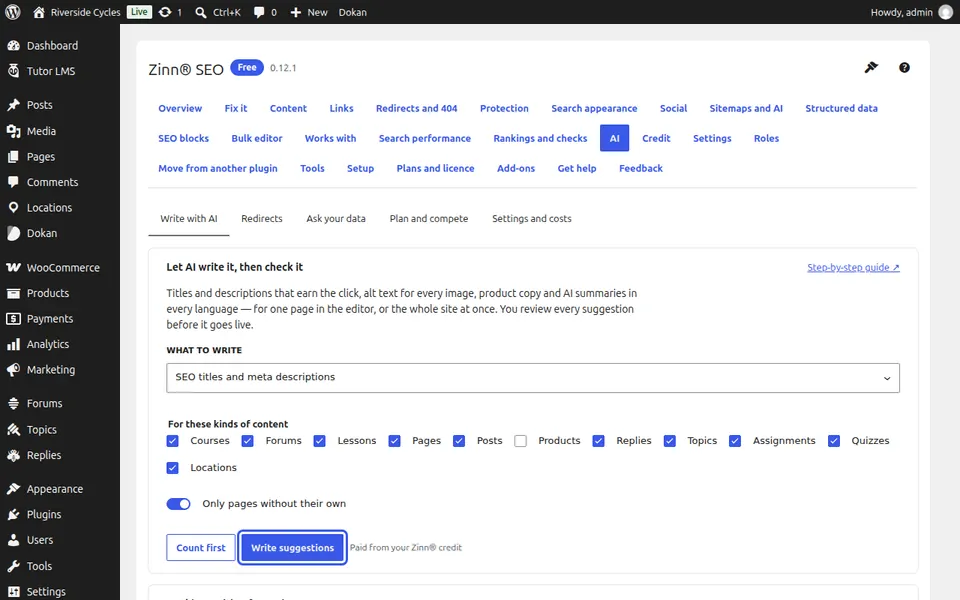
Press Count first to see how many items would get a suggestion, then Write suggestions. It runs ten at a time and stops safely if credit runs out.
Review and use
Nothing on your site changes until you choose Use this. Edit any suggestion first, or Discard it. A whole batch can be undone from Bulk editor, History.
Next guide: Choose your own AI key or Zinn® credits
From the same team
Want fast hosting to go with it?
Zinn Digital® hosts WordPress on its own servers, with a CDN, DNS, TLS and daily backups included in every plan.