 Zinn® SEO
Organise keywords in lists
Keep the searches you target in named, coloured lists, give them to posts, track their rankings in one click and use them in content briefs and the AI writer. Free.
Make a list
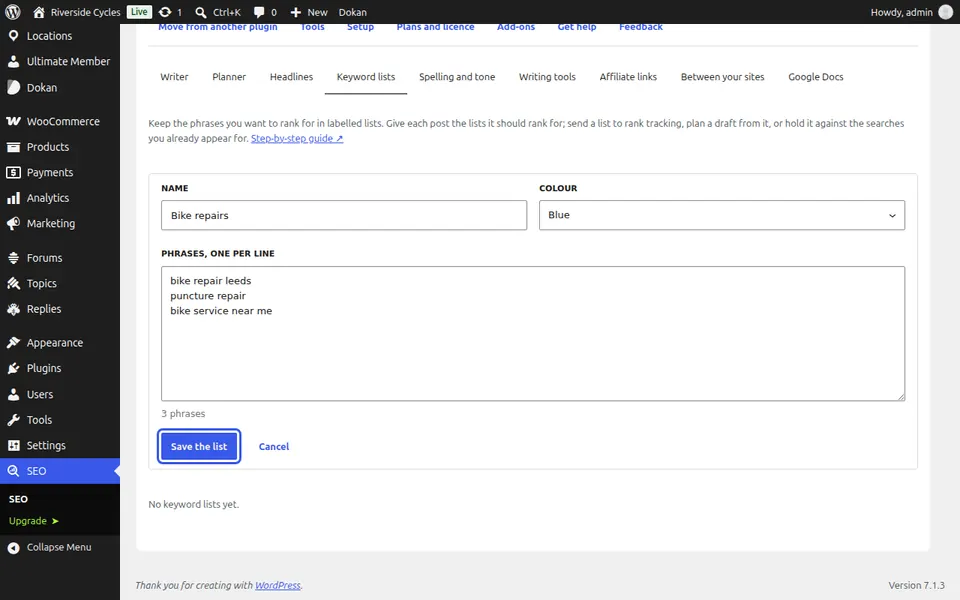
Go to SEO, Writing, Keyword lists, press New list, give it a name and colour, add phrases one per line and press Save the list.
Give it to posts
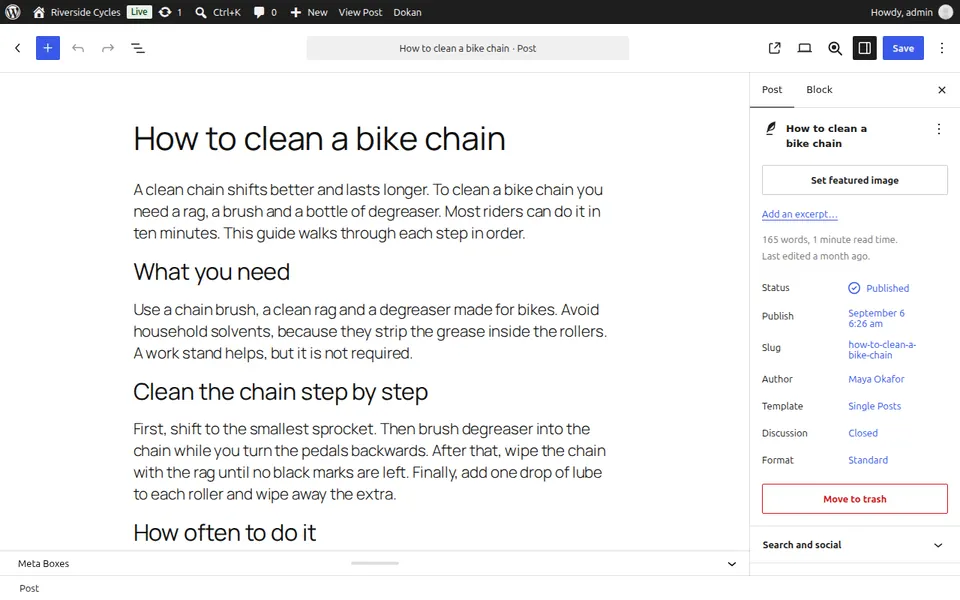
In the editor, open Writing help and choose the post's keyword lists.
Track and compare
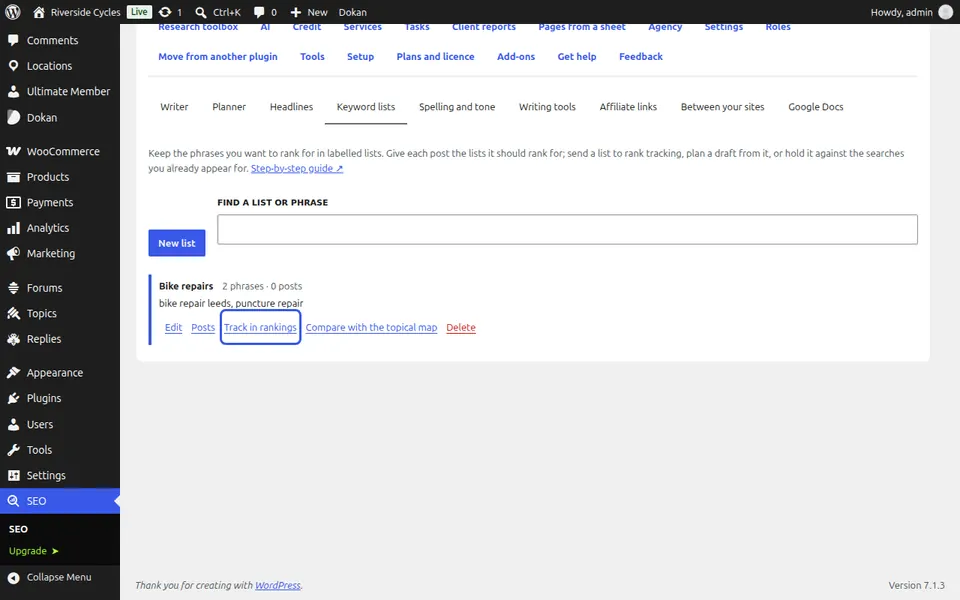
Press Track in rankings to add its phrases to rank tracking, or Compare with the topical map to see which phrases still have no page.
Next guide: Check spelling, grammar and tone
From the same team
Want fast hosting to go with it?
Zinn Digital® hosts WordPress on its own servers, with a CDN, DNS, TLS and daily backups included in every plan.