 Zinn® SEO
Put your agency's brand on Zinn® SEO (Agency plan)
Your clients see your agency, not ours: your name and logo on the menu and every screen, in your colour, and on their reports.
Open Agency
Go to SEO, Agency. Your brand opens first. It comes with the Agency plan of Zinn® SEO Pro.
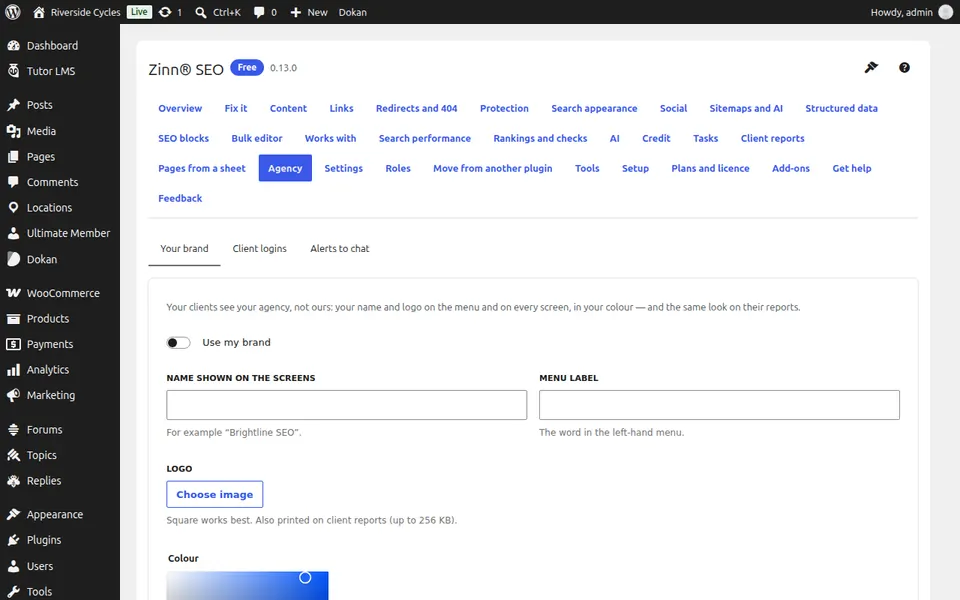
Use your brand
Tick Use my brand and fill in the name shown on the screens, the menu label, your logo and your colour.
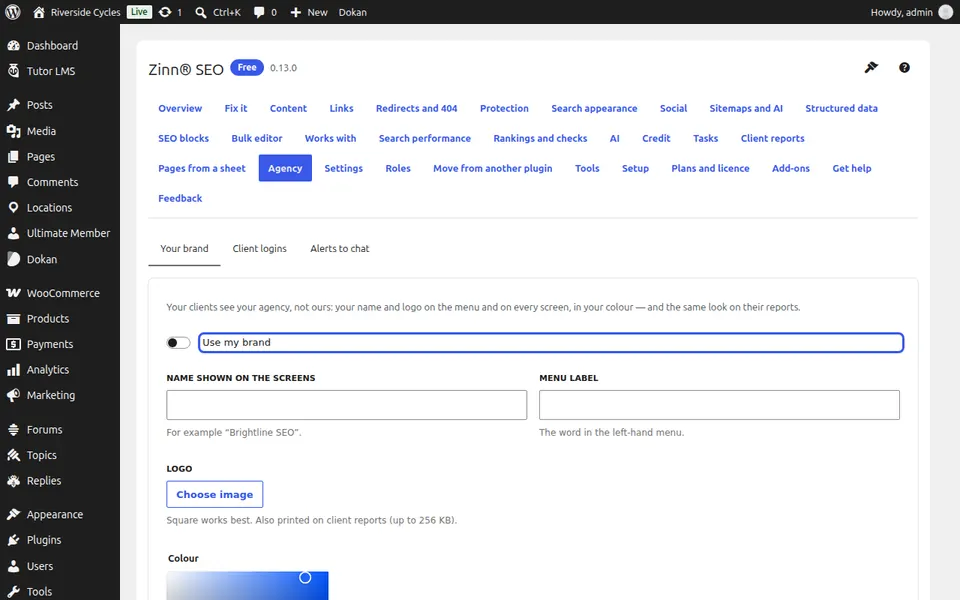
Hide our branding
Tick Hide our branding from everyone else to remove the plans, add-ons and help-desk screens and our name on the Plugins screen for every login except yours and the ones you list.
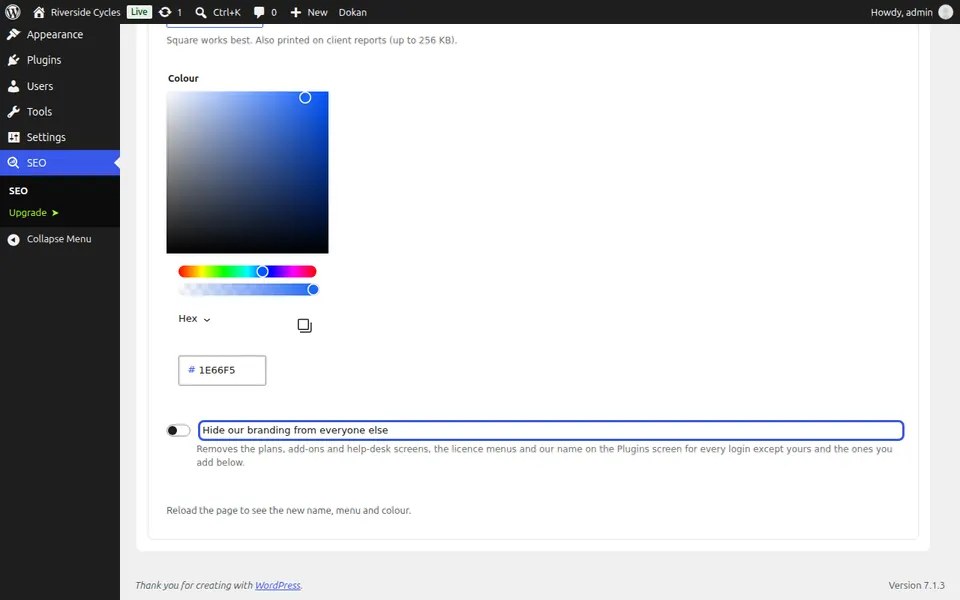
Send help to you
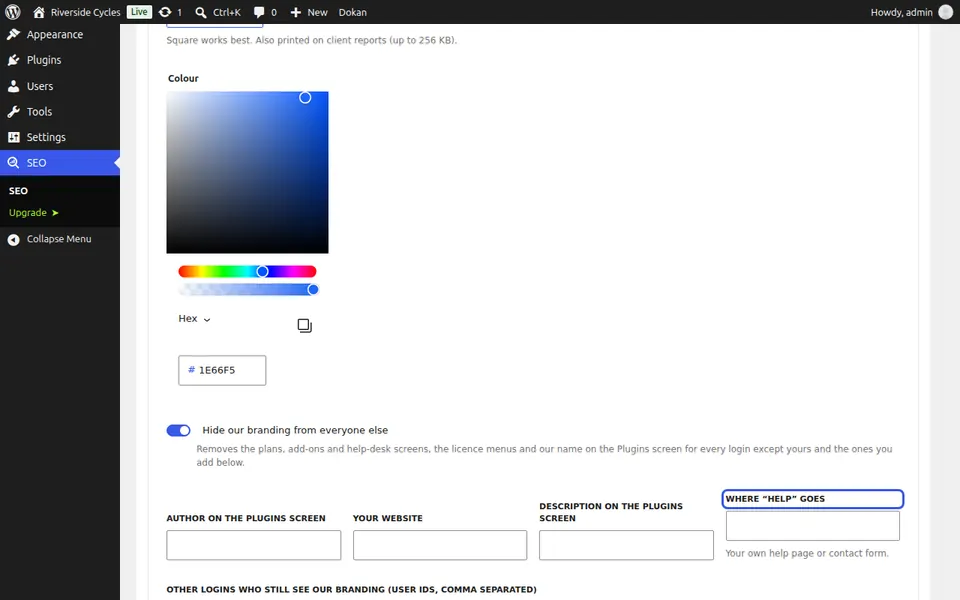
Where Help goes takes your clients to your own help page or contact form. Save, then reload the page to see the new name, menu and colour.
Next guide: Give clients their own SEO login (Agency plan)
From the same team
Want fast hosting to go with it?
Zinn Digital® hosts WordPress on its own servers, with a CDN, DNS, TLS and daily backups included in every plan.