 Zinn® SEO
Refresh pages that are losing clicks (Pro)
Catch pages that lost a quarter of their clicks early, and refresh them before they drop further.
Open the Losing clicks tab
Go to SEO, Search performance, Losing clicks.
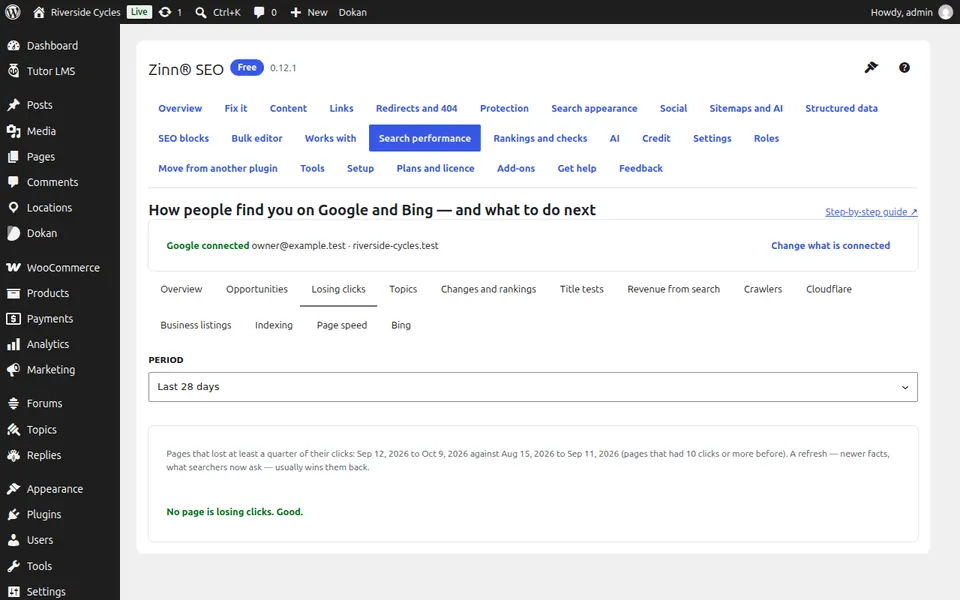
Read the list
Pages losing clicks shows clicks before, clicks now and the change, for pages that had at least 10 clicks.
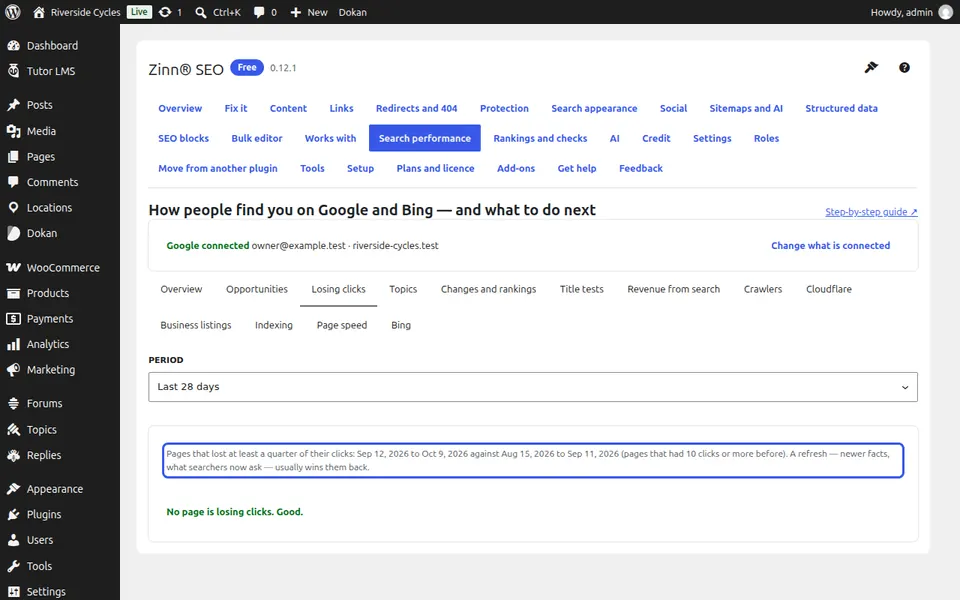
Refresh a page
Press Refresh to open the page, add newer facts and what searchers now ask, then mark it Done. Add to my list keeps it for later.
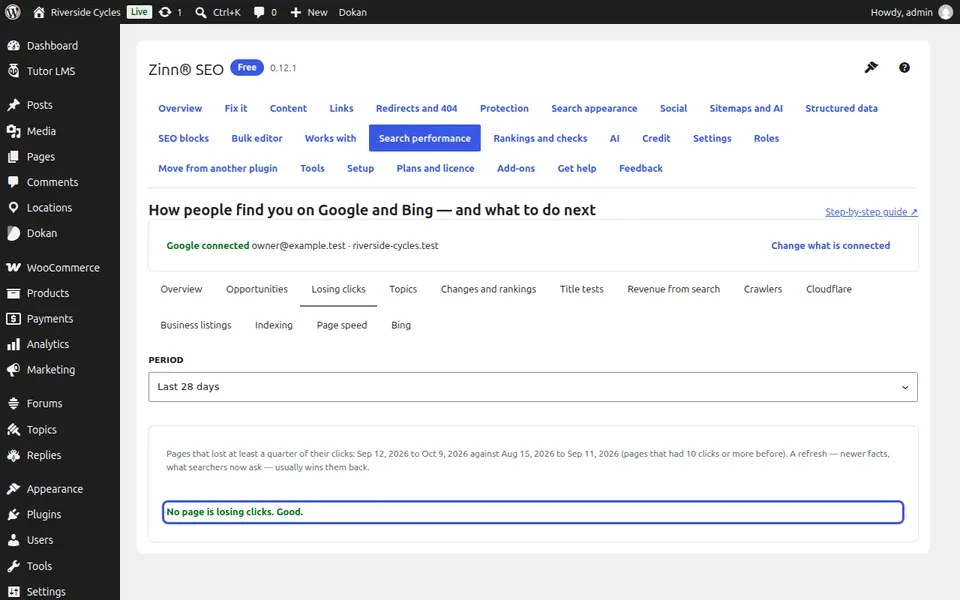
Next guide: Plan content with the topical map (Pro)
From the same team
Want fast hosting to go with it?
Zinn Digital® hosts WordPress on its own servers, with a CDN, DNS, TLS and daily backups included in every plan.